Measure any angle. No subscription.
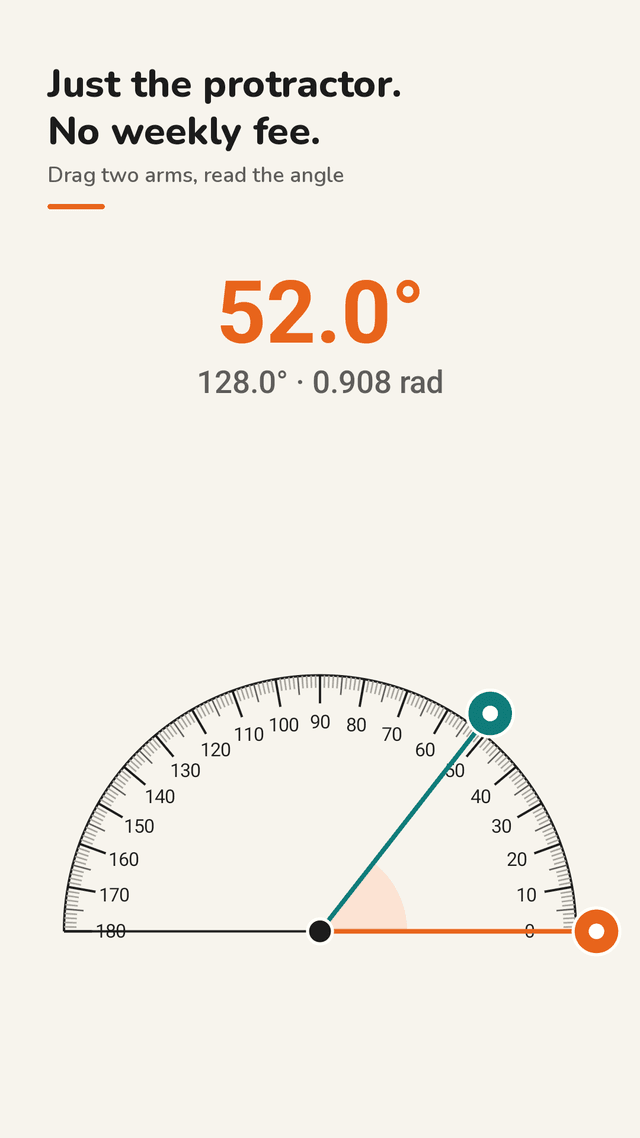
Open Anglora and the protractor is already there. Drag two arms, line them up through your camera or on a photo, or lay the phone down for slope and roof pitch.
Get it on Google PlaySupported by ads, never on the measuring screen · no account · works offline
Anglora measures what you line it up with. It does not detect angles automatically and it does not record or upload camera images.
Anglora is a protractor and level app for Android. The protractor has two draggable arms on a 180° or 360° scale and shows the angle, the other angle and radians. The same protractor works over the live camera view or over a photo you pick, so you can measure a roof line, a miter joint or a chair leg. The level uses the motion sensor to show tilt in degrees, % grade and roof pitch (x/12), with zero calibration and hold. Measurements can be saved with a name and a note.
Two-arm protractor
Drag either arm or tap where you want it. Switch between a 180° half circle and a full 360° circle.
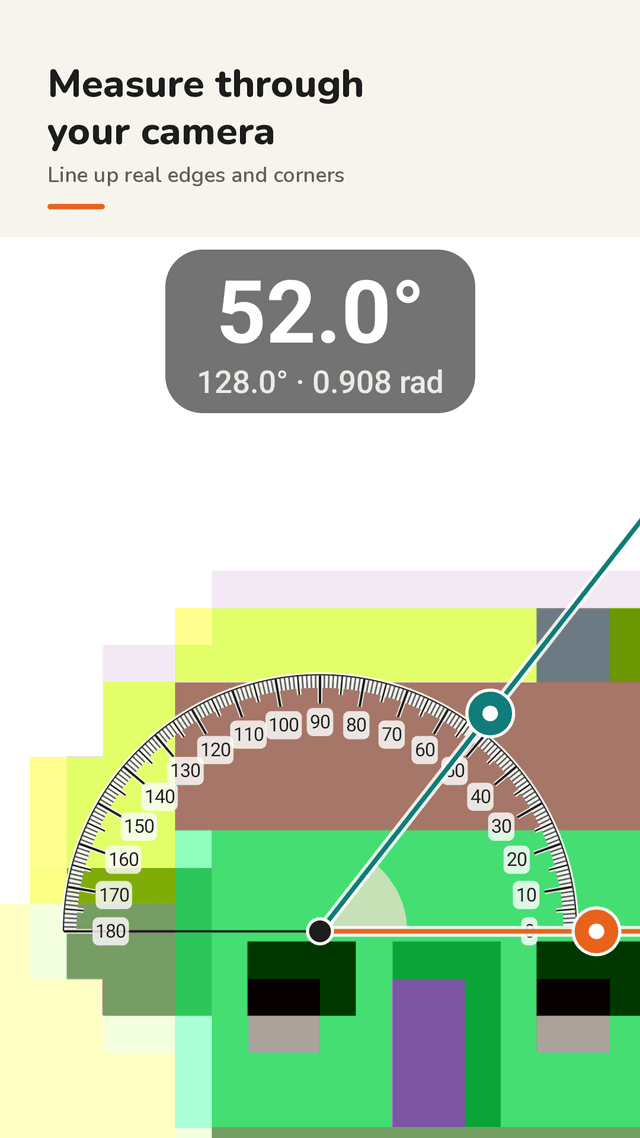
Through the camera
The protractor sits on top of the live camera view. Line the arms up with a real edge and read the number.
On a photo
Pick a photo, pinch to zoom and move it, then measure any angle in it. Only the photo you pick is opened.
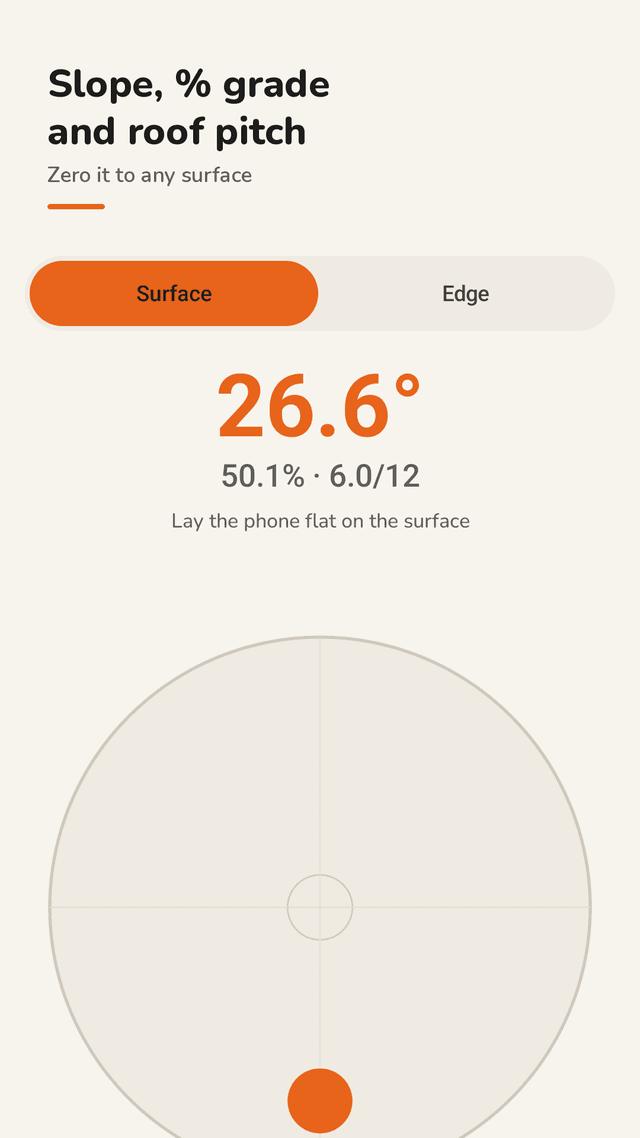
Level and inclinometer
Lay the phone flat for surface tilt or stand it on its edge. Degrees, % grade and roof pitch x/12 at once.
Zero and hold
Set zero on any surface and measure relative to it. Hold freezes the reading so you can lift the phone.
Saved measurements
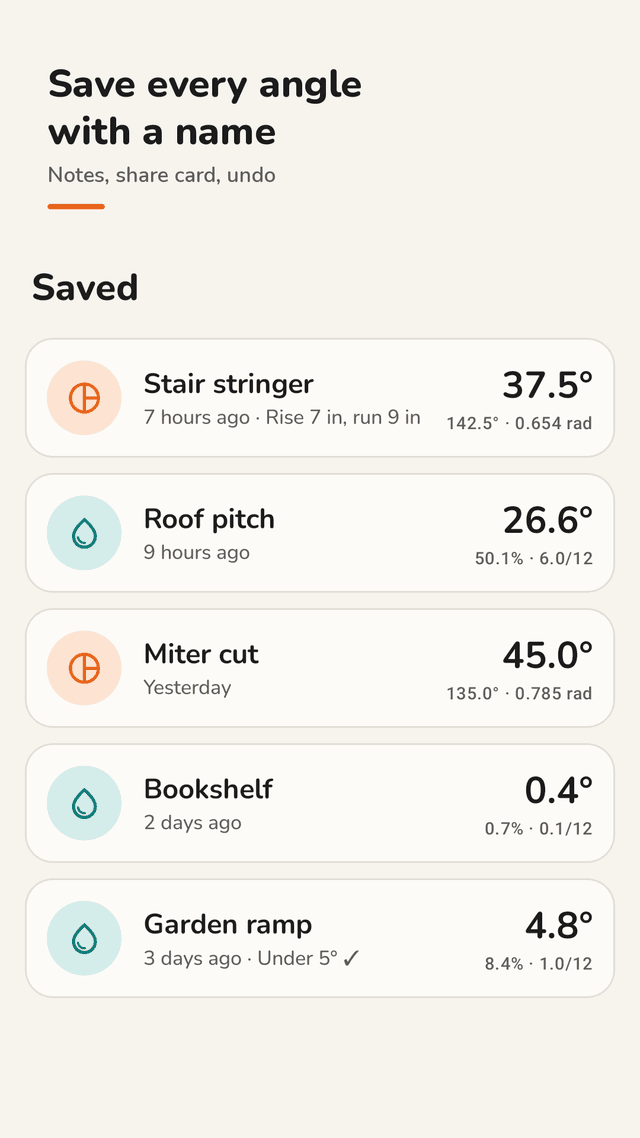
Save each reading with a name and a note, swipe to delete with undo, and share a clean angle card.
Home screen widget
Measure, Camera and Level buttons plus your last saved angle, one tap away.
Big, steady numbers
Large tabular digits, 0–2 decimal places, light haptic ticks every 15° and at 0° on the level.
FAQ
- Do I need a subscription to use the camera or level?
- No. Every mode is included. Anglora is supported by a small banner and occasional ads, and no ad is shown on the protractor screen.
- Can it measure the angle of a real object?
- Yes. Switch to Camera and line the two arms up with the edges of the object, or take a photo first and measure on the photo.
- How do I measure roof pitch?
- Open Level, lay the phone on the roof or a rafter and read the pitch as x/12 next to the degrees and % grade.
- Can I set my floor as 0°?
- Yes. Put the phone on the reference surface and tap Set zero. Long-press to reset it.
- Does the app record or upload photos?
- No. The camera view is only shown on screen. Photos are opened with Android's photo picker, and measurements stay on your phone.
- Does it work without internet?
- Yes. Measuring, saving and sharing all work offline.
Guides
Phone sensors and screens are accurate to about a degree. For structural or safety-critical work, confirm with a calibrated tool.