
Pack the bag. Time the day.
Arrivelle keeps the last weeks of pregnancy simple: tick off your hospital bag, keep your hospital and midwife one tap away, and when contractions start, time them with one big button — from the app, the notification or the widget.
Get it on Google PlayNo sign-in · works offline · records stay on your phone
One tap per contraction
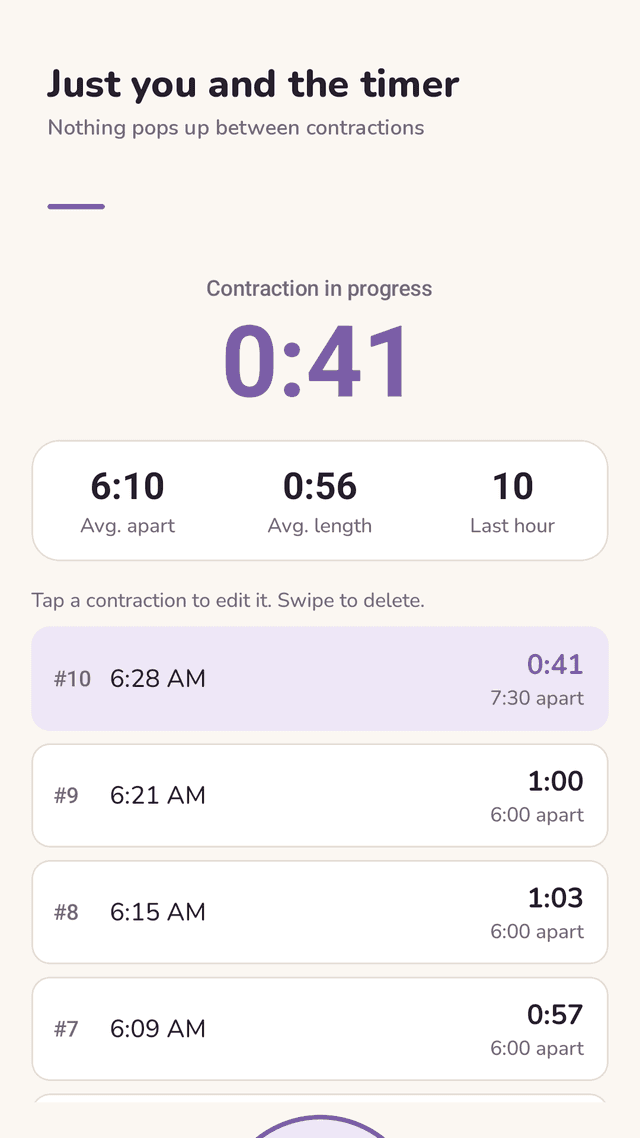
Tap when it starts, tap when it ends. Arrivelle shows the length, the time apart and a live "since the last contraction" clock.
Last-hour pattern at a glance
Average time apart, average length and how many contractions in the last hour — the numbers your care team asks for on the phone.
Nothing covers the timer
No full-screen ads and no review requests between contractions or while a contraction is running. Start and stop from the notification shade too.
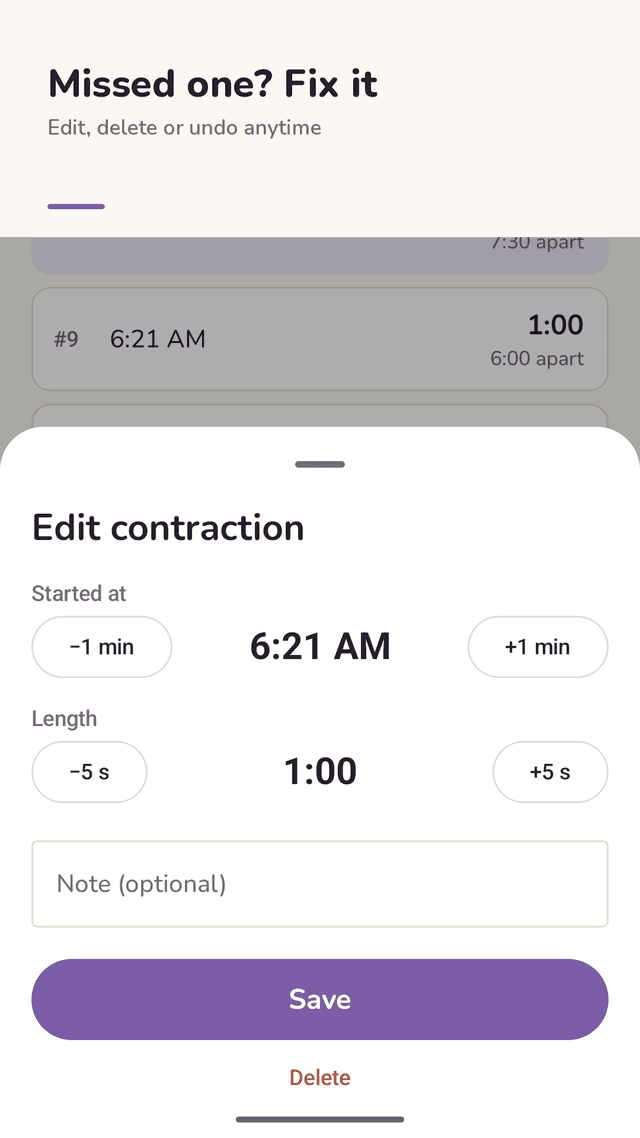
Fix mistakes for free
Forgot to tap? Add a missed contraction. Edit start time and length with +/− buttons, swipe to delete, then undo. Add a short note.
Your care team's rule
Pick 5-1-1, 4-1-1 or 3-1-1. When your last hour gets close, a small card suggests calling your hospital or midwife. It never takes over the screen.
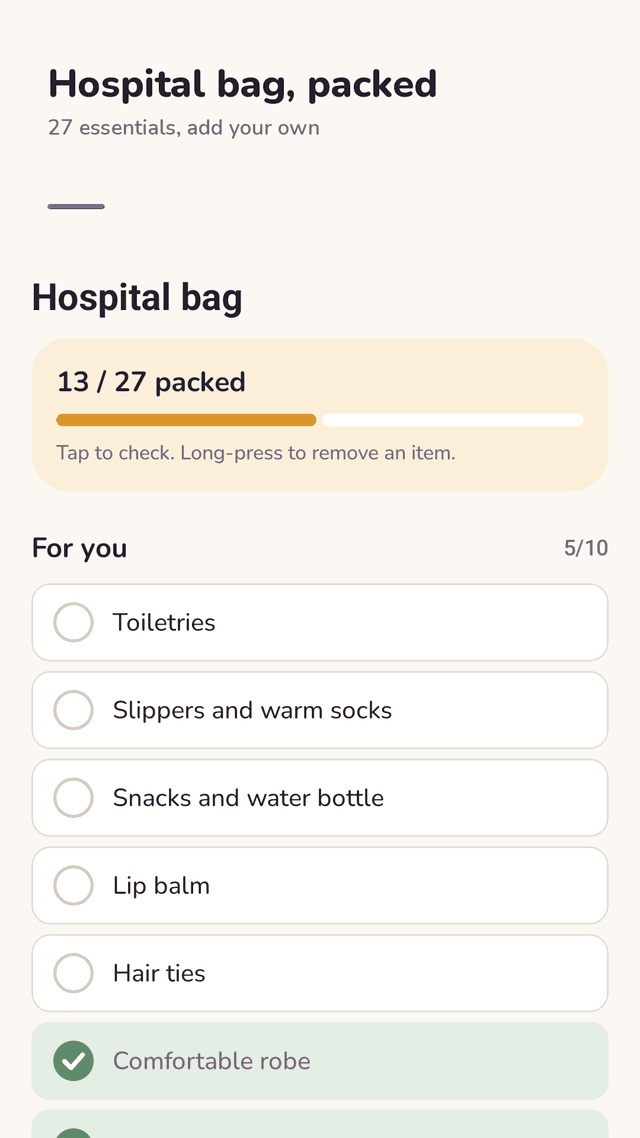
Hospital bag checklist
27 essentials for you, your baby, your partner and your documents. Add your own items and see how much is packed.
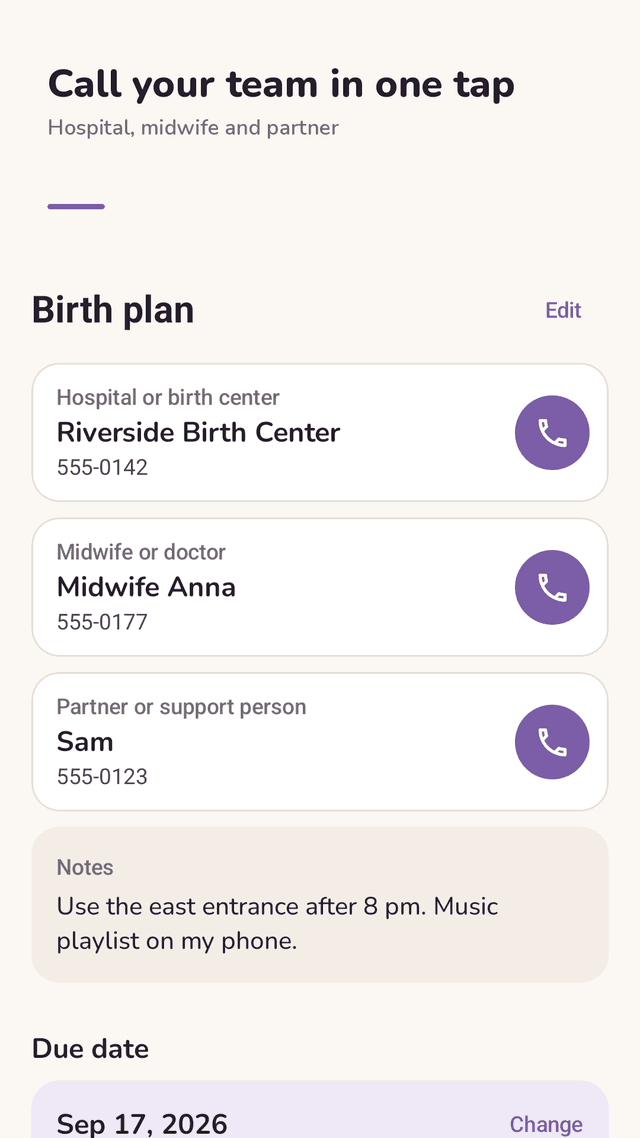
Birth plan contacts
Hospital, midwife or doctor, and partner with one-tap calling, plus notes for the route and your wishes. Due date countdown on the home screen.
Share with your partner
Send a text summary of your contractions to your partner, doula or midwife through any messenger.
FAQ
- When should I go to the hospital?
- Follow the rule your hospital or midwife gave you. A common one is 5-1-1: contractions about 5 minutes apart, lasting about 1 minute, for 1 hour. Go or call right away if your water breaks, you bleed, the baby moves less, or something feels wrong — whatever the timer says.
- What if I forget to tap a contraction?
- Tap "Add missed" and set the start time and length with +/− buttons. Every interval is recalculated.
- Can I edit or delete a contraction without paying?
- Yes. Editing, deleting with undo, adding missed contractions and viewing past timings are all included.
- Will ads pop up while I'm timing contractions?
- No full-screen ad or review request appears between contractions or while a contraction is running. There is a small banner at the bottom of the screen, and an ad may show when you open the app from the home screen. You can also start and stop from the notification or the widget.
- Does my partner need the app too?
- No. Tap Share to send a text summary of your contractions to anyone. There is no account or syncing.
- Can I start before labor begins?
- Yes. Use the hospital bag checklist and birth plan in the last weeks, and practice the timer once so it feels familiar on the day.
- Is Arrivelle a medical device?
- No. It only shows the numbers you record. It does not diagnose or predict labor. Always follow your hospital or midwife.
- Where is my data stored?
- On your phone only. There is no account and no server.
Guides
Arrivelle is not a medical device. It does not diagnose or predict labor. Always follow your hospital or midwife, and contact them right away if you are worried. Arrivelle is supported by ads.