
Edit your vision board anytime. No weekly fee.
Pin your dreams as photos or simple color cards, give each one a date, and check it off when it comes true. One affirmation is waiting every morning.
Get it on Google PlaySupported by ads · no subscription · no account · your board stays on your phone
Dreamtack does not ask for a sign-up and has no community feed. Your boards, photos and affirmations are stored only on your device.
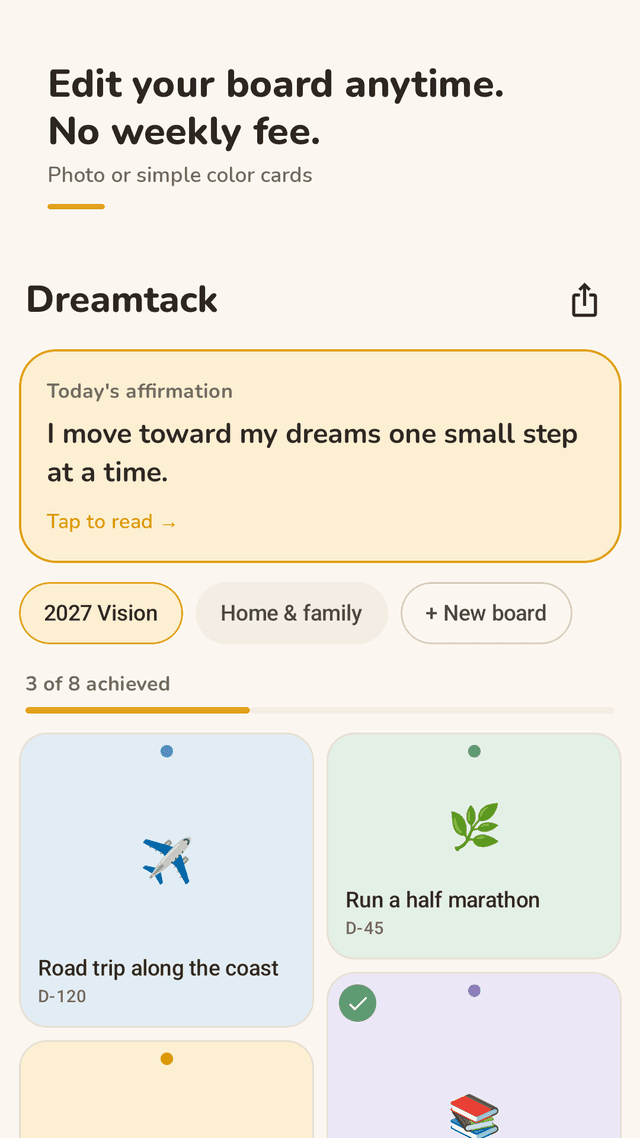
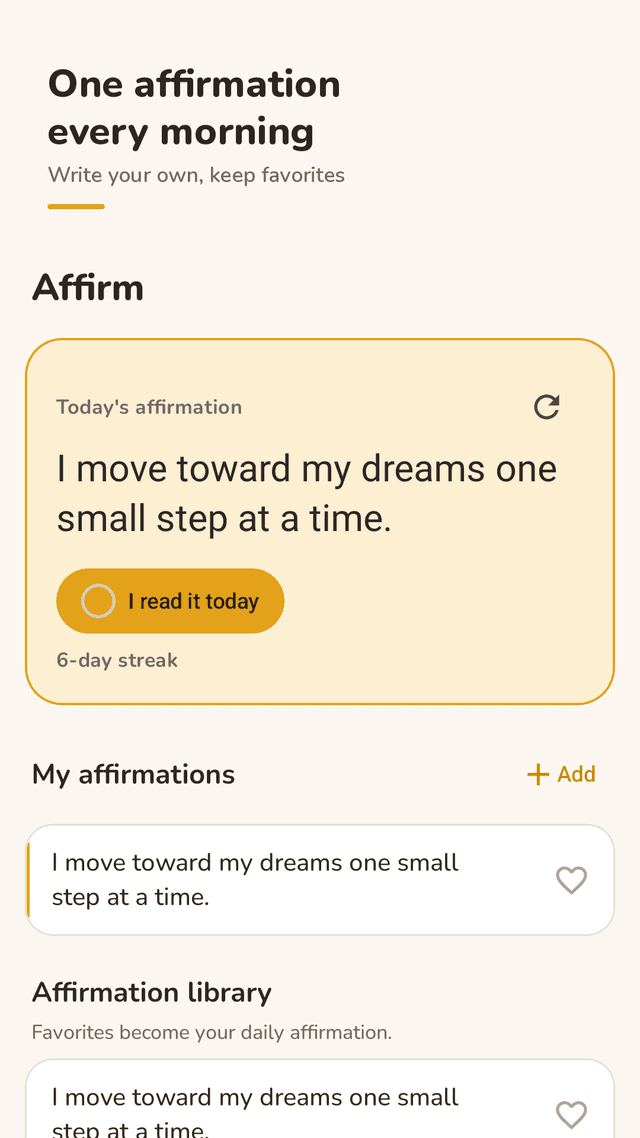
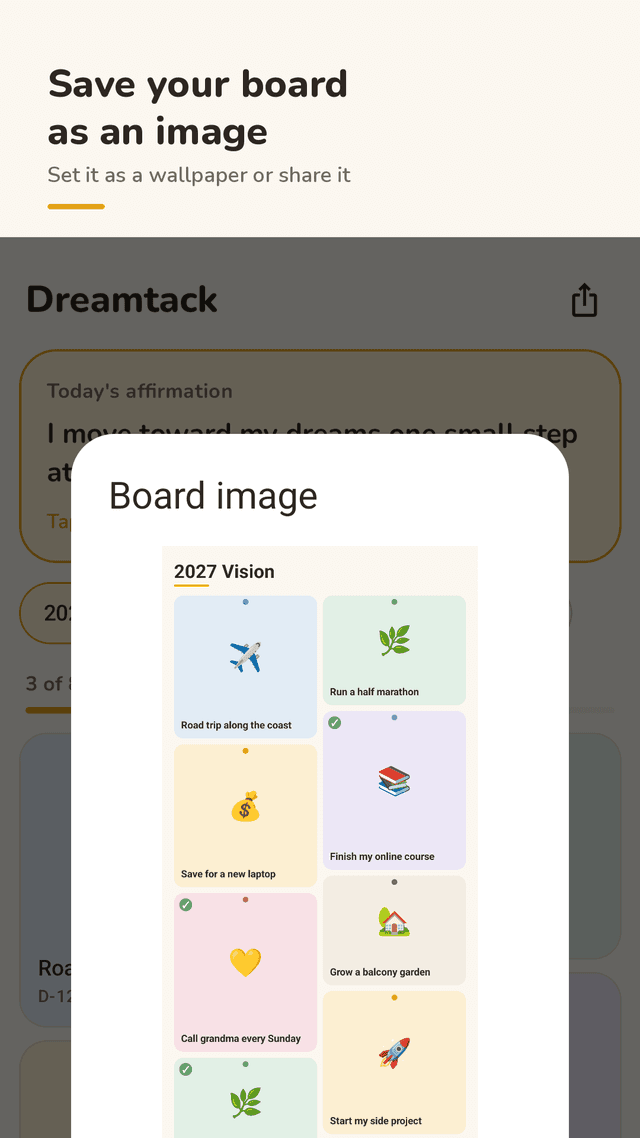
Dreamtack is a vision board and daily affirmation app for Android. You make one or more boards and pin dreams to them as cards: a photo from your gallery or a color card for an area of life such as Health, Career, Money, Love & family, Travel, Growth or Home. Each card can have a note and a target date, and you mark it achieved when it happens, so the board shows progress like “3 of 8 achieved”. The Affirm tab shows one affirmation a day from 40 built-in affirmations and your own, and a home screen widget shows today’s affirmation and your progress. Boards can be saved as an image to Photos or shared.
Edit anytime
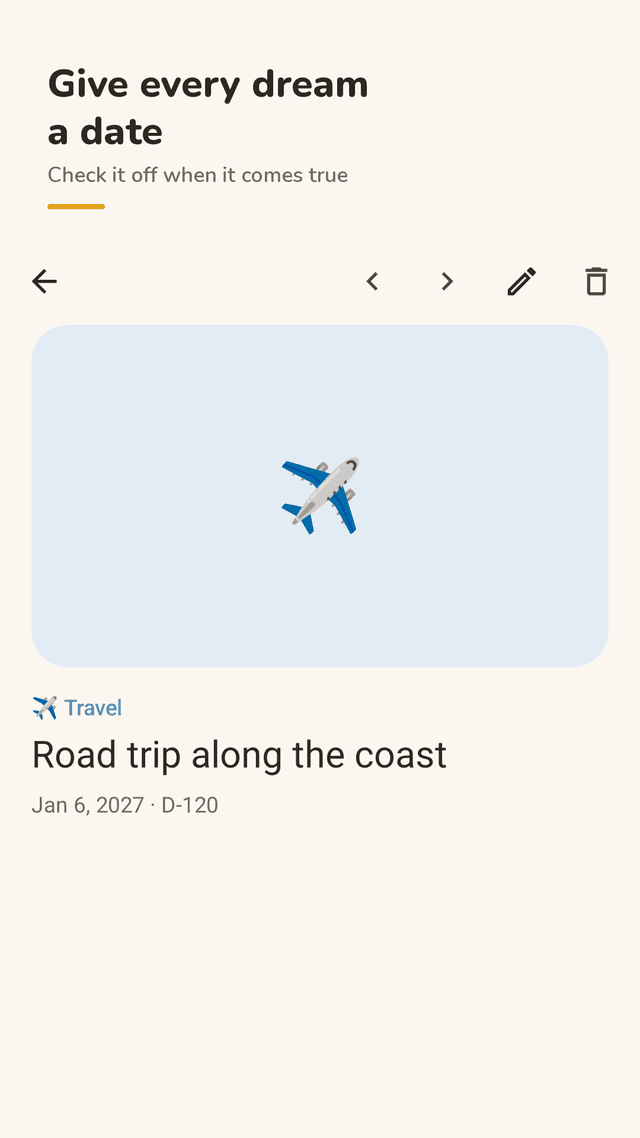
Change a card’s photo, words, area, date or order whenever you like. Nothing is locked after saving.
Saved instantly
Every change is written to your phone right away, so switching apps never wipes your work.
Photos are optional
Use a photo from your gallery, or a color card with an emoji for each area of life.
Target dates and progress
See D-90 on each card and “3 of 8 achieved” at the top of the board.
Mark it achieved
Tap “I achieved this”, enjoy a small celebration and share the good news.
Daily affirmation
One affirmation a day from 40 originals plus your own. Heart favorites to make them your daily one.
Home screen widget
Today’s affirmation and board progress without opening the app.
Board as an image
Save the whole board to Photos as a collage to use as a wallpaper, or share it.
FAQ
- Is there a weekly subscription?
- No. Every feature is included. Dreamtack is supported by a small banner and occasional ads.
- Can I edit my vision board after I save it?
- Yes. Open any card to change the photo, title, note, area or date, move it earlier or later, or delete it.
- Do I have to add pictures?
- No. A card can be just a few words on a color card. Photos are optional.
- How do I put my vision board on my home screen?
- Add the Dreamtack widget for today’s affirmation and progress, or save the board as an image and set it as your wallpaper.
- Can I save my vision board as an image?
- Yes. Tap the share icon on the board and choose Save to Photos, or Share.
- Do I need an account? Will I lose my board?
- No account. Everything is stored on your phone and saved the moment you change it.
- Can I write my own affirmations?
- Yes. Add your own in the Affirm tab and heart them; favorites become your daily affirmation.
Guides
A vision board is a reminder of what you want, not a guarantee. Pair each card with one small next step and a date.