Know where your hours stand.
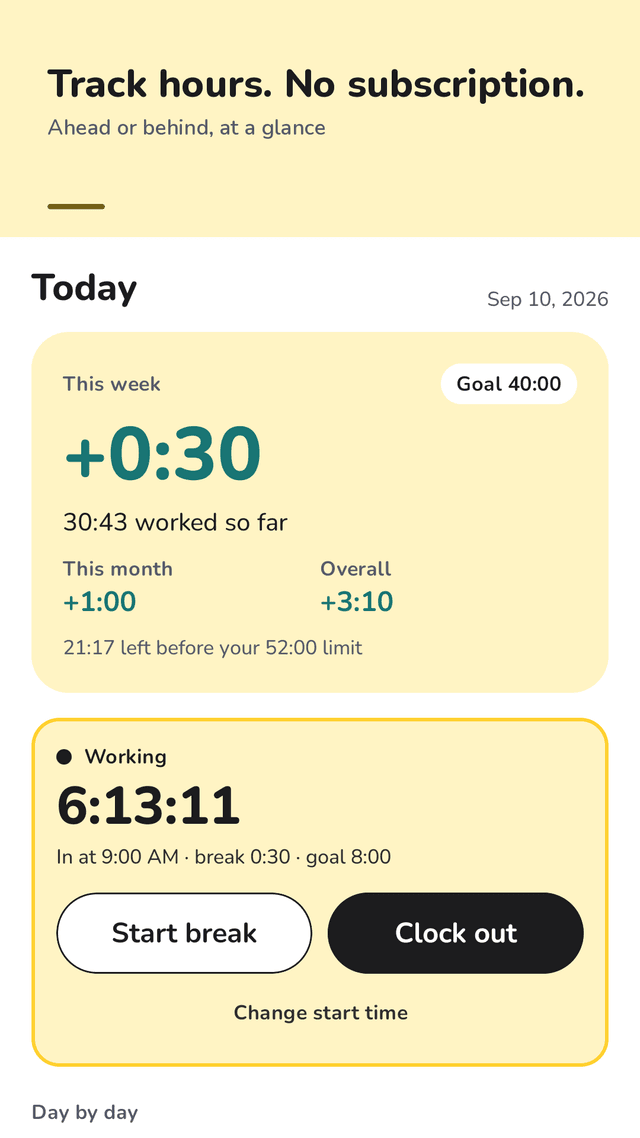
Clock in, clock out, and Hourwell shows your balance against your weekly hours: +1:20 or −0:45, this week, this month and overall. Timesheet, breaks, vacation days and a 52-hour limit check. No login, no subscription, no limits.
Get it on Google PlayNo sign-in · no location tracking · works offline
One-tap time clock
Clock in, start a break, clock out. Clocking out while on a break ends the break for you, so the time is always right.
Overtime and flextime balance
Set your contract hours (for example 40 a week, Monday to Friday) and see +/− for the week, the month and since you started. Days that haven't happened yet never count as missing.
Day-by-day bars
Seven bars against your daily goal show which day the overtime came from. Tap a day to fix it.
Timesheet you can edit
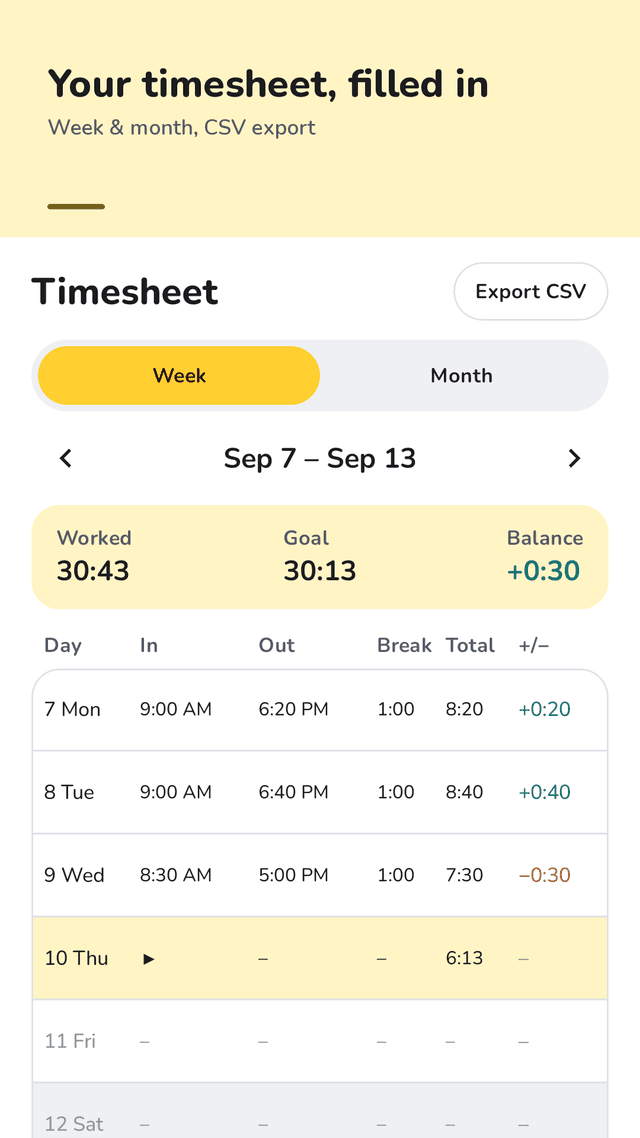
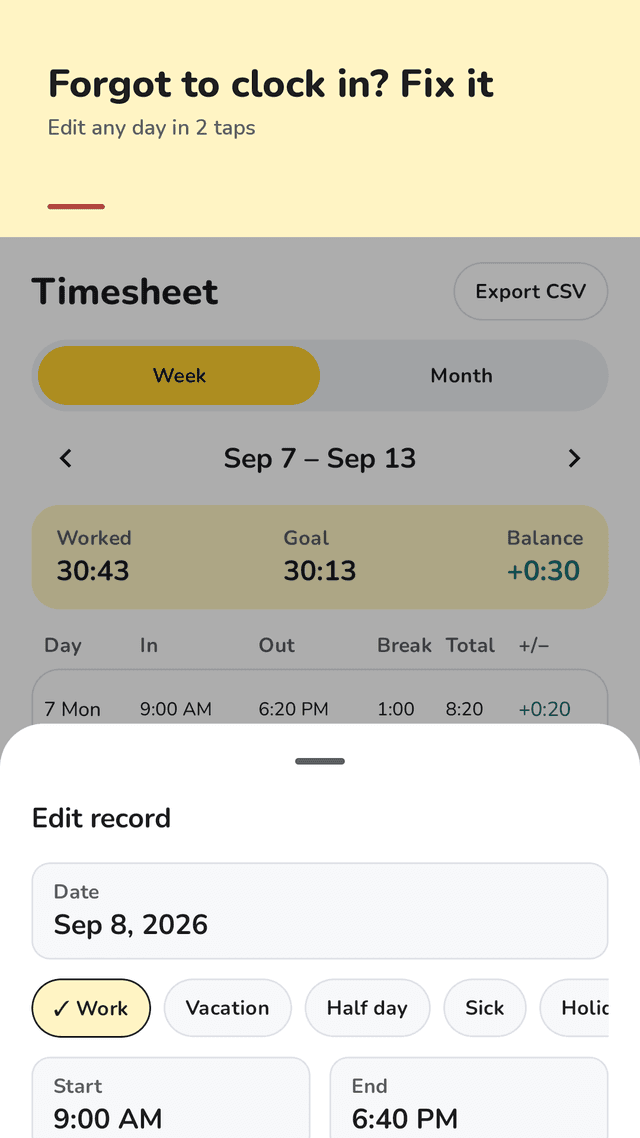
Week and month tables with in, out, break, total and +/− per day. Forgot to clock in? Set the start time afterwards.
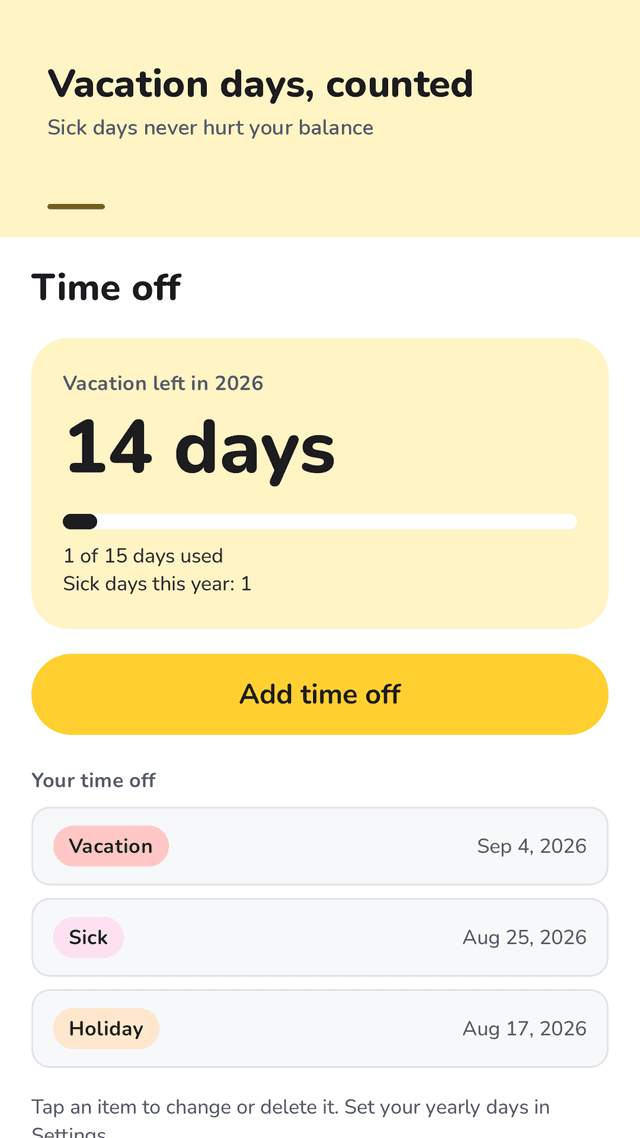
Vacation days left
Set your yearly vacation days. Vacation, half days, sick days, holidays and unpaid days count as covered, so they never eat your balance.
Weekly hour limit
Pick 40, 48, 52 or 60 hours and see how much is left this week, or how far over you are.
CSV export
Send a week or a month as a CSV file to email or a drive, for your own records or your manager.
Widget and gentle reminders
Clock in or out from the home screen. A morning nudge only on workdays you haven't clocked in, and a heads-up if you are still in late. Nothing on days off.
FAQ
- Is there a work hours tracker without a subscription?
- Yes. Hourwell has no subscription, no paid unlock and no limit on how many records you keep. It is supported by ads.
- How do I see how much overtime I have this week?
- Set your weekly contract hours and workdays once. Hourwell divides them into a daily goal and shows this week's balance at the top of the Today screen, for example +1:20 if you have worked 1 hour 20 minutes more than your goal so far.
- What if I forget to clock in or out?
- Tap "Forgot to clock in? Set the start time" and pick when you started. Any day in the timesheet can be edited: start, end, break, or change it to vacation or sick.
- Do vacation and sick days lower my hours balance?
- No. A vacation, sick, holiday or unpaid day counts as covered for that day's goal, and a half day covers half.
- Does it track my location or clock me in automatically?
- No. There is no GPS and no geofence. You clock in yourself, which also means no battery drain in the background.
- Can I export my timesheet?
- Yes. Export any week or month as a CSV with date, start, end, break, worked, goal and balance, and share it to email or cloud storage.
- Is this an official payroll or attendance record?
- No. Hourwell is a personal tool to keep track of your own hours. Check your employer's records for anything that affects your pay.
- Do I need an account or internet?
- No. There is no sign-up, your records stay on your phone and the app works offline.
Guides
Hourwell is a personal time tracking tool. Totals are estimates based on what you enter and are not an official payroll or attendance record. Hourwell is supported by ads.