
Add feet and inches the way you read a tape.
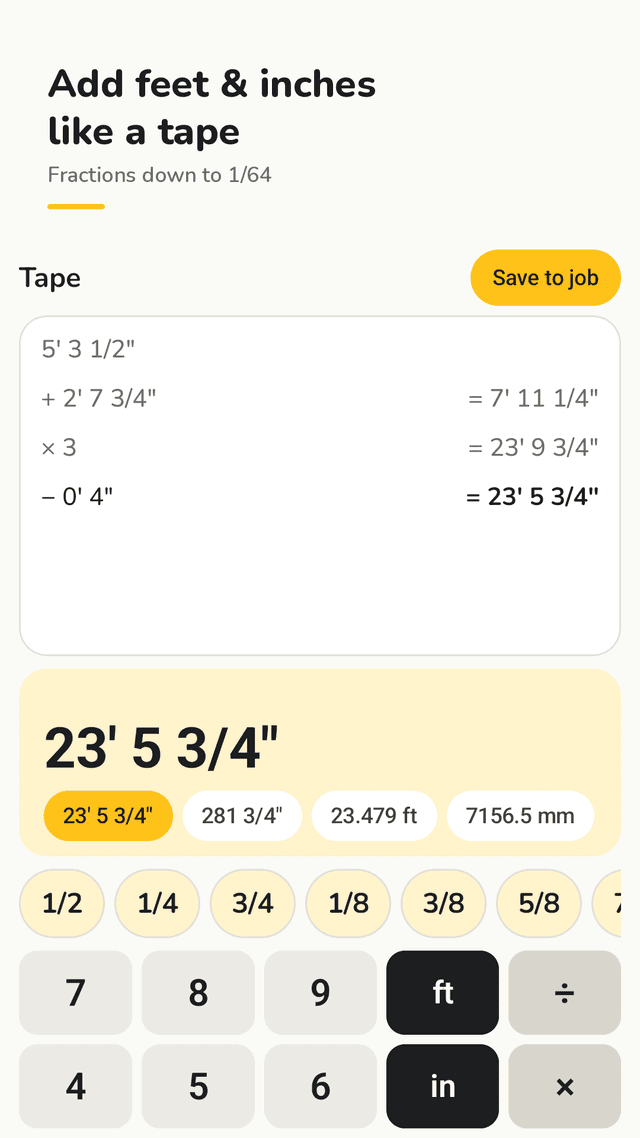
Punch in 5 ft 3 in 1/2, then +, −, × or ÷. Kerfly shows the answer in feet-inches, inches, decimal feet and millimeters at once, keeps your tape, and saves it to the job you are on.
Get it on Google PlaySupported by ads · works offline · no login · your numbers stay on your phone
Kerfly is an Android feet and inch calculator for carpenters, framers, plumbers and DIYers. Instead of converting in your head, you enter a length the way you read a tape measure: type 5, tap ft, type 3, tap in, tap 1/2. Kerfly adds, subtracts, multiplies and divides lengths down to 1/64 of an inch and shows every result four ways: feet-inches, inches, decimal feet and millimeters. Length times length gives square feet, length divided by a number gives a length back in inches and fractions, and length divided by length tells you how many pieces fit. Every calculation stays on a tape you can scroll, reuse and copy, even after you close the app. Jobs keep your numbers organized: make one for each site or project, save tape lines and tool results to it, add a note and share it as text. Six job-site tools cover right triangles and roof pitch, stair stringers with a check against common residential limits, concrete and area with 40, 60 and 80 lb bag counts, even spacing for balusters and posts, unit conversion and board feet. Kerfly works offline with no account. It is a reference tool; always confirm measurements and your local building code.
Enter it like a tape measure
One number pad with ft, in and mm keys and a row of fractions. 5 ft 3 in 1/2 is six taps, and no tutorial covers the keys.
Four answers at once
Every result shows in feet-inches, inches, decimal feet and millimeters. Tap one to make it the big number.
Fractions down to 1/64
Choose 1/8, 1/16, 1/32 or 1/64. Results are reduced (8/16 becomes 1/2) and Kerfly tells you when it rounded.
Multiply and divide lengths
Length × length = square feet, length ÷ number = length in inches, length ÷ length = how many pieces fit.
A tape that stays
Every line stays after you close the app. Tap a line to reuse it, hold it to copy.
Save numbers by job
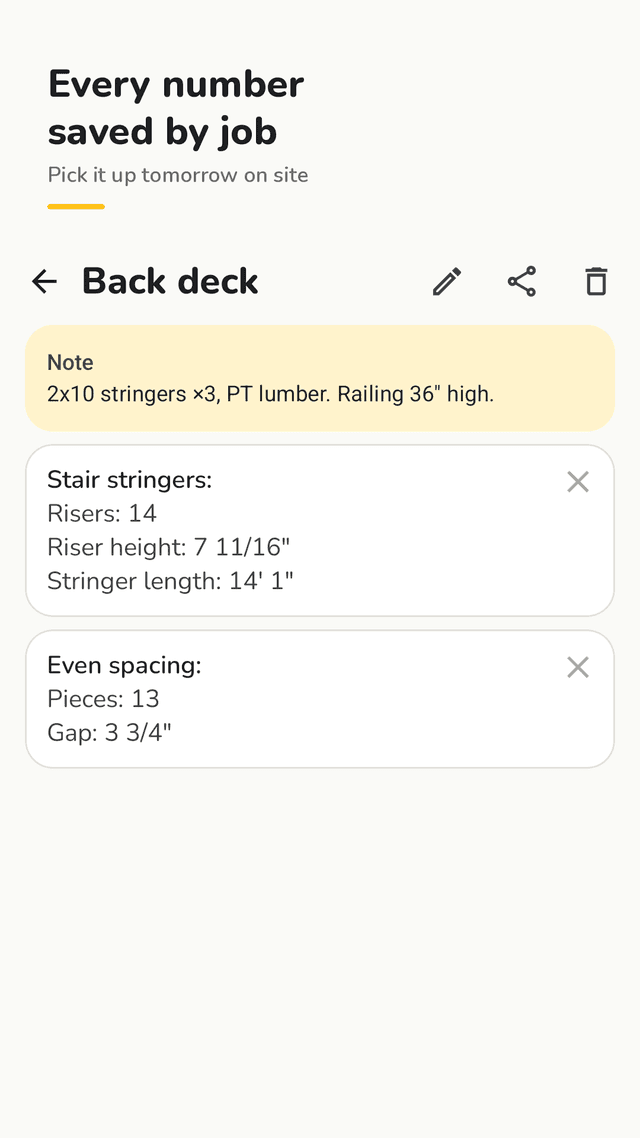
Back deck, kitchen trim, shed slab: save tape lines and tool results to each job, add a note, share it as text.
Six job-site tools
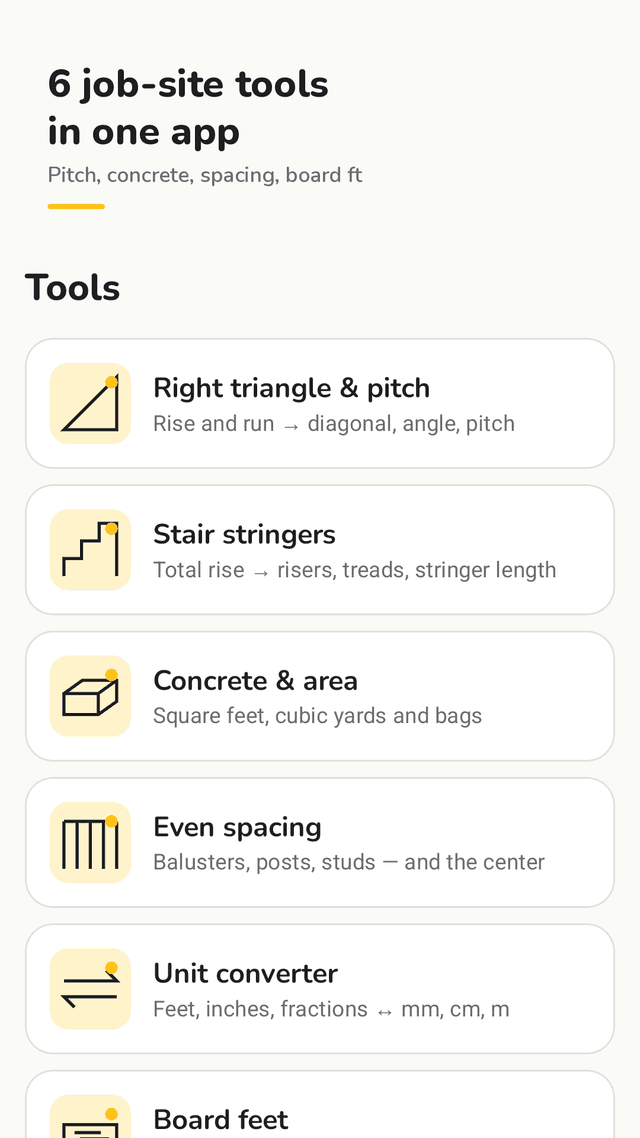
Right triangle and pitch, stair stringers, concrete and bags, even spacing and center, unit converter, board feet.
Made for the field
Big keys, key vibration, light and dark themes, a home screen widget with your last result, and no signal needed.
FAQ
- Can I divide inches and get inches back, with fractions?
- Yes. Enter 40 in, tap ÷, enter 3 and tap =. Kerfly shows 13 5/16" (at 1/16 precision) along with 13.333 inches in decimal and millimeters.
- Can I multiply feet and inches by feet and inches?
- Yes. Length × length gives an area, shown in square feet, square inches, square yards and square meters. 10 ft × 12 ft is 120 sq ft.
- What if I only work in inches or millimeters?
- Tap the inches or mm chip under the result and Kerfly shows that as the big number from then on. You can also type a length in mm with the mm key.
- Does it round fractions? I need 55/64, not 7/8.
- Set precision to 1/64 in Settings and you get 55/64. When a result is rounded to your precision, Kerfly says so next to it.
- Does it keep my history?
- Yes. The tape stays when you close the app, and you can save it to a job to keep it for as long as you want.
- How do I calculate stair stringers?
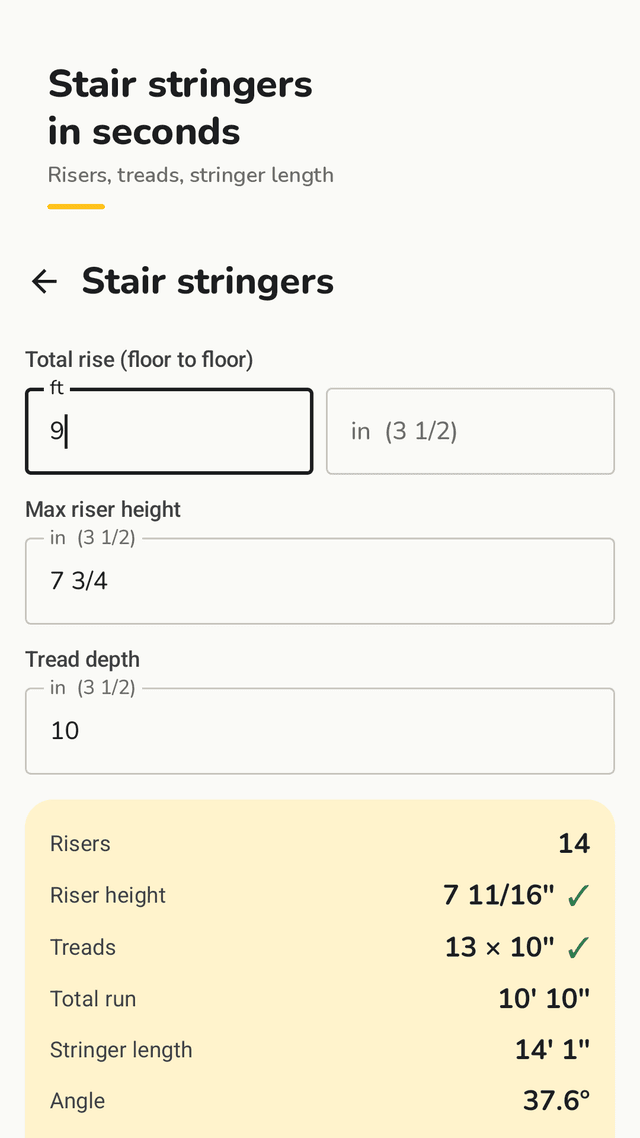
- Open Tools, then Stair stringers, and enter the total rise floor to floor. Kerfly gives the number of risers, riser height, treads, total run and stringer length, with a check mark against common residential limits.
- Does it work without internet?
- Yes. All calculations and your saved jobs work offline. There is no account or login.
- Is a plain number added to a length treated as inches?
- Yes. 5 ft + 3 gives 5' 3". For × and ÷, a plain number is a multiplier or divisor.
Guides
Kerfly is a reference calculator. Results are calculated from what you enter and rounded to the precision you choose. Stair checks compare with common residential limits for reference only; always confirm your local building code. Ads are shown by Google AdMob inside the app, not in the widget or notifications.