Every letter, never locked.
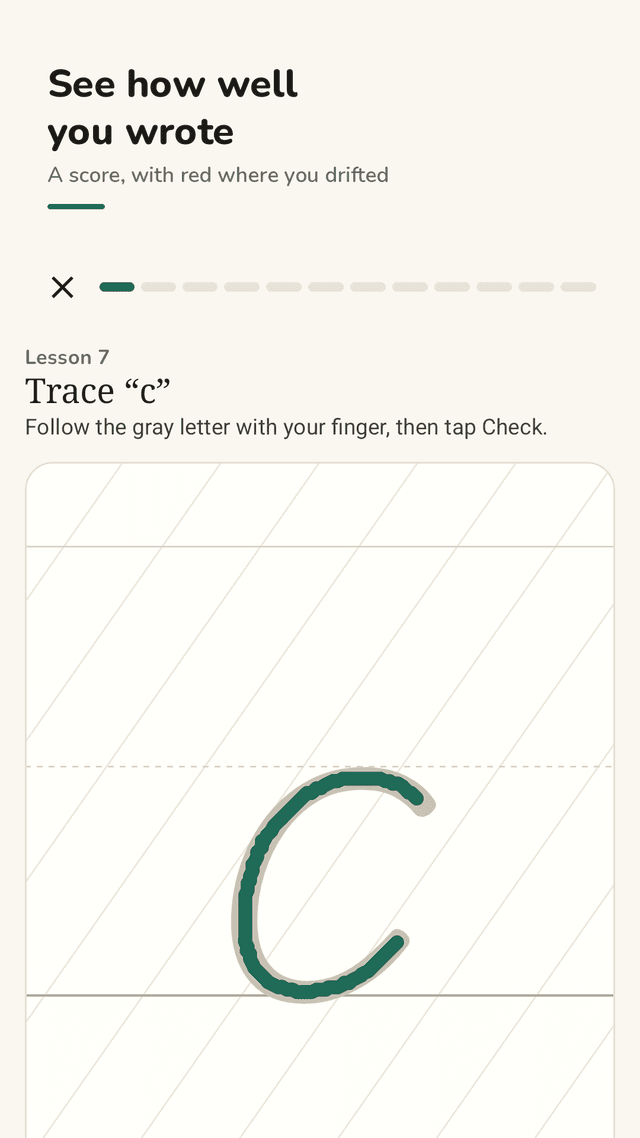
Loopquill is a short daily cursive lesson. Watch a letter, trace it with your finger, write it on your own, and tap Check to see a score — with red where your stroke drifted off the guide.
Get it on Google PlaySupported by ads · no account · no paywall · your progress stays on your phone
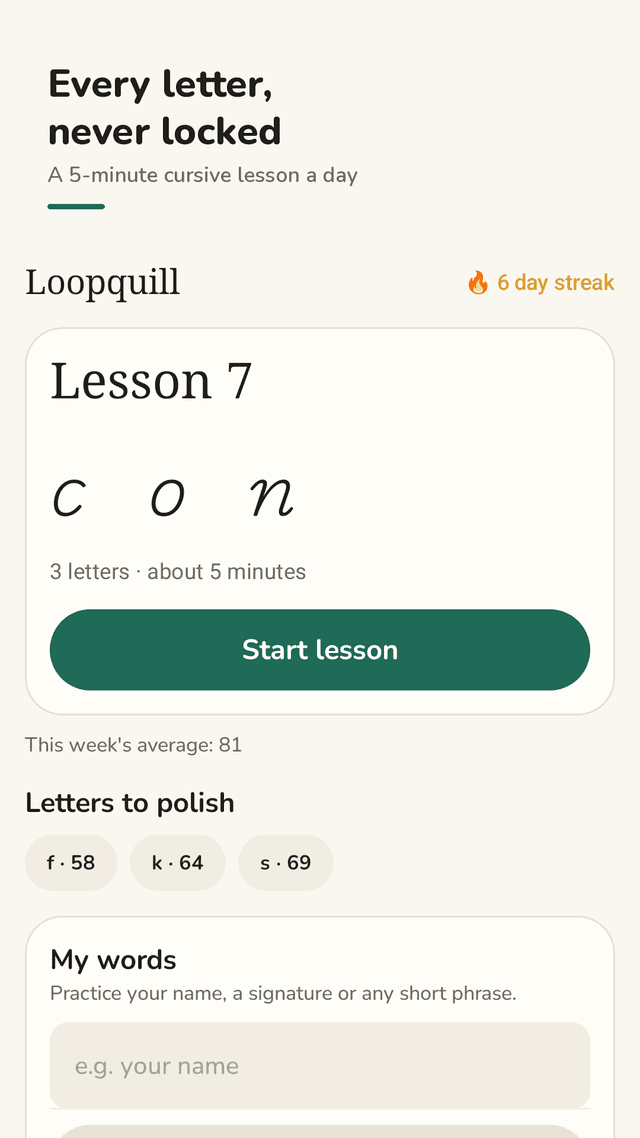
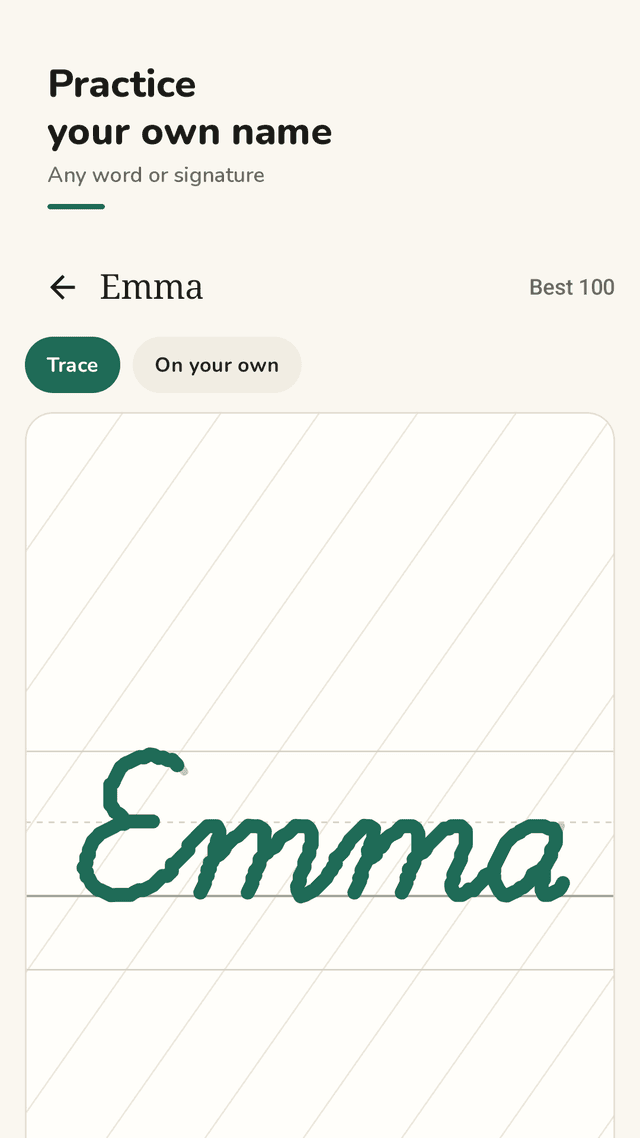
Loopquill is an Android app for teens and adults who want to relearn English cursive. Each lesson has 3 letters, and each letter has four steps: watch it being drawn from left to right, trace it twice over a gray guide, then write it once with only a faint guide. When you tap Check, the app compares your strokes with the guide letter on your phone and gives a score from 0 to 100; the parts of your stroke that drifted off the guide turn red. Lessons go in order: lowercase letters grouped by similar strokes, then joins such as it and on, capitals A to Z, short words and numbers. If you miss a day, the next lesson is still waiting. The Letters tab lets you practice any lowercase letter, capital, number or common join, with your best score shown on each. My words lets you trace your own name, a signature or a short phrase. You can choose a right- or left-handed layout, a thin, medium or bold pen, and three styles: Classic, Upright and Slanted. A home screen widget shows today's lesson and your streak. There is no account and no paywall.
Every letter is open
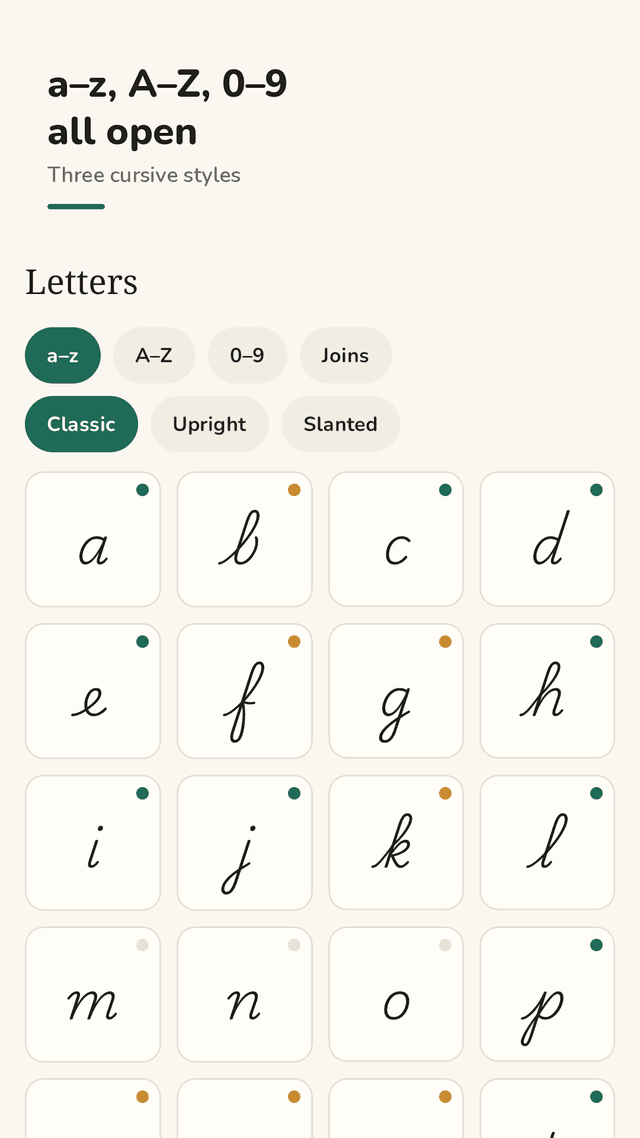
Lowercase a–z, capitals A–Z, numbers 0–9 and common joins. No crowns, no subscription.
A score, not just tracing
Tap Check for a 0–100 score. Strokes that drift off the guide turn red so you know what to fix.
5-minute daily lessons
3 letters a lesson: watch, trace twice, then write on your own with a faint guide.
Lessons in a sensible order
Similar lowercase strokes first, then joins, capitals, words and numbers. Missed days don't reset anything.
Practice your own name
Type a name, a signature or a short phrase and trace it in cursive. Your last 5 words stay handy.
Letters to polish
Loopquill remembers your best score for every letter and shows the weakest ones on the home screen.
Made for your hand
Right- or left-handed layout, three pen sizes, three cursive styles, slant lines and a baseline.
Widget and streak
Today's lesson and your streak on the home screen; one tap starts the lesson.
FAQ
- Are most letters locked behind a subscription?
- No. Every letter, capital, number and join is open from the first day. Loopquill is supported by ads and has no paywall.
- Does it just let me trace, or does it check my writing?
- It checks. Tap Check after writing and you get a score from 0 to 100, with the parts that went off the guide shown in red.
- Is there an eraser?
- Yes. Undo removes your last stroke and Clear wipes the letter, so you don't have to start a whole page again.
- It's hard to write with a finger on a small phone. Any tips?
- Each letter fills the whole practice area, you can pick a bold pen, and a stylus works too. Slow, smooth strokes score better than fast ones.
- Can I practice my name?
- Yes. Type your name or any short phrase (up to 20 characters) in My words and trace it in cursive.
- Which cursive style does it teach?
- You can switch between three styles — Classic, Upright and Slanted — in the Letters tab or Settings.
- I'm left-handed. Does it work for me?
- Yes. The left-handed layout moves the Check and tool buttons to the other side so your hand doesn't cover them.
- Do I need an account?
- No. There is no login and no server. Your progress and scores stay on your phone.
Guides
Loopquill teaches English cursive (the Latin alphabet). Letter styles use the open-source Playwrite fonts (SIL Open Font License). Ads are shown by Google AdMob inside the app, not in the widget or notifications.