
Every speed reading drill unlocked. No login.
Three short drills a day, about 5 minutes. The speed follows how you do, your words per minute are tested with a comprehension check, and all your records sit on one screen. No account, no internet, no ads inside the drills.
Get it on Google PlaySupported by ads · no ads in drills or reading · no account
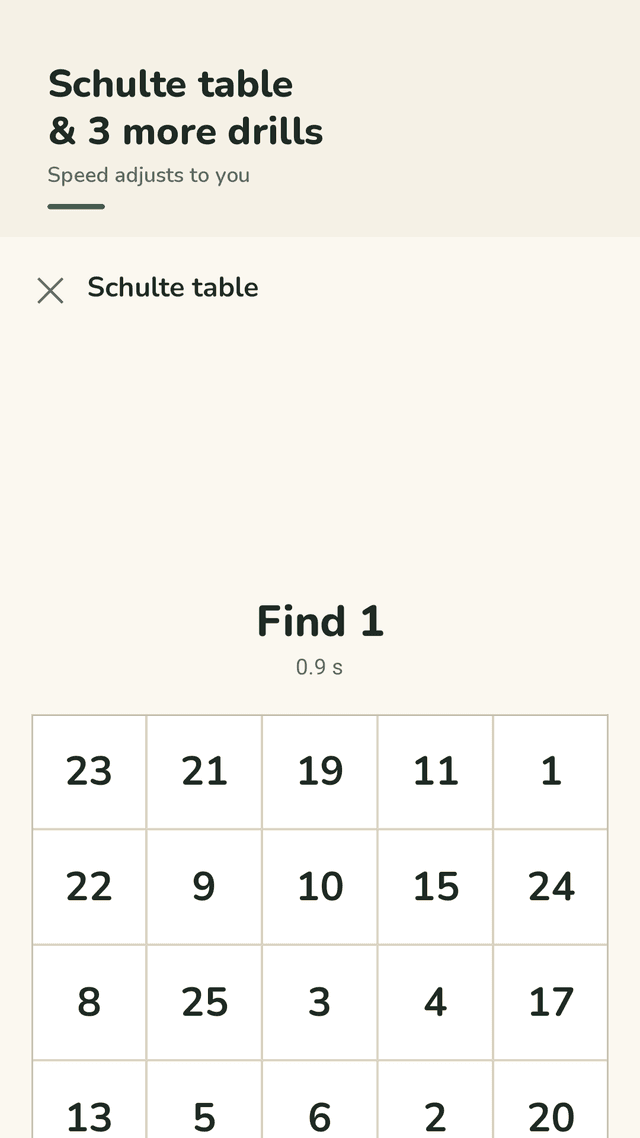
Readlark is an Android app for daily speed reading practice. Each day it sets three drills that take about 5 minutes: word flash, where words appear one at a time in the same spot and you pick the one you saw; running words, where words move around a 3×3 grid while your eyes stay on the center and you pick the last word; the Schulte table, a 5×5 grid where you tap 1 to 25 in order against the clock; and wide view, where numbers of 3 to 7 digits flash across the full width of the screen for 0.3 seconds around a center dot. All four drills are open from the start, with no levels or premium lock. If you score 80% or more the next round gets faster, at 40% or less it slows down, and you can set the speed yourself with + and − on the result screen. The reading test gives you a short passage of about 150 to 160 words to read at your normal pace, then three comprehension questions, and reports an effective WPM: your words per minute times your comprehension score. A graph, a 4-week calendar and your best result per drill are kept together on the Records tab. You can also paste your own text and read it one word at a time at 100 to 1000 WPM; that text is not saved. There is no account or login, no internet is needed to train, and your data stays on your phone.
Every drill unlocked
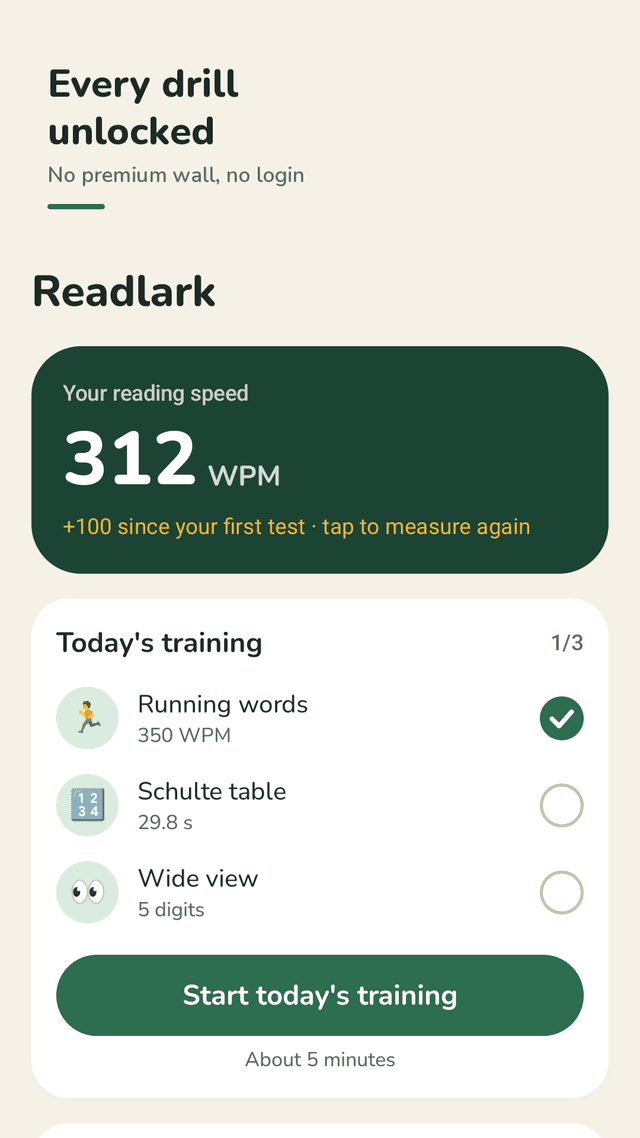
Word flash, running words, Schulte table and wide view are all open from day one. No levels to grind and no premium lock.
No login, no internet
No account to create and nothing to sign in to. You can train offline, and your data stays on your phone.
About 5 minutes a day
The Today tab sets three drills, shows your current WPM, your day streak and this week at a glance.
Speed that follows you
80% or more correct and the next round speeds up; 40% or less and it slows down. Adjust it yourself with + and − on the result screen.
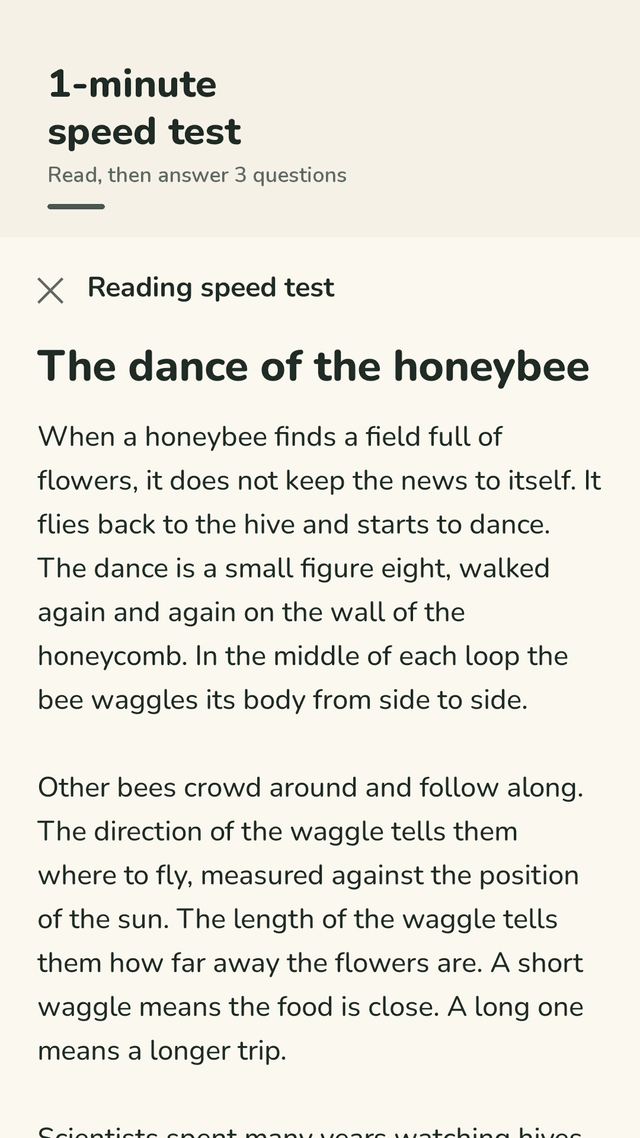
Reading speed test with comprehension
Read a short passage of about 150 to 160 words, answer 3 questions, and get an effective WPM: WPM × comprehension %.
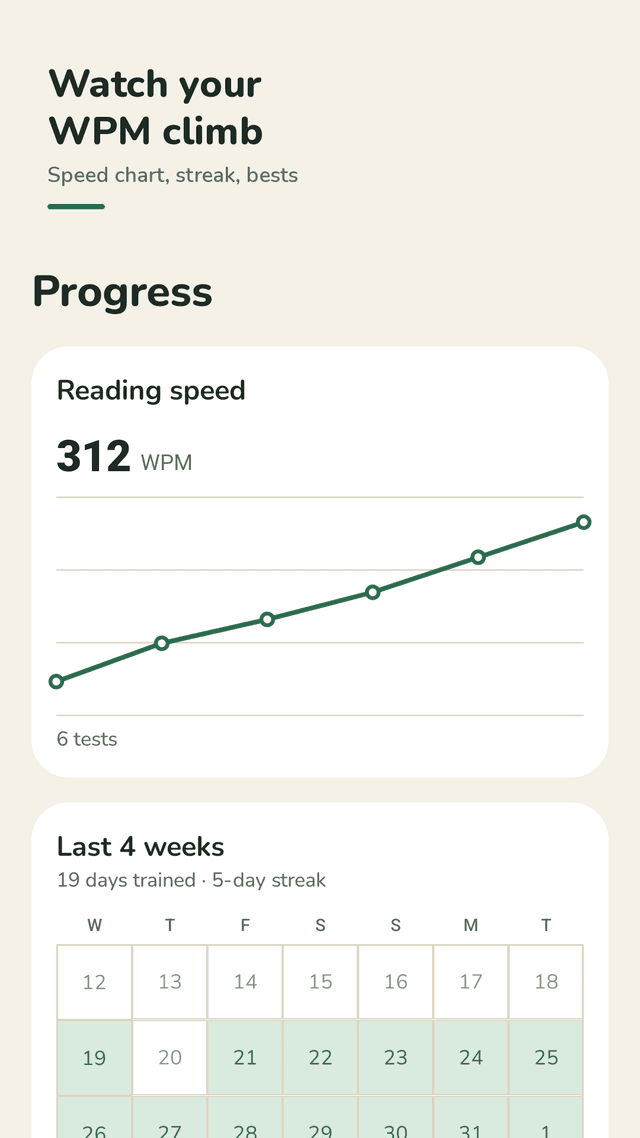
All your records in one place
A WPM graph, a calendar of the last 4 weeks and your best result for each drill, on the Records tab.
Read your own text faster
Paste any text and read it one word at a time at 100 to 1000 WPM, 1 to 3 words at once, with a 10-word jump back. Nothing is saved.
No ads in drills or reading
Readlark is supported by ads, but the drill, reading test and pasted-text reader screens have none.
FAQ
- Do I have to unlock drills or pay to get the rest?
- No. All four drills (word flash, running words, Schulte table and wide view) are open from the start. There are no levels or premium locks on drills.
- Do I need to log in or be online?
- No. There is no account or login, and you can train without an internet connection. Your data stays on your phone.
- The numbers flash too fast and I can't even read them. Can I slow it down?
- Yes. The speed adjusts to you: at 40% or less correct the next round slows down, and you can set it yourself with + and − on the result screen.
- Are there ads after every drill?
- Readlark is supported by ads, but there are no ads on the drill, reading test or pasted-text reader screens.
- How does the app measure my reading speed?
- You read a short passage of about 150 to 160 words at your normal pace and tap "I'm done reading". Then you answer 3 comprehension questions, and Readlark shows an effective WPM: your WPM times your comprehension score.
- What is a Schulte table?
- A 5×5 grid of the numbers 1 to 25 in random places. You tap them in order from 1 to 25 as fast as you can, and Readlark records your time.
- Can I practice on my own articles?
- Yes. Paste any text and Readlark shows it one word at a time at 100 to 1000 WPM, 1 to 3 words at once, with a button to jump back 10 words. The text is not saved.
- What permissions does it need?
- Only notifications, and that is optional: one reminder when today's practice is ready, and none on days you have already trained.
Guides
Readlark is a practice tool. How much your reading speed changes depends on the person, and reading faster does not always mean understanding more, which is why the reading test checks comprehension too. It is not a treatment for any reading or medical condition.