
Save money, fill a picture.
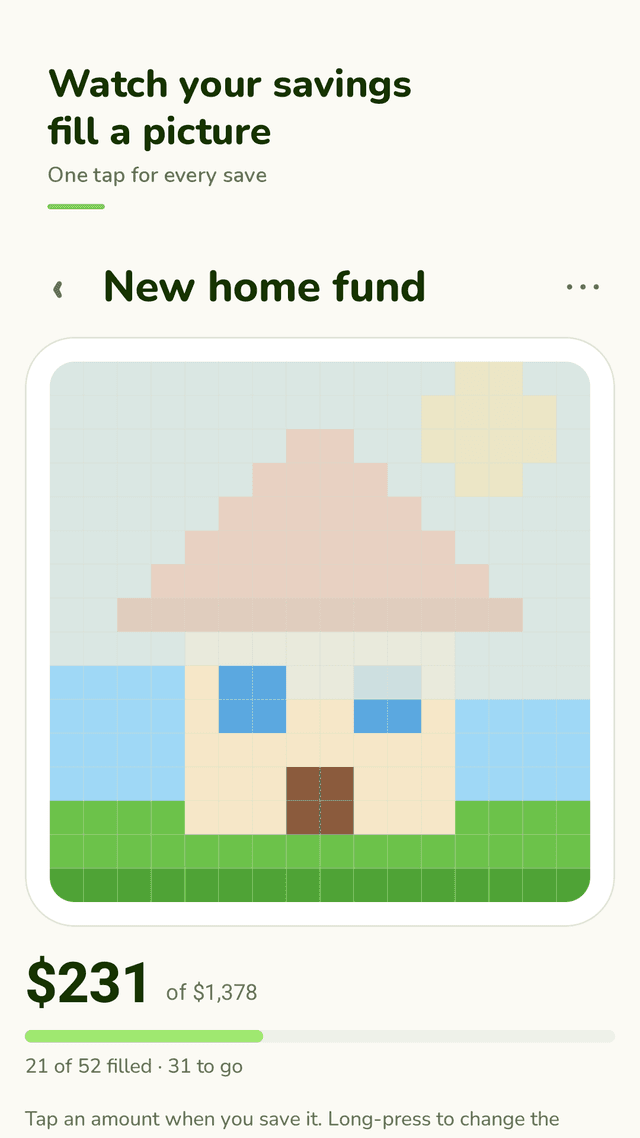
Pick a savings challenge and a pixel picture. Every time you put money aside, tap the amount and one more piece of the picture gets its color. The last piece finishes the picture — and your goal.
Get it on Google PlaySupported by ads · no account · no bank connection · your data stays on your phone
Savtile is an Android savings challenge tracker that turns your progress into a picture. You choose a challenge — the 52 week money challenge counting up (week 1 saves 1×, week 52 saves 52×) or down, the same amount every week, every two weeks or every month, the 100 envelope challenge, or your own goal split evenly over your saves — and a 16 by 16 pixel picture such as a house, a plane, a piggy, a gift, a palm beach, a car, a heart or a cake. Each amount is a chip you can tap in any order. Tap it when you have put that money aside and the next piece of the picture fills in; long-press it to record what you actually saved, cents included, and add a note. Reminders come only on the day and time you set for each challenge, never before the start date. You can run several challenges side by side, each with its own currency. Finished pictures move to a collection and can be shared as a card with your total. A home screen widget shows the next amount and lets you check it off with one tap. Savtile never moves money and does not connect to a bank: it records the amounts you enter, on your phone, with a backup file you control.
Your savings become a picture
Each save fills the next piece of a pixel picture. Unfilled pieces show faintly, so you can see what you are building.
Five ways to save
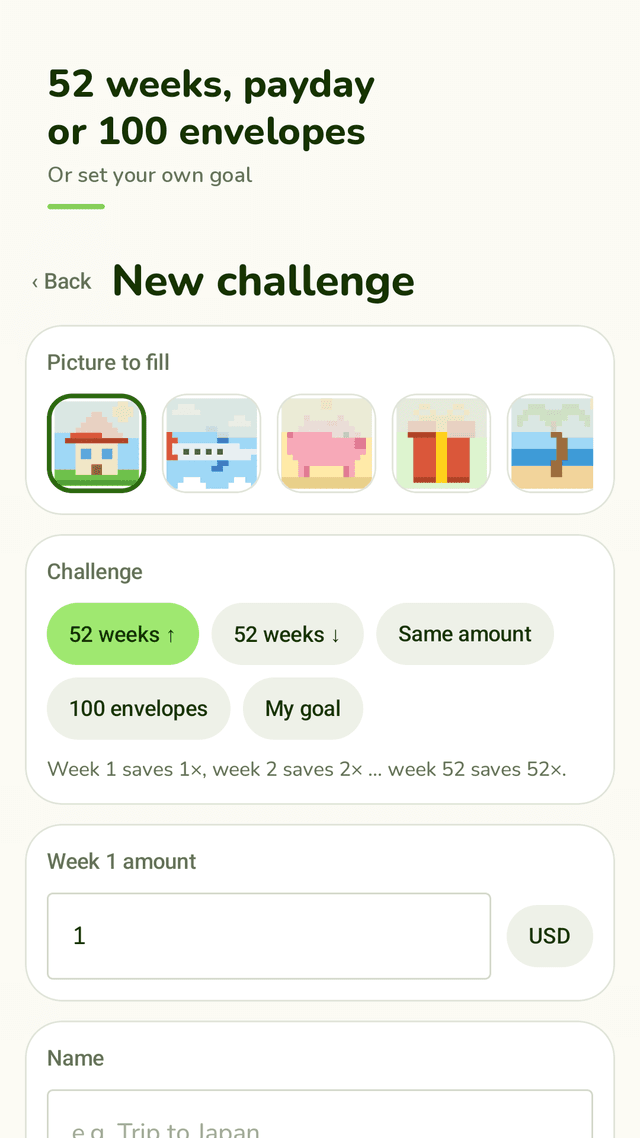
52 weeks up, 52 weeks down, the same amount, the 100 envelope challenge or your own goal split evenly.
Weekly, biweekly or monthly
Save on payday every two weeks, once a month, or every week. The amounts and end date are worked out for you.
Tap any amount, any order
Short this week? Tap a small amount. Got a bonus? Knock out a big one. Long-press to fix the real amount and add a note.
Reminders on your saving day
One reminder on the day and time you choose for each challenge, nothing on other days and nothing before you start.
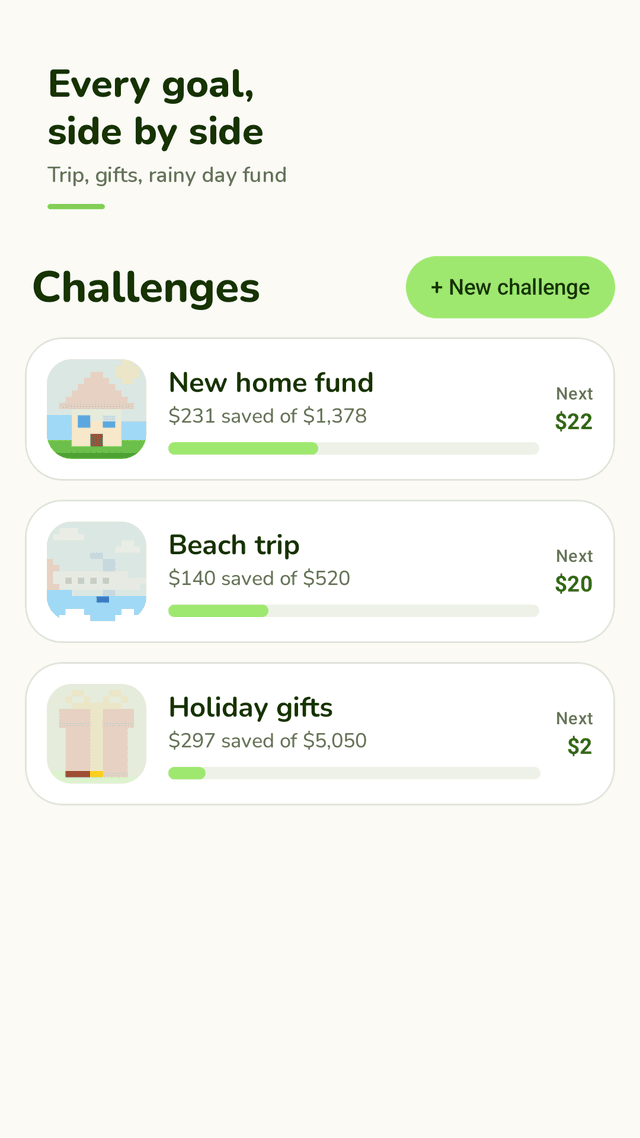
Several goals side by side
A trip, holiday gifts and an emergency fund at once, each with its own picture, amounts and currency.
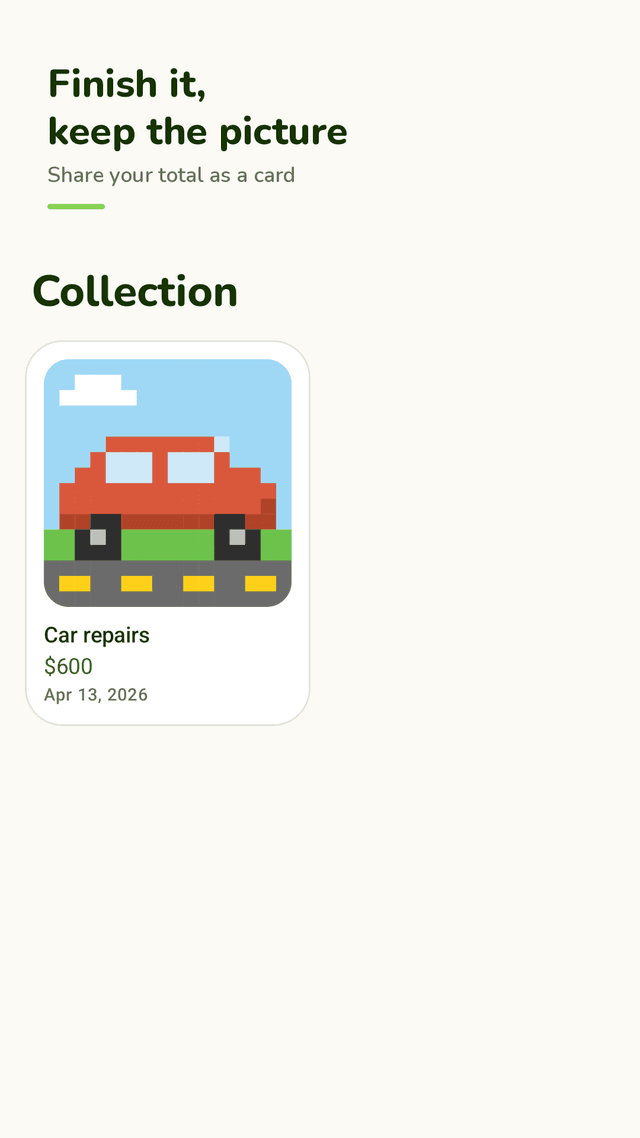
A collection and a share card
Finished pictures move to your collection. Share a picture card with your total when you are done.
Widget and backup
Check off the next amount from the home screen. Back up to a file and restore on a new phone. No account.
FAQ
- How much do you save with the 52 week money challenge?
- Starting with $1 and adding $1 each week, you save $1,378 in 52 weeks. Starting with $5 gives $6,890, and $10 gives $13,780. Savtile shows the total before you start.
- Do I have to save the weeks in order?
- No. Tap any amount in any order. If a week is tight, tap a smaller amount and come back to the bigger one later. The picture fills in either way.
- Can I save every two weeks, on payday?
- Yes. Choose Same amount or My goal and pick Every 2 weeks. You get 26 saves, and the reminder comes on your payday.
- Can I change the amount I actually put in?
- Yes. Long-press the amount and type what you saved, with cents if you like. A small dot marks amounts that differ from the plan.
- Does Savtile connect to my bank or move money?
- No. Savtile only records the amounts you enter. Your money stays wherever you keep it — a savings account, an envelope or a jar.
- Will it remind me every day?
- No. Each challenge has its own reminder day and time, and there are no reminders before the start date. You can turn reminders off in Settings.
- Can I use my own currency?
- Yes. Savtile uses your phone's currency by default and you can choose another one for each challenge.
- What happens to my data if I change phones?
- Use Back up in Settings to save a file, then Restore on the new phone. There is no account and no server.
Guides
Savtile is a savings tracker. It does not move money, connect to a bank or give financial advice; totals are calculated from the amounts you enter. Ads are shown by Google AdMob inside the app, not in the widget or notifications.