
Count squats, not seconds.
Squatora shows one number a day: how many squats to do. Tap the big circle once per squat, rest between sets, and watch the 30-day grid fill up.
Get it on Google PlaySupported by ads · no account · no paywall · your data stays on your phone
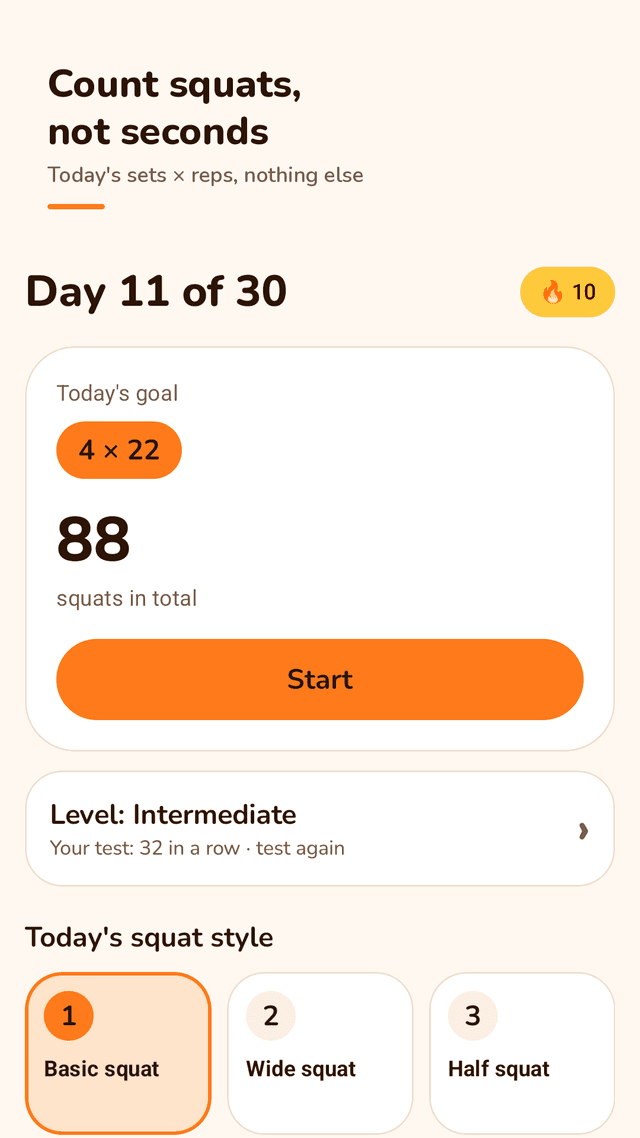
Squatora is an Android 30-day squat challenge built around reps, not timers. Each day shows sets × reps, for example "Day 11 of 30 · 4 × 22". You tap Start, tap a large circle once for every squat (with vibration, plus +5 and −1 buttons), and press Set done; a rest timer of 30, 45, 60 or 90 seconds counts down before the next set, and you can skip it. A 1-minute level test — as many squats as you can without stopping — puts you on the Beginner (3 sets, 8 → 25 reps), Intermediate (4 sets, 15 → 35) or Advanced (5 sets, 25 → 50) plan. Every 4th day is a rest day. Progress follows the days you finish, not the calendar, so a missed day or a rest day never breaks the plan. The Plan screen shows a 30-day grid, total squats, best set and your day streak, and you can fix any set count later. Five squat styles come with a one-line form tip: basic, wide, half, wall-supported and pulse. A home screen widget shows today's goal and streak. Reminders come in the morning, and in the evening only if today is not done. There is no account and no paywall; everything stays on your phone.
Today's number, nothing else
Each day is sets × reps with the total. No vague timer, no long warm-up.
Tap once per squat
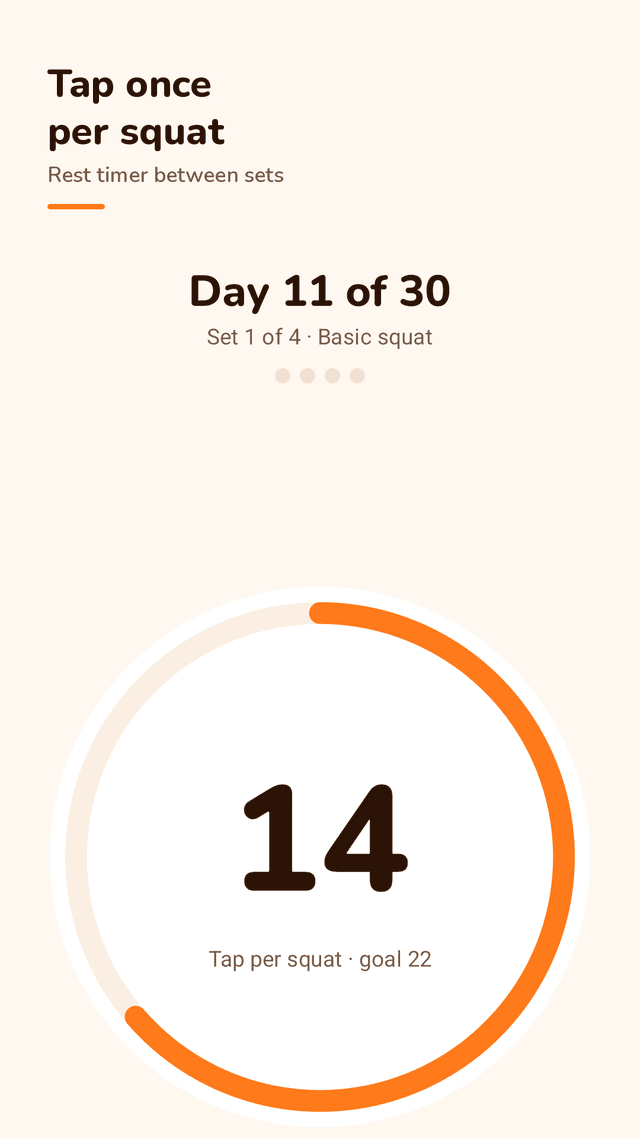
A big circle counts every squat with a light vibration. +5 and −1 fix miscounts.
Rest timer between sets
30, 45, 60 or 90 seconds, skip anytime. The screen stays on during your workout.
Miss a day? Keep going
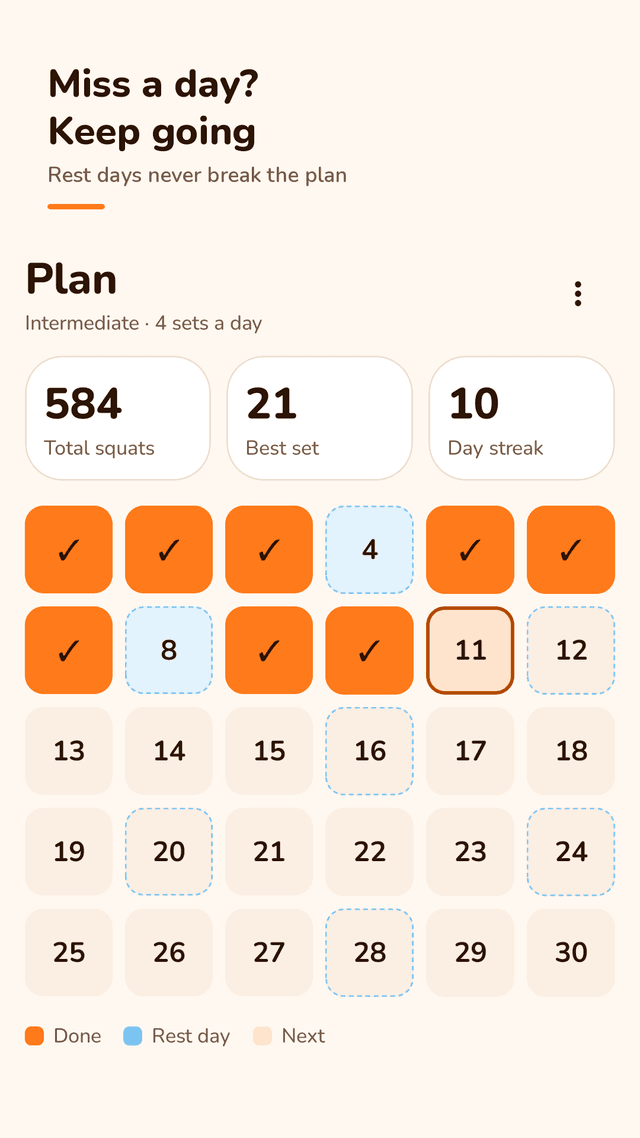
Progress follows finished days, not dates. Rest days and busy days never reset your plan.
A plan that fits your level
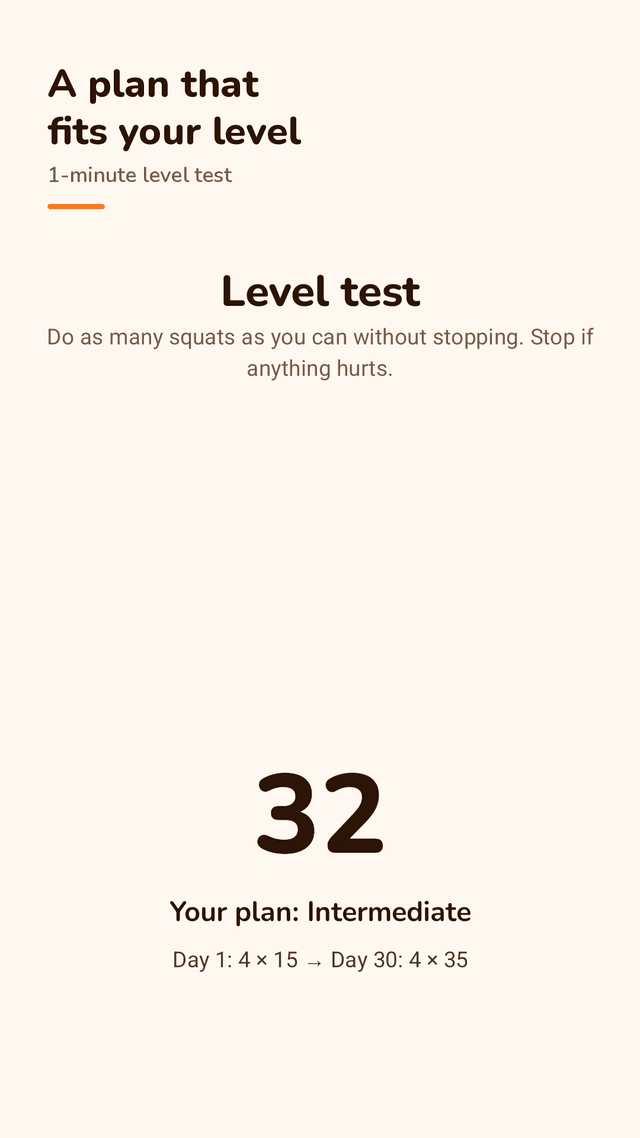
A 1-minute level test picks Beginner, Intermediate or Advanced. Change level anytime.
30-day grid and streak
See finished days, rest days and what's next, with total squats, best set and day streak.
Five squat styles
Basic, wide, half, wall-supported and pulse squats, each with a one-line form tip.
Widget and gentle reminders
Today's goal on your home screen. A morning nudge, and an evening one only if you haven't squatted yet.
FAQ
- Is the 30-day plan locked behind a payment?
- No. Every day of every plan is open from day 1. Squatora is supported by ads; there is no paywall.
- What happens if I miss a day or take a rest day?
- Nothing breaks. Squatora counts the days you finish, not calendar dates, so you simply continue with the next day.
- Does it count reps or time?
- Reps. Every day is sets × reps, and you tap once per squat. Time is only used for the rest between sets.
- How do I know which level to start with?
- Take the 1-minute level test: do as many squats as you can without stopping. Under 15 is Beginner, 15 to 40 Intermediate, over 40 Advanced.
- Does the screen turn off during a workout?
- No. The screen stays on while the workout screen is open, so the counter and rest timer keep going.
- Can I fix a set I counted wrong?
- Yes. Open the day on the Plan screen and tap a set to change the number, or undo the whole day.
- My knees hurt with deep squats. What can I do?
- Try the half squat or wall-supported squat styles, and stop if anything hurts. Squatora is not medical advice; ask a doctor if you have knee, hip or back problems.
- Do I need an account?
- No. There is no login and no server. Your plan and history stay on your phone.
Guides
Squatora is an exercise tracker, not medical advice. Stop if you feel pain, and check with a doctor if you have knee, hip or back problems. Ads are shown by Google AdMob inside the app, not in the widget or notifications.