Overwhelmed? Start with one tiny task.
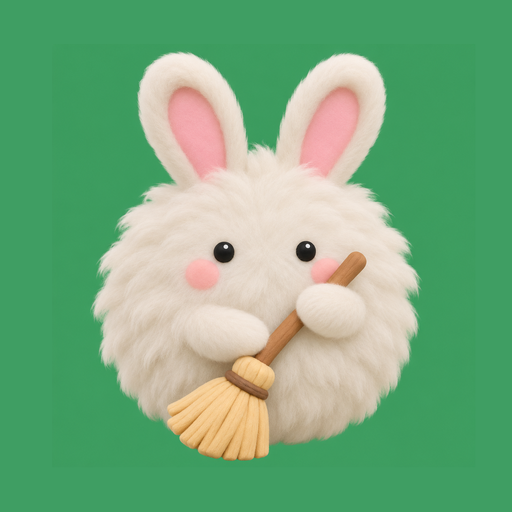
Tidbun breaks cleaning and your daily routine into small 2–10 minute tasks. Check one off, earn coins, and let a fluffy dust bunny cheer you on.
Get it on Google PlaySupported by ads · no subscription · no login · your data stays on your phone
Tidbun does not ask for a sign-up and has no paywall. Every plan and feature is included, and your tasks, plans and progress are stored only on your device.
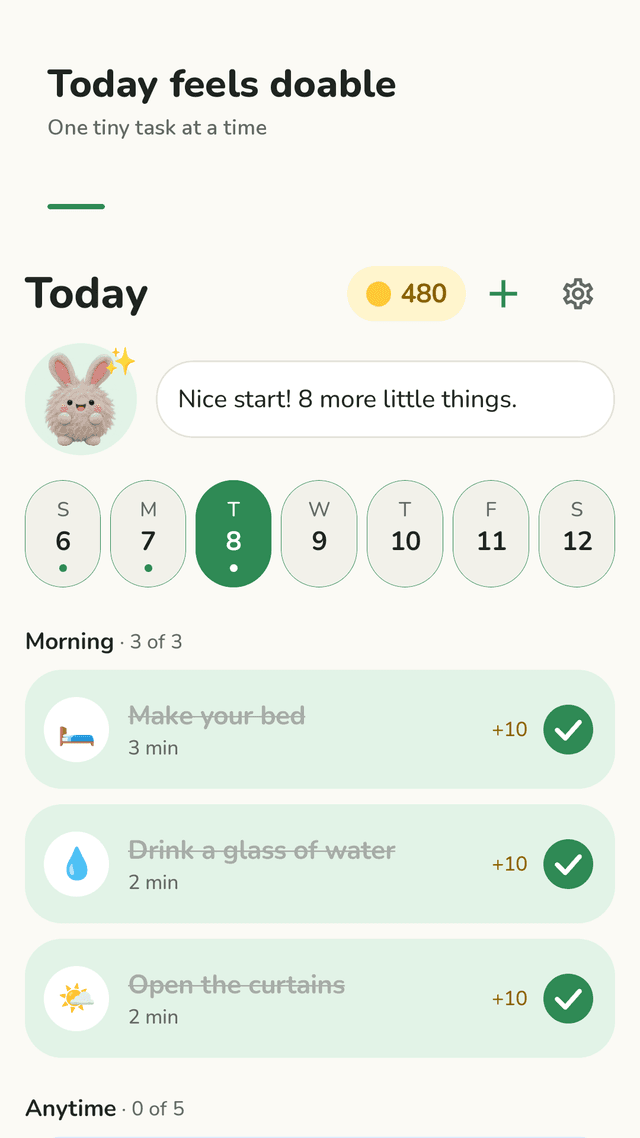
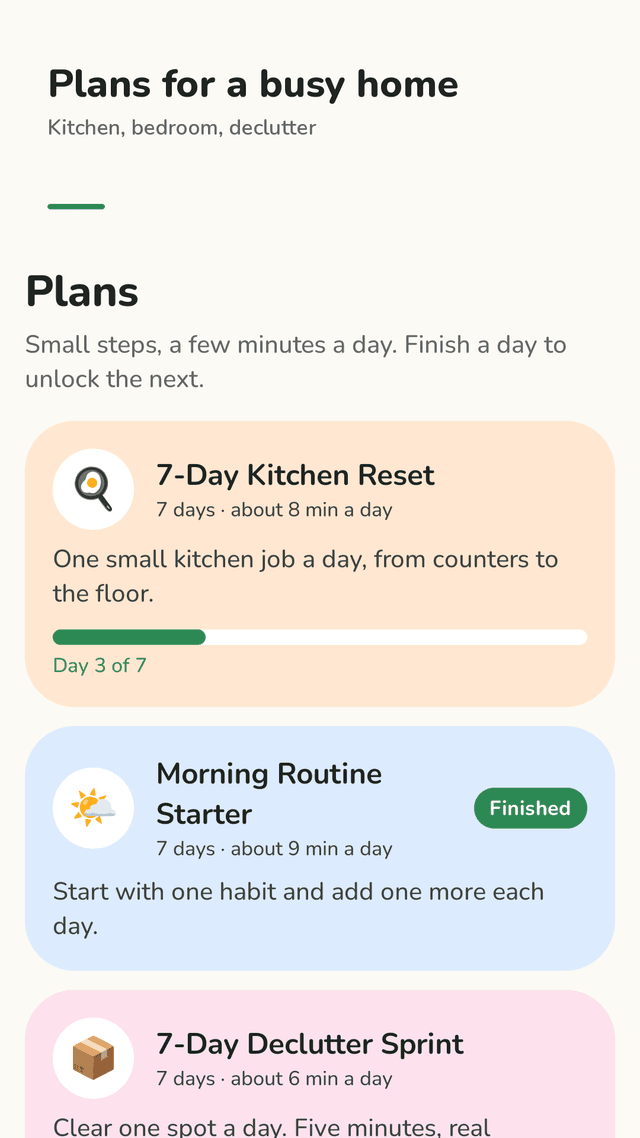
Tidbun is a tidying and daily routine planner for Android. It splits housework and daily habits into tiny tasks of 2 to 10 minutes, sorted into Morning, Anytime and Evening on a Today list. Each check-off earns coins and XP. Step-by-step cleaning plans such as the 7-Day Kitchen Reset, 7-Day Declutter Sprint and 14-Day Home Reset put each day’s steps on Today, and if you miss a day the plan simply continues where you left off. A “Stuck?” button picks one easy task from the room that bugs you most and your energy level. Coins decorate a burrow for Tidbun, the dust bunny mascot. There is no login and no paywall; data stays on the phone and can be saved as a backup file.
Tiny tasks, simple day
Make the bed, wipe one counter, take out the trash. Tasks of 2–10 minutes sorted into Morning, Anytime and Evening.
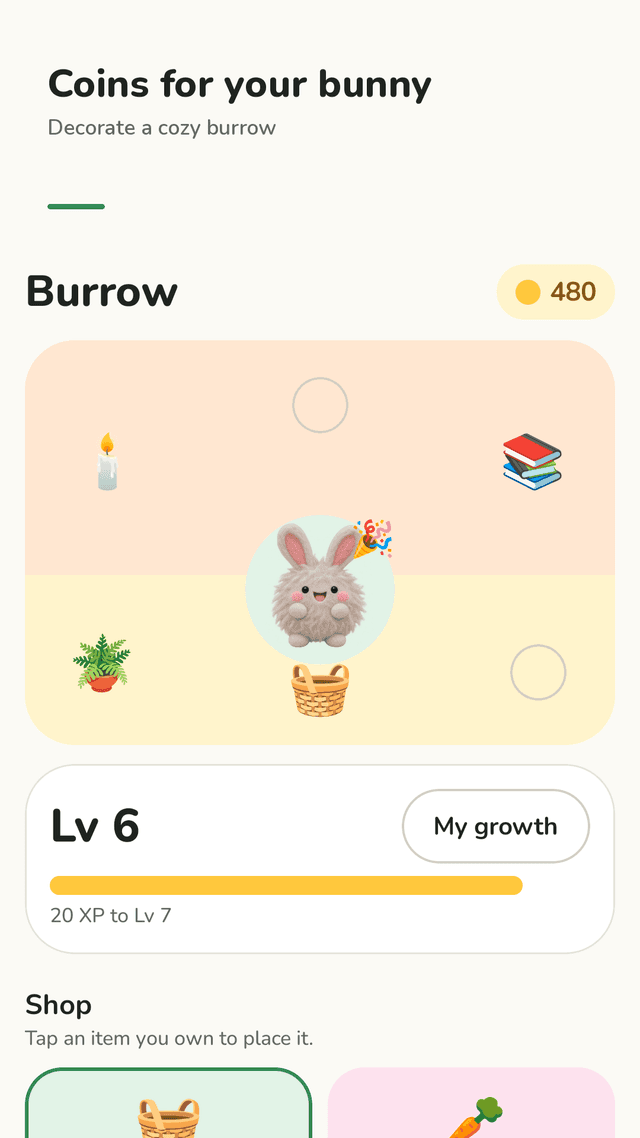
Coins and XP
Every check-off earns coins and XP. Finish the day and Tidbun celebrates with you.
Cleaning plans
7-Day Kitchen Reset, 7-Day Declutter Sprint, Bedroom Calm, Bathroom Refresh, Laundry Catch-up, Morning Routine Starter, Evening Wind-down and a 14-Day Home Reset.
Miss a day? No guilt
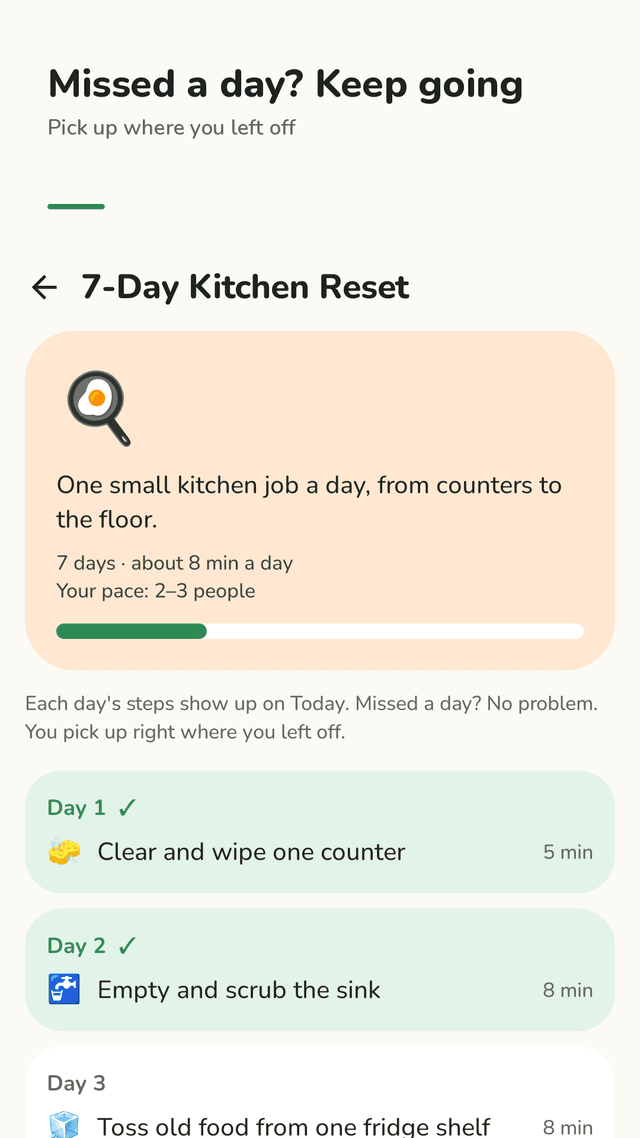
Each day’s plan steps appear on Today. If you skip a day, you pick up right where you left off.
Home pace
Choose just me, 2–3 people, or kids & pets, and plan times adjust so 10 minutes really means 10 minutes.
Stuck? One easy task
Pick the spot that bugs you most and how much energy you have. Tidbun suggests one small task to do right now.
Your routine, your way
Add your own tasks and repeat them every day, on certain weekdays, every few days, a few times a week, or once. Ready-made sets in one tap.
Burrow, stats and widget
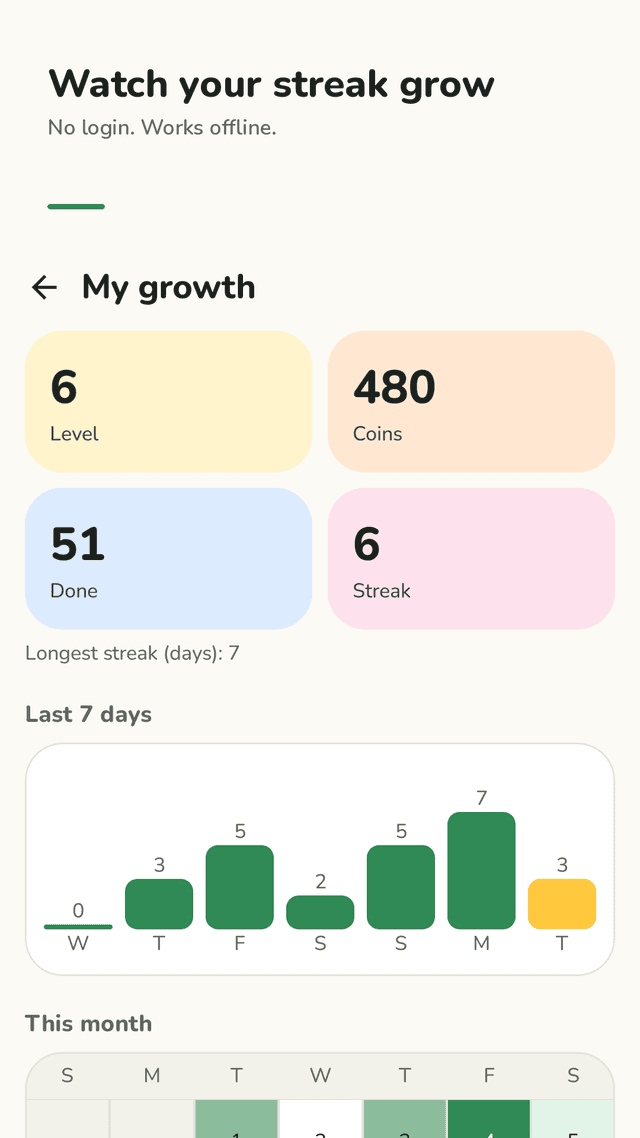
Decorate Tidbun’s burrow with coins, see your level, streak, 7-day chart and month calendar, and check off your next task from the home screen widget.
FAQ
- Where do I start cleaning when I’m overwhelmed?
- Start with one task you can finish in under 10 minutes, like clearing one counter. In Tidbun, tap “Stuck?”, pick the spot that bugs you most and your energy level, and do the one task it suggests.
- Is there a subscription?
- No. Every plan and feature is included. Tidbun is supported by ads instead of a subscription.
- Do I need an account?
- No. There is no login. Your tasks and progress are stored on your phone, and you can save a backup file anytime from settings.
- What happens if I miss a day of a cleaning plan?
- Nothing bad. The plan does not reset. The next time you open Tidbun, today’s list shows the step you were on, so you continue where you left off.
- Can I set a chore to repeat once a week?
- Yes. Each task can repeat every day, on certain weekdays, every few days, a set number of times a week, or just once.
- Can I check off something I forgot to tick yesterday?
- Yes. Tap yesterday in the week strip on Today and tick it off.
- Does it work offline? Are reminders required?
- It works offline. Morning and evening reminders are optional and can be turned off anytime.
Guides
Tidbun is a planner, not a cleaning service. Plan times are estimates; go at a pace that is safe and comfortable for you, and skip any step that does not fit your home.