Never start a site report from zero.
Brickjot copies your last daily report into today. Change the weather, the crew and what got done, add photos, then send a PDF to your boss or client before you leave the site.
Get it on Google PlayFree with ads · no sign-up · no project limit · reports stay on your phone
Brickjot is an Android daily construction report app for foremen, site supervisors and small contractors. Each site has one report per day. Tap Copy last report & start and the crew by trade, the work lines and the equipment from your last report come along, while weather, photos, materials and issues start empty. A report holds the weather with low and high temperature and whether work ran as planned, half day or stopped; the crew by trade with headcount and man-days (0.5, 1, 1.5 or your own shift value); work done one line per task with suggestions from earlier reports; equipment with units and hours; materials received with quantity and unit; issues, delays and safety notes; photos from the gallery or the camera app with a caption each; and notes. Everything saves as you type. Make PDF & send creates a one-page A4 report with your company name, site, date, crew table and a photo grid, and Send as text shares the same report to any chat app. The calendar shows every report day; any report can be edited, copied to today or deleted. Each site shows man-days by trade for this month, last month or all time, and the totals can be shared as text. A home screen widget shows today's crew and copies the last report without opening the app. There is no account and no project limit; a backup file with reports and photos moves everything to a new phone.
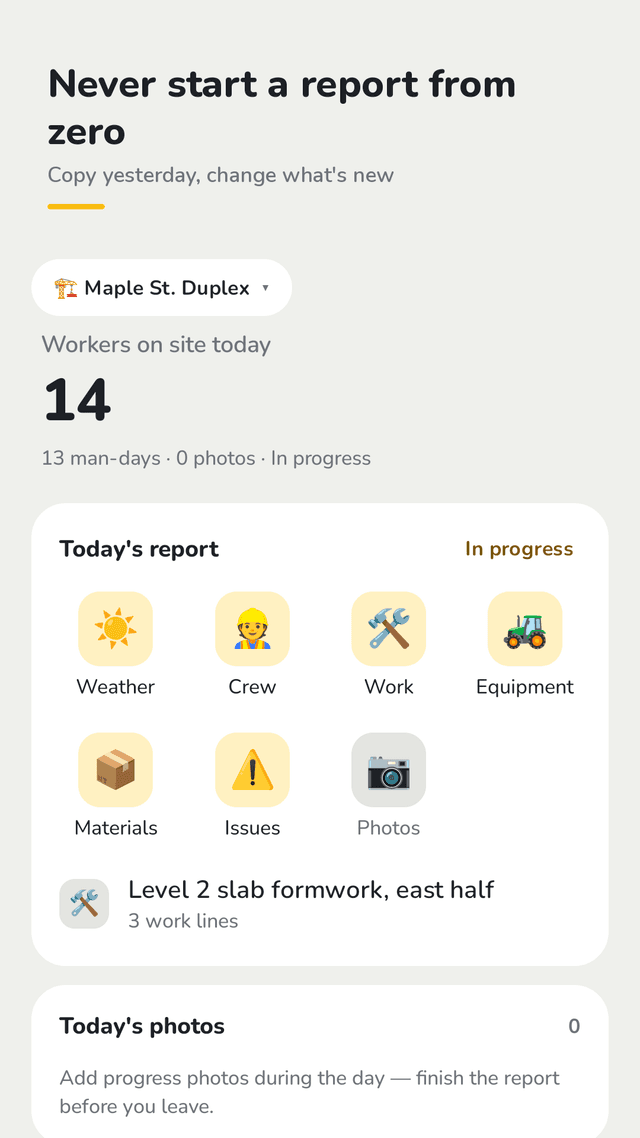
Copy yesterday, change what's new
One tap starts today from your last report. Crew, work lines and equipment come along; weather and photos start fresh.
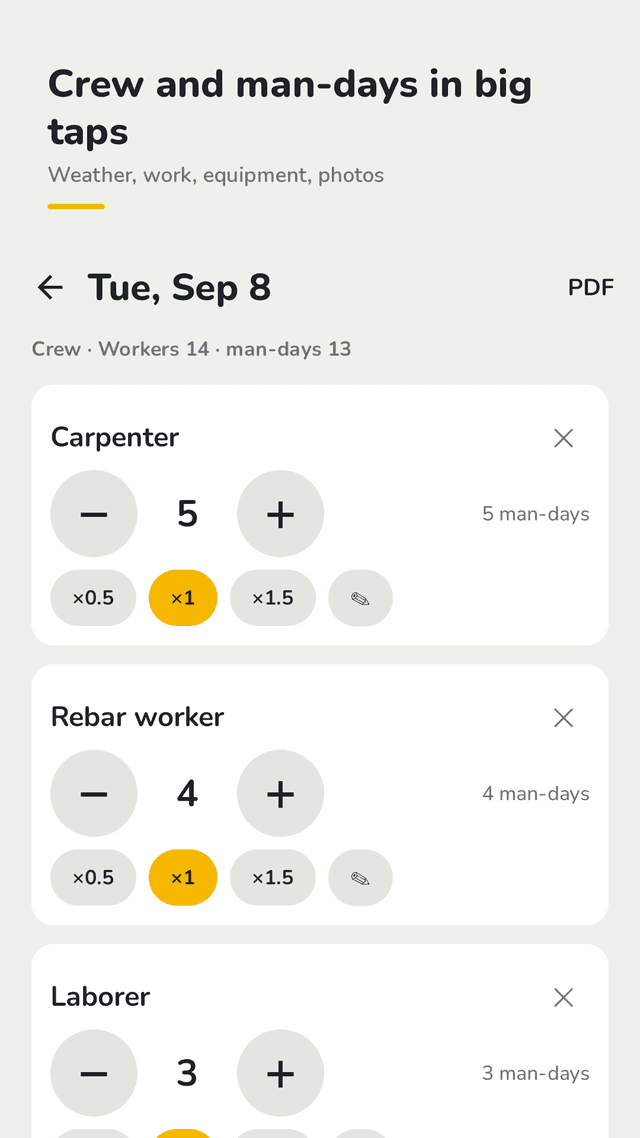
Crew and man-days by trade
Big + and − buttons you can hit with gloves on. 0.5, 1, 1.5 or any shift value per trade, totals added up for you.
Everything on one page
Weather, temperature, work status, work done, equipment, materials received, issues, delays, safety notes and photos with captions.
Saves as you type
Leave the screen, take a call, come back later. Nothing is lost, there is no save button to forget.
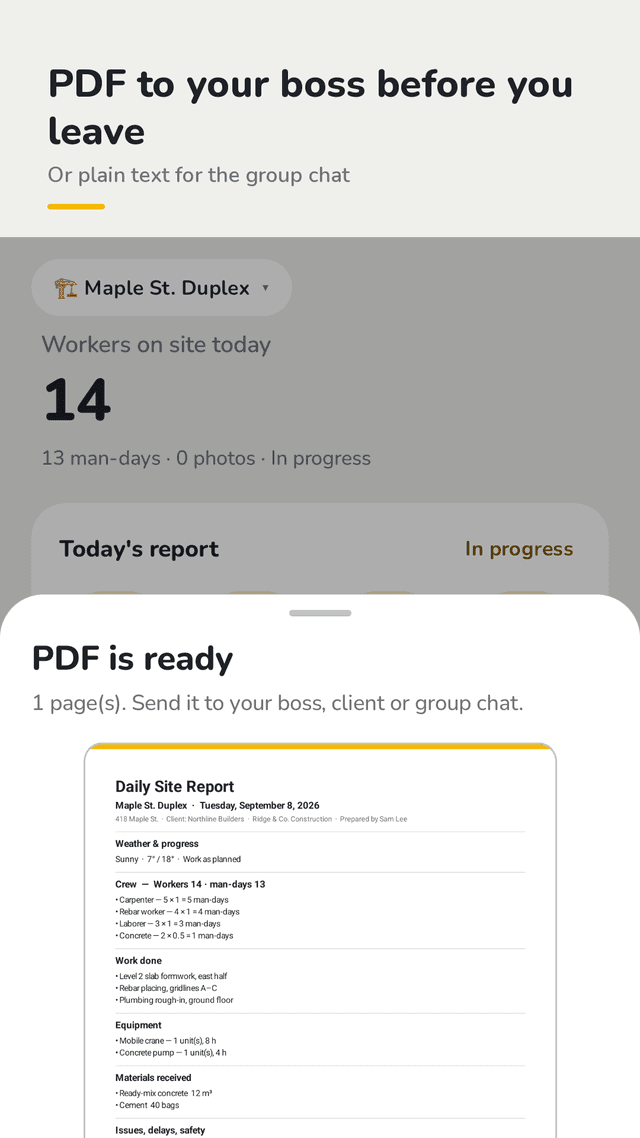
PDF or text in one tap
A clean A4 PDF with company, site, date, crew table and photo grid — or the same report as plain text for the group chat.
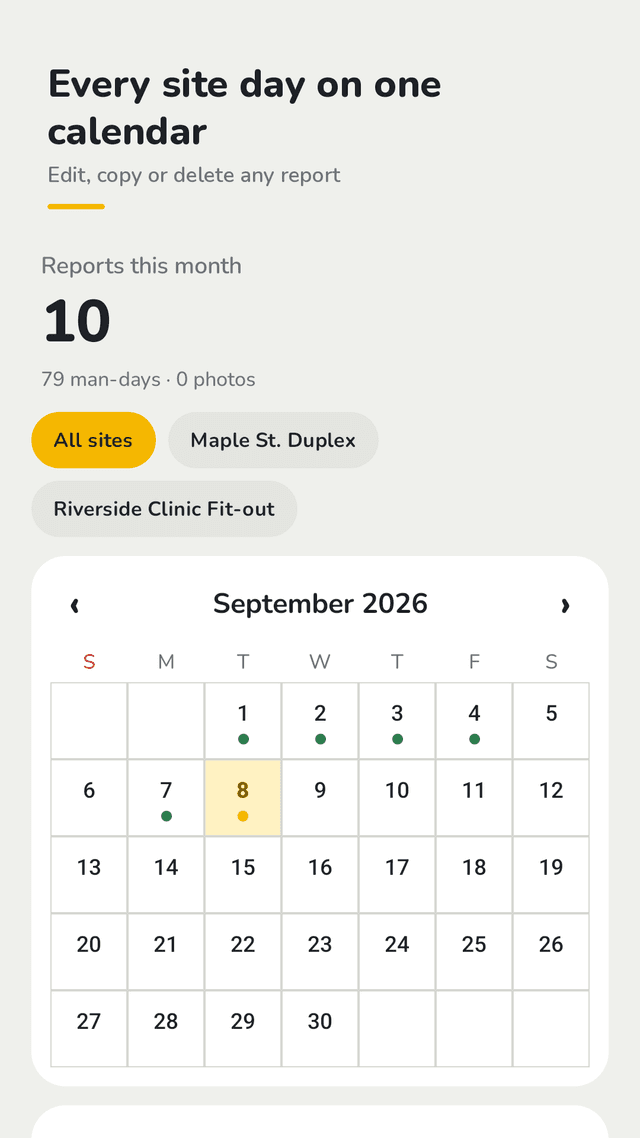
Every day on a calendar
See report days at a glance. Edit, copy to today or delete any past report.
Man-days per site and trade
This month, last month or all time. Days stopped by weather. Share the totals at payday.
Widget and backup
Copy the last report from the home screen. Back up reports and photos to one file and restore on a new phone.
FAQ
- How do I write a construction daily report on my phone?
- Add your site, tap Copy last report & start (or Write today's report the first time), tap the weather, set the crew by trade, list the work done and add photos. Tap Mark report done, then Make PDF & send.
- Can I copy yesterday's report so I don't start all over again?
- Yes. The first button on the Today screen copies your most recent report for that site into today. Crew, work lines and equipment are kept; weather, photos, materials and issues start empty.
- Do I need to create an account or pay to use more than one project?
- No. There is no sign-up and no limit on sites or reports. The app shows ads.
- Can I send the daily report by WhatsApp instead of email?
- Yes. Send PDF and Send as text open Android's share sheet, so you can pick WhatsApp, KakaoTalk, SMS, email or any other app.
- Will I lose my report if I leave the app halfway?
- No. Every field saves as you type, so you can add photos during the day and finish the report before you leave.
- Can I track man-days per trade for payroll?
- Each site shows man-days and total workers by trade for this month, last month or all time, and you can share those totals as text.
- Can I add photos with captions?
- Yes. Pick photos from the gallery or take them with the camera app, then add a one-line caption to each. The PDF shows them in a grid.
- What happens to my reports if I change phones?
- Use Back up to a file in Settings to save reports and photos, then Restore from a file on the new phone.
Guides
Brickjot is an independent daily site report app. It is not an official or government form and is not affiliated with any contractor, client or software vendor. Your reports and photos stay on your phone. Ads are shown by Google AdMob inside the app.