Exactly the KB you need.
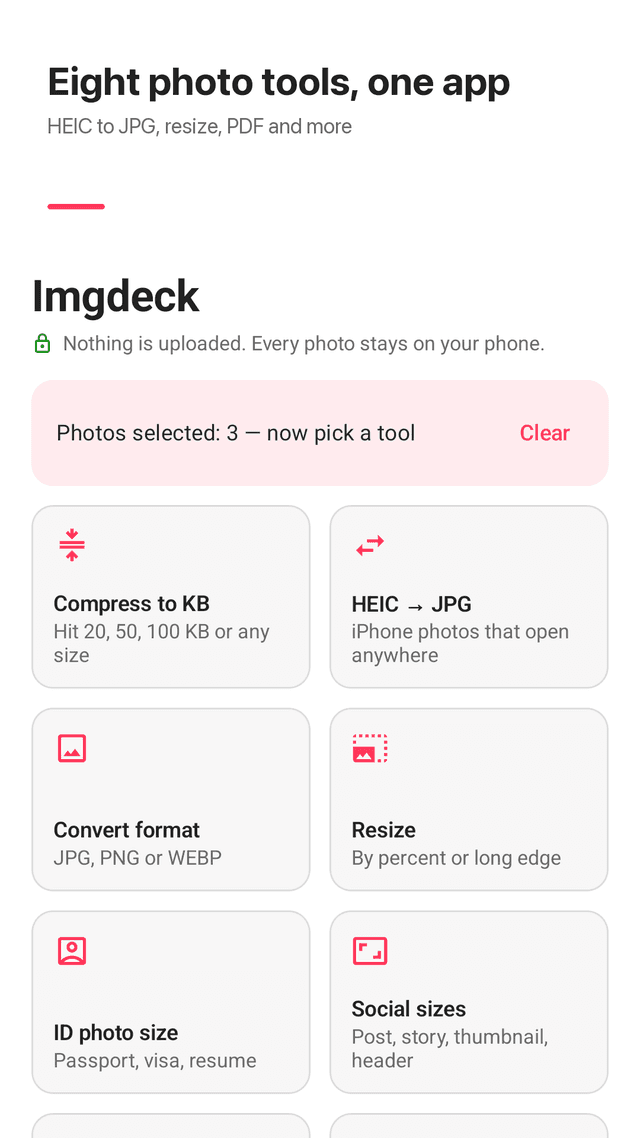
Forms that say "under 100 KB"? Pick a size and your photos, and Imgdeck makes each one as sharp as possible just under the limit. Convert HEIC to JPG, fit passport and social sizes, or merge photos into a PDF, all on your phone.
Get it on Google Play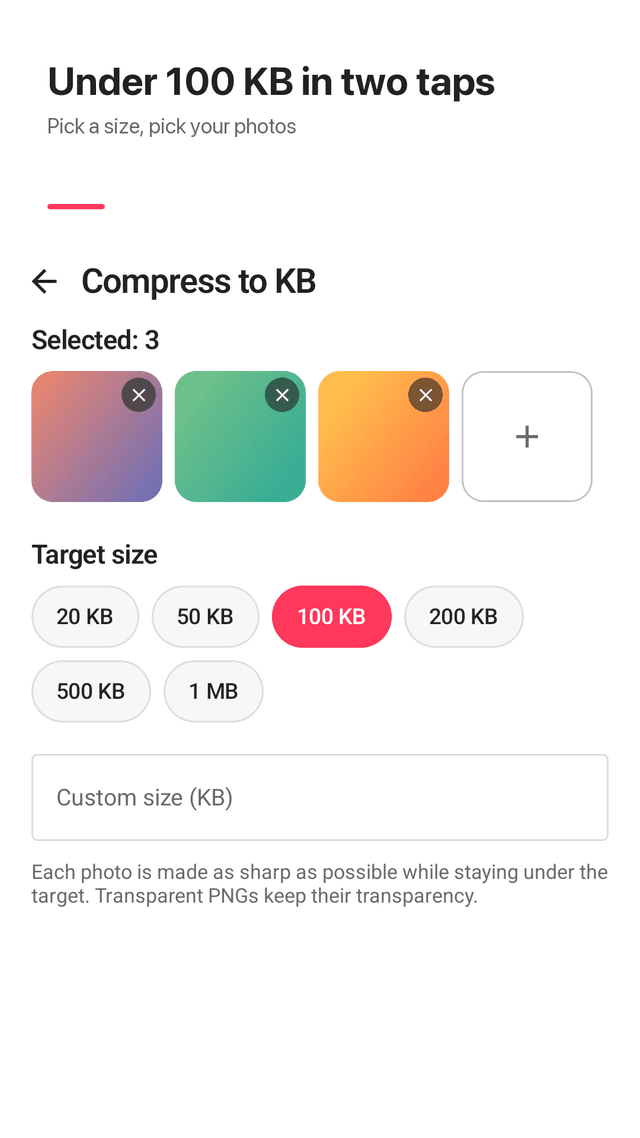
Compress to a target size
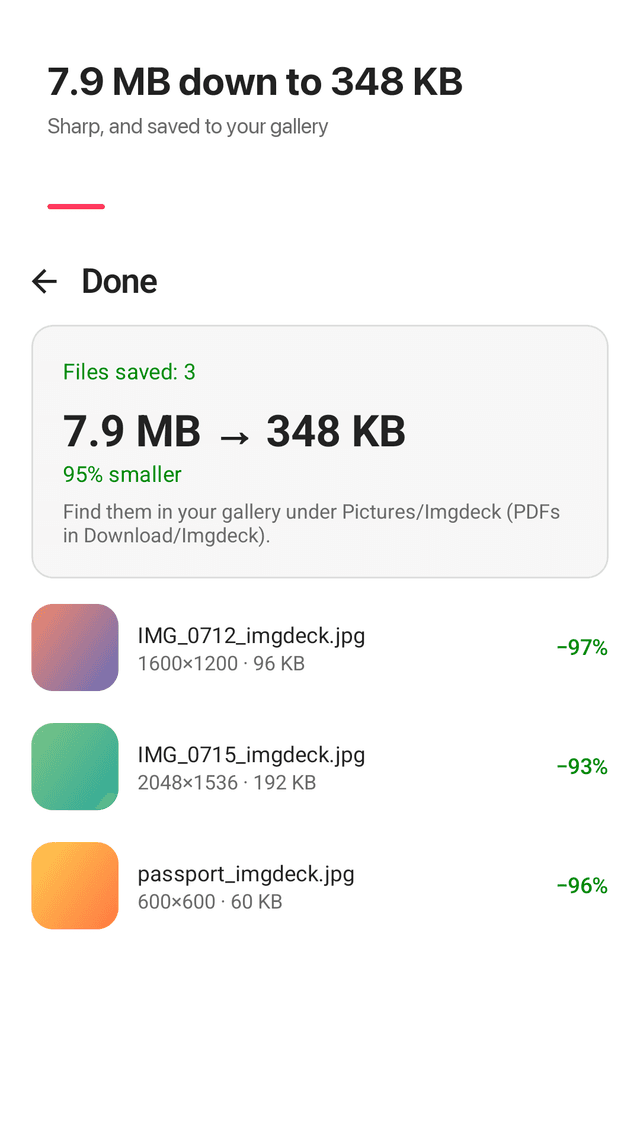
One tap for 20, 50, 100, 200, 500 KB or 1 MB, or type any size. Quality is searched automatically and the photo is only shrunk when it has to be.
Many photos at once
Pick dozens of photos and compress, convert or resize them in one batch.
HEIC to JPG
iPhone photos that won't open on a PC or a website become standard JPGs. WEBP, AVIF and PNG work too.
Transparency kept
Transparent PNGs stay transparent instead of getting a white background.
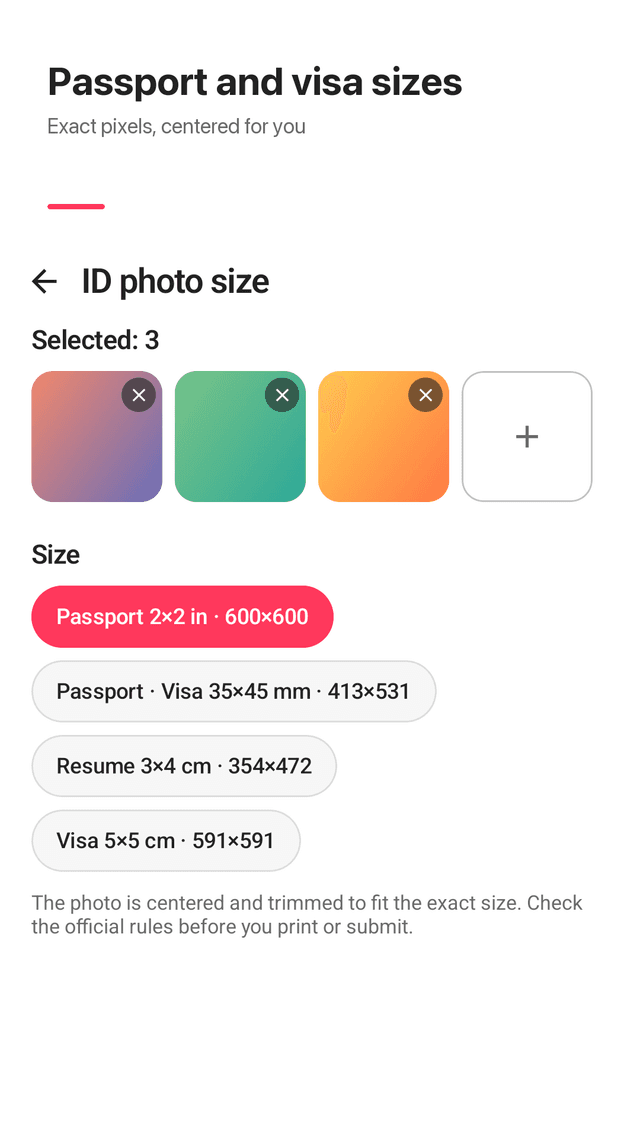
Passport and ID sizes
35×45 mm, 2×2 in, 3×4 cm and 5×5 cm in exact pixels, centered for you.
Social media sizes
Square and portrait posts, story, profile photo, video thumbnail, header and channel banner.
Photos to PDF
Merge pages into one PDF in the order you picked them.
Remove location
Save a clean copy without GPS, camera model or date. Nothing is uploaded, ever.
FAQ
- How do I compress a photo to under 100 KB on Android?
- Open Imgdeck, tap Compress to KB, pick your photos, choose 100 KB and tap Process. Each result lands just under 100 KB and is saved to Pictures/Imgdeck.
- Can I reduce a photo from MB to 20 KB?
- Yes. Choose 20 KB or type a custom size. If quality alone is not enough, Imgdeck also lowers the resolution until the file fits.
- How do I convert HEIC to JPG on Android?
- Tap HEIC → JPG, pick the photos and process. You get high-quality JPGs that open anywhere.
- What pixel size is a 35×45 mm passport photo?
- At 300 dpi it is 413×531 pixels. Imgdeck crops and resizes to exactly that. Always check your country's official rules.
- Will compressing make my PNG background white?
- No. Transparent PNGs are compressed in a format that keeps transparency.
- Are my photos uploaded to a server?
- No. Everything runs on your phone. There is no account and no upload.
- Where are the results saved?
- In your gallery under Pictures/Imgdeck. PDFs go to Download/Imgdeck. Originals are not changed.
- Is it free?
- Yes. Every tool is free and the app is supported by ads that never block a result.
Guides
Imgdeck is free and supported by ads. Photos are processed on your device and never uploaded. Check official rules before you print or submit an ID photo.