Your phone is the photo booth. No line, no login.
Pick a strip layout, set how long you need to pose, and BoothCut shoots four cuts in a row. Decorate them with frames, filters, stickers and a caption, then save to your gallery or share.
Get it on Google Play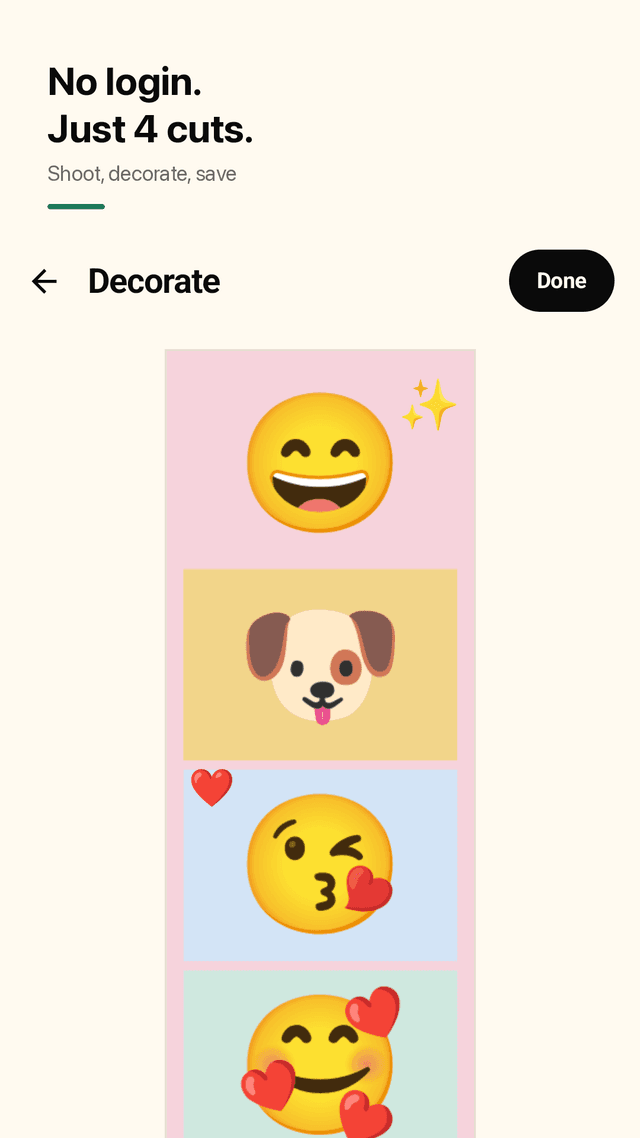
Opens straight to the camera
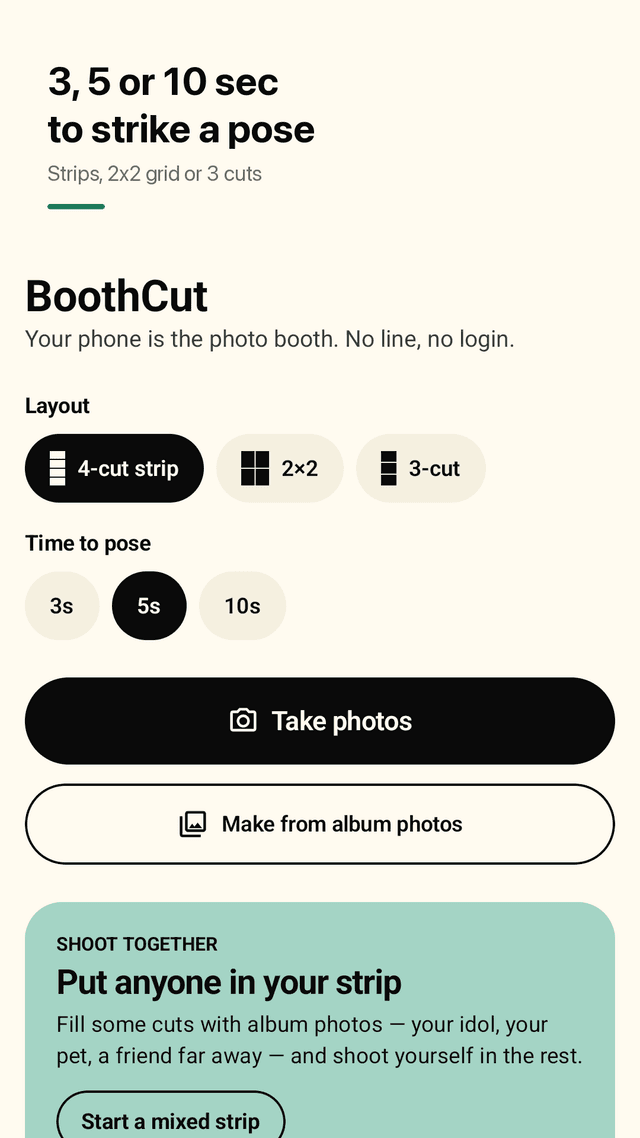
No sign-up, no login wall. Tap Take photos and the countdown starts.
3, 5 or 10 seconds to pose
Choose the countdown between shots so nobody gets caught mid-pose.
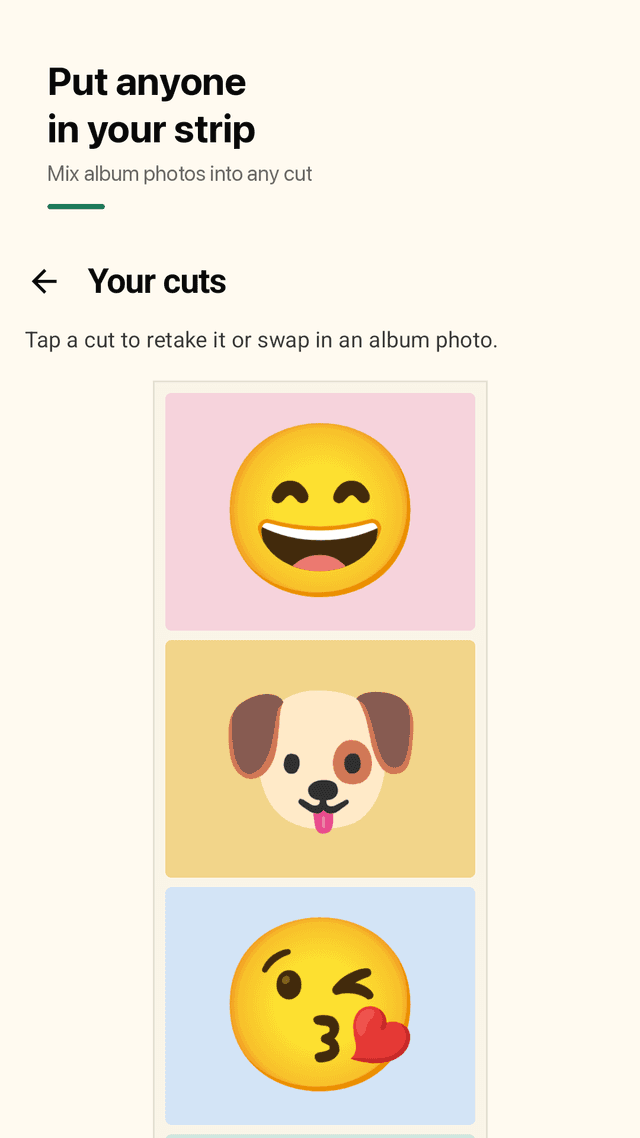
Retake one cut
Not happy with one shot? Retake just that cut or swap it for an album photo.
Put anyone in your strip
Fill some cuts with album photos — your idol, your pet, a friend far away — and shoot yourself in the rest.
3 layouts
Classic 4-cut strip (2x6), 2x2 grid (4x6) and a 3-cut strip, print-ready at 300 dpi.
Frames, filters, stickers
12 frames, 8 film filters, draggable emoji stickers, plus a caption and the date.
Save and share
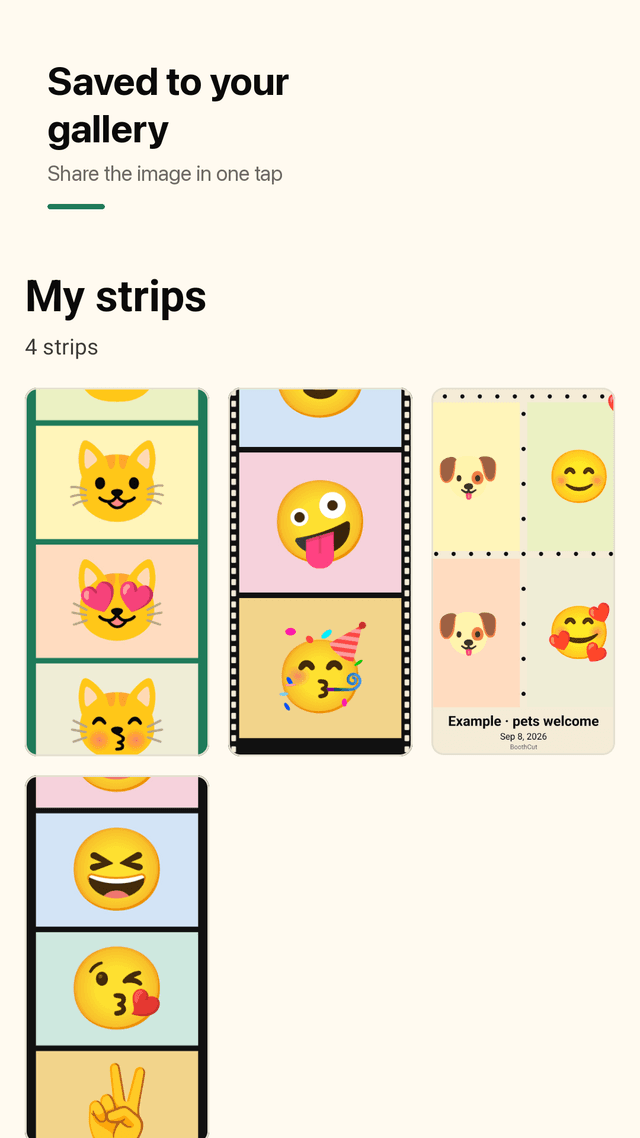
Full-resolution strips go to Pictures/BoothCut and share as an image in one tap.
Works offline
Everything happens on your phone. No server, no loading screens.
FAQ
- Do I need an account or login?
- No. BoothCut opens to the home screen and you can take photos right away.
- Does it work without internet?
- Yes. Shooting, decorating and saving all work offline.
- Can I take a photo strip with my idol or my pet?
- Yes. Tap any cut and choose an album photo, then shoot yourself in the empty cuts.
- The countdown is too short to pose. Can I change it?
- Pick 3, 5 or 10 seconds on the home screen before you shoot.
- Can I retake just one photo?
- Yes. On the cuts screen tap the photo and choose Retake this cut.
- Where are my strips saved?
- In your gallery under Pictures/BoothCut, and in My strips inside the app.
- What if the camera shows a black screen?
- BoothCut tells you why (permission off or camera busy), lets you open settings, and offers album photos instead.
- Is BoothCut free?
- Yes, it is free and supported by ads.
Guides
BoothCut is supported by ads. Your photos stay on your phone and there is no account.