
Sweep your screenshots, not your photos.
Capsweep shows only your screenshots, a batch at a time. Swipe left to delete, right to keep, up to decide later. Review the batch, confirm once, and see how much space you got back. Free, with no daily limit.
Get it on Google Play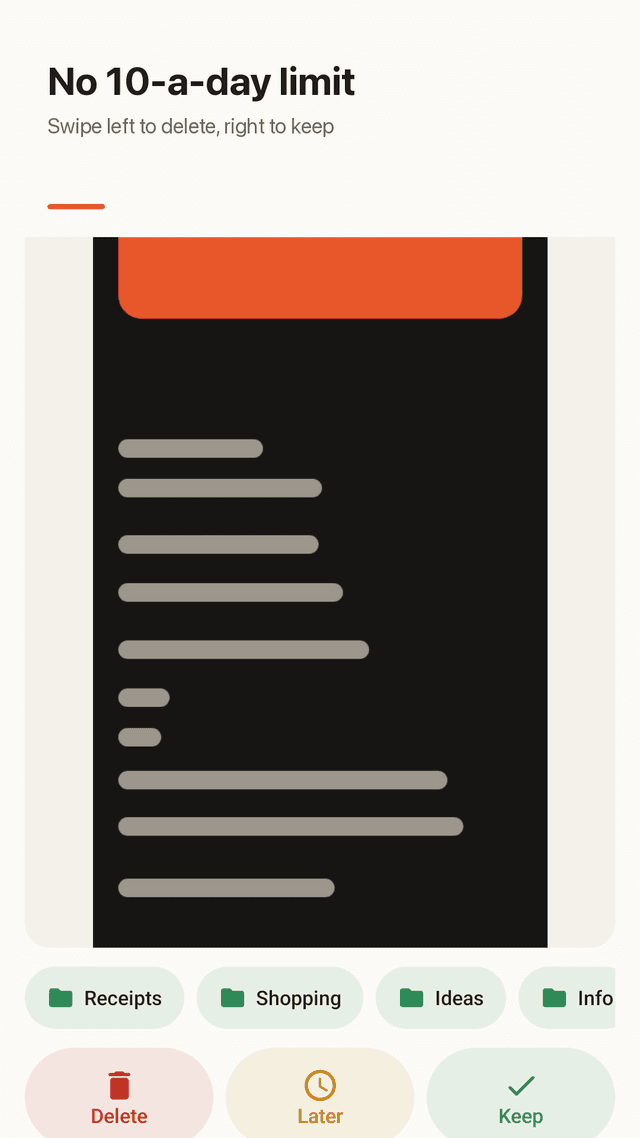
Screenshots only
Capsweep reads only your Screenshots folder, so your camera photos are never in the pile and never at risk.
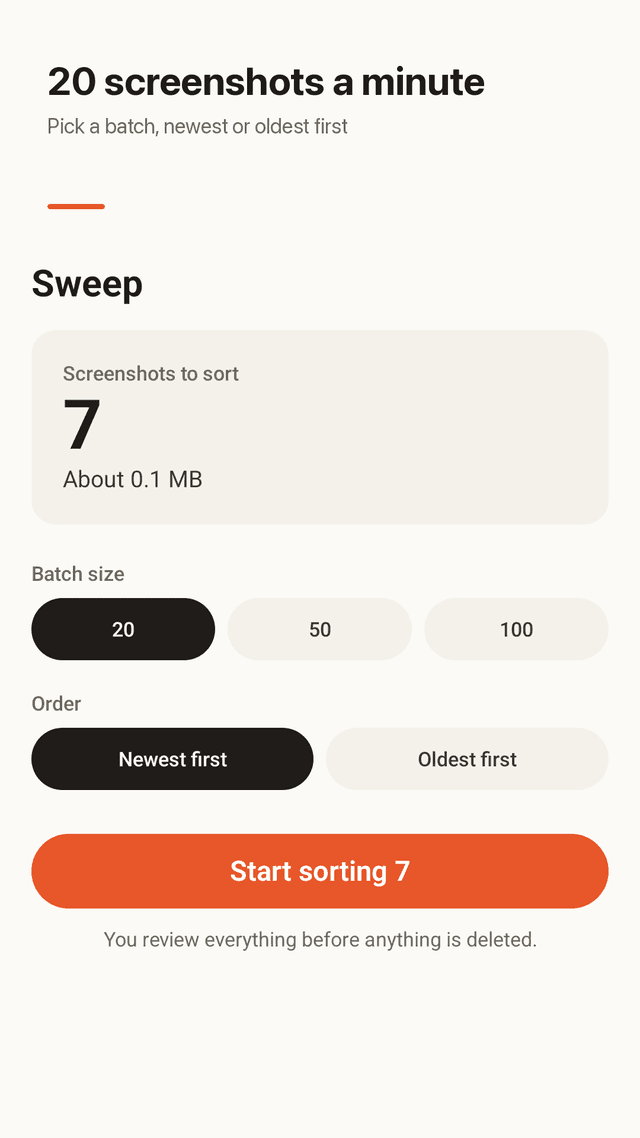
Short batches
Pick 20, 50 or 100 screenshots, newest or oldest first. A batch takes about a minute.
Swipe to decide
Left to delete, right to keep, up for later. Buttons do the same if you prefer tapping.
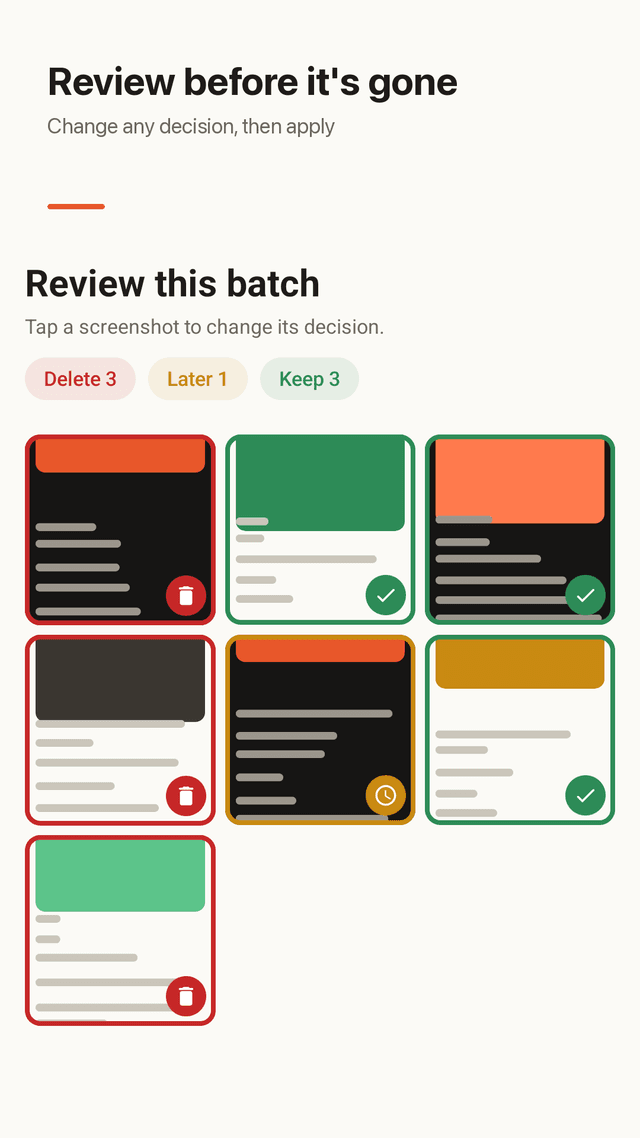
Review before delete
At the end of each batch you see every decision as a grid and can change any of them before anything is removed.
Real deletion, with a safety net
Deletion goes through Android's own confirmation. On Android 11 and later files go to the system trash, where they can be restored for about 30 days.
Folders that never fail
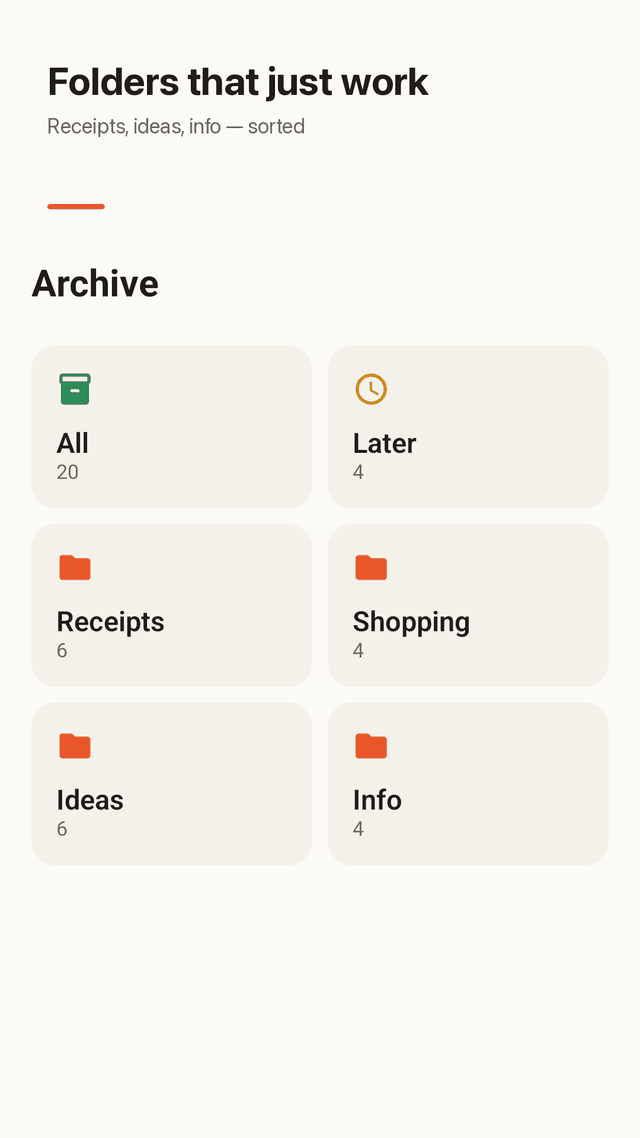
Kept screenshots go into in-app folders with tags and notes. Files are not moved, so there are no Android folder restrictions.
Undo
Swiped the wrong way? Undo the last decision with one tap.
Storage freed
Every batch ends with how many megabytes you cleared, plus your running total.
FAQ
- Is there a daily limit on how many screenshots I can delete?
- No. There is no daily cap and no premium tier. Every feature is free and the app is supported by ads.
- Will it delete my camera photos by accident?
- No. Capsweep only lists images in your Screenshots folder. Regular photos never appear.
- I deleted screenshots but they are still in my gallery. Why?
- Capsweep deletes through Android's system confirmation, so once you approve, the files are really removed (or moved to the system trash on Android 11+).
- Can I get a deleted screenshot back?
- On Android 11 and later, deleted screenshots go to the system trash and can usually be restored for about 30 days. Before deleting you can also change any decision on the review screen.
- Why can't other apps move screenshots into folders?
- Android restricts moving files between folders. Capsweep uses in-app folders instead, so sorting always works and the original file stays where it is.
- Can I sort from oldest to newest?
- Yes, both orders are free.
- Does it upload my screenshots anywhere?
- No. There is no account and no cloud. Everything happens on your phone.
- What if I swipe the wrong way?
- Tap Undo to reverse the last decision, or fix it on the review screen at the end of the batch.
Guides
Capsweep is free and supported by ads. No account, no cloud; your screenshots stay on your phone.