Lock screen words. Off anytime.
One English word card when you glance at your phone, with its part of speech and a short example. It never covers your lock screen, and switching it off is one free tap in Settings.
Get it on Google Play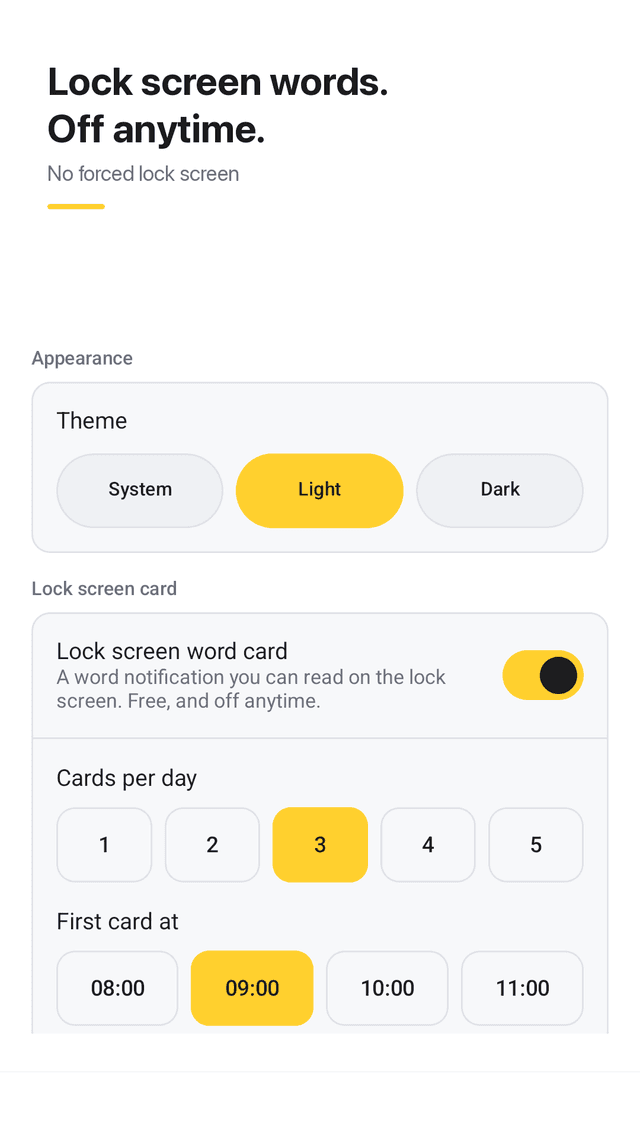
Turn it off anytime, free
Lock screen cards are a setting, not a trap. Turn them on or off in one tap, with nothing to buy.
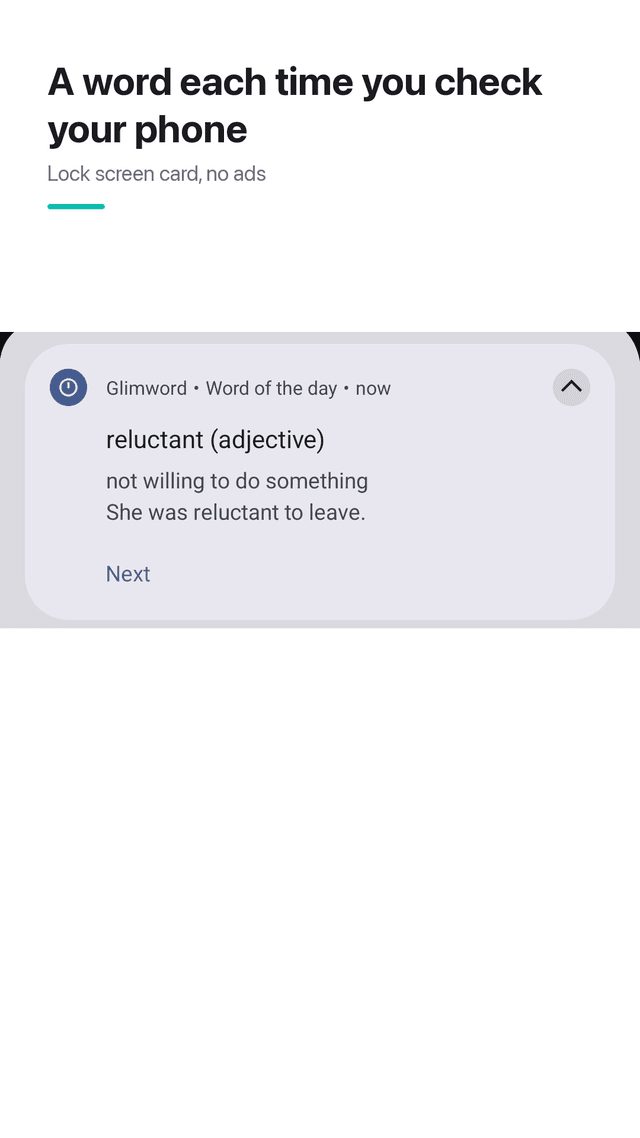
Doesn't cover your lock screen
Words appear as a notification card and a home-screen widget. Your phone's own lock screen stays exactly as it is.
One permission: notifications
No location, no phone access, no drawing over other apps. Works offline and your words stay on your device.
Part of speech on every card
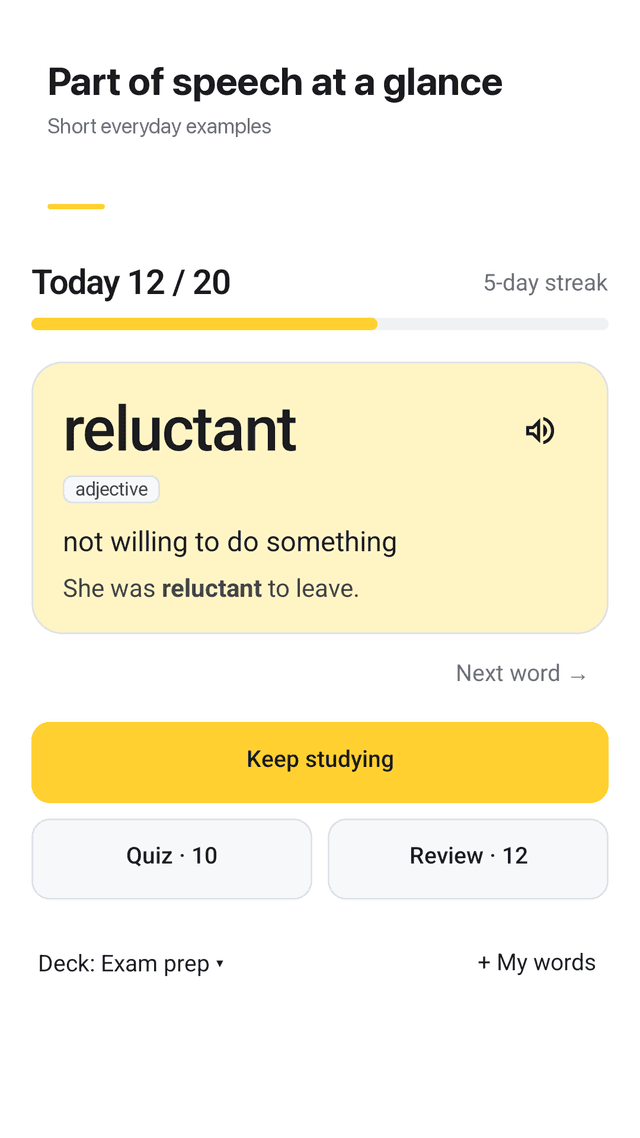
Each word shows noun, verb or adjective plus one short everyday example sentence.
You choose how often
1 to 5 cards a day, and you pick when the first one shows up. Set a daily goal of 10, 20, 30 or 50 words.
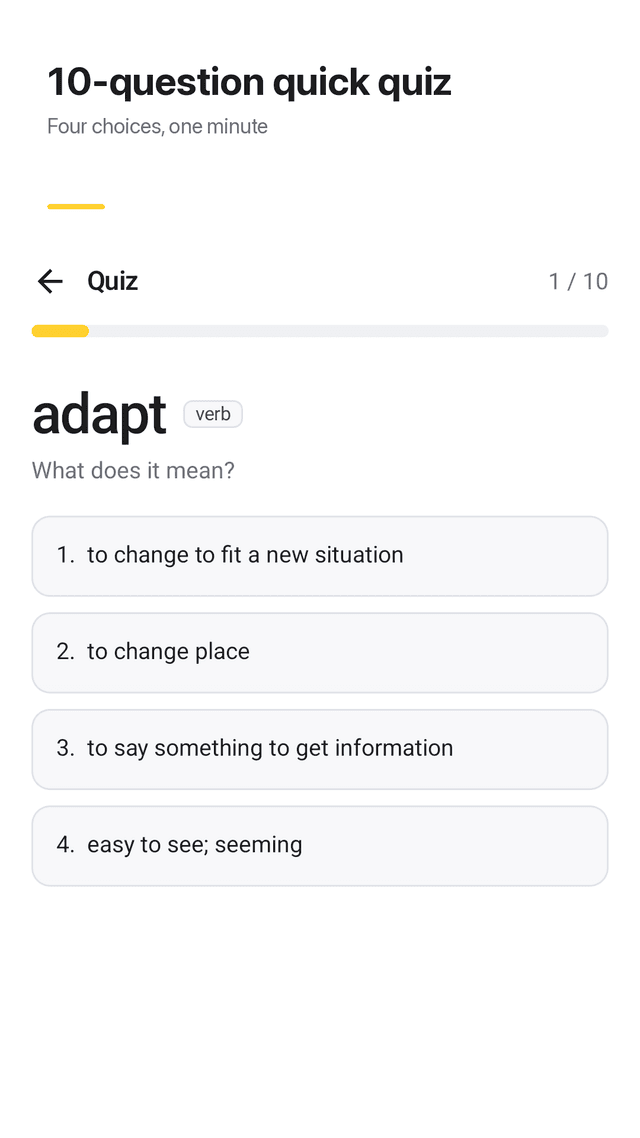
10-question quizzes
Four choices per question. Words you miss go straight to your Review box.
Review box that adapts
Each word moves through three boxes (don't know, unsure, know), so you drill only the ones you keep forgetting.
Add your own words in bulk
Type a word and meaning, or paste a whole list at once, one "word - meaning" per line.
FAQ
- Why can't I disable a lock screen vocabulary app?
- Some apps draw their own screen over your lock screen and put the off switch behind a paywall. Glimword never covers your lock screen: words come as a notification card you can switch off for free in Settings.
- Will it take over my lock screen?
- No. Glimword does not replace or cover the system lock screen. You see a normal notification card and, if you add it, a home-screen widget.
- Which permissions does it need?
- Only notifications. It does not ask for location, phone or draw-over-other-apps permission.
- Does it show the part of speech?
- Yes. Every card shows whether the word is a noun, verb or adjective, plus one short everyday example.
- How many words a day should I learn?
- Pick a daily goal of 10, 20, 30 or 50 words. Most people do best starting at 10 and reviewing missed words the next day.
- Can I study only the words I keep getting wrong?
- Yes. Words you miss in a quiz or mark as unsure go to the Review box, so you can drill just those.
- Can I add my own word list?
- Yes. Add words one by one, or paste a list with one "word - meaning" per line to add them all at once.
- Are there ads on the lock screen?
- No. There are no ads on the lock screen, the notification or the widget. Ads appear only inside the app.