Count your dhikr without looking. Nothing interrupts.
The whole screen is the counter, a short vibration confirms every tap, and two long pulses tell you when you reach 33. Nothing pops up over the counter while you count.
Get it on Google Play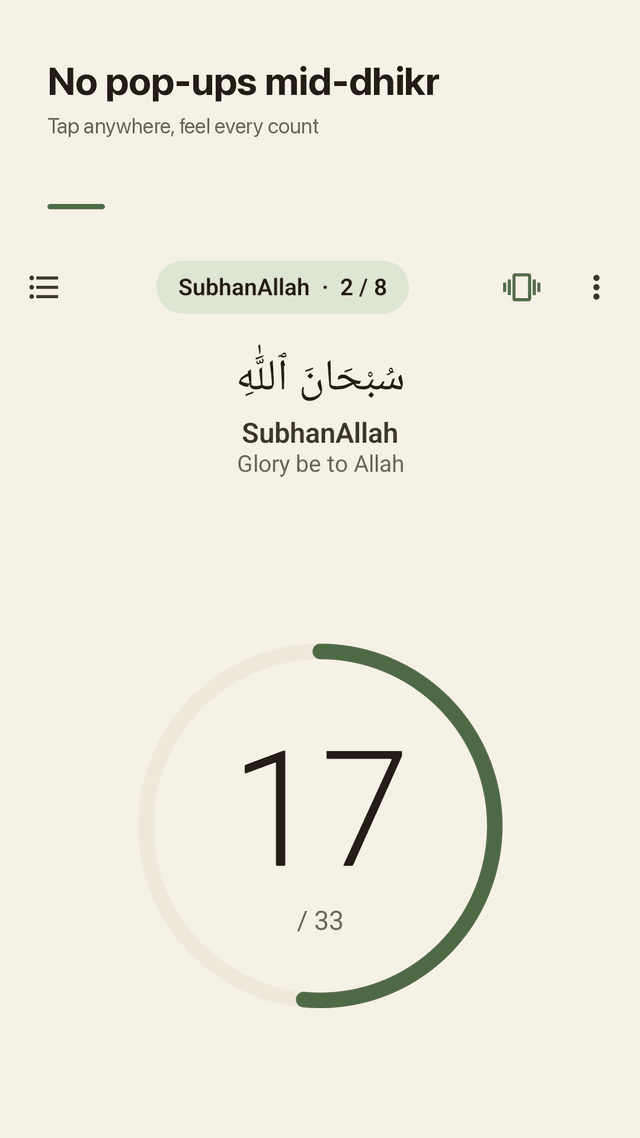
Tap anywhere
No small button to find. The whole screen counts, so you can keep your eyes closed or on your prayer mat.
Feel every count
A short tick on each tap and two long pulses at your target. Choose light, medium or strong vibration, or turn it off.
Volume keys count too
Press volume up to add one and volume down to take one back, with the screen off your mind.
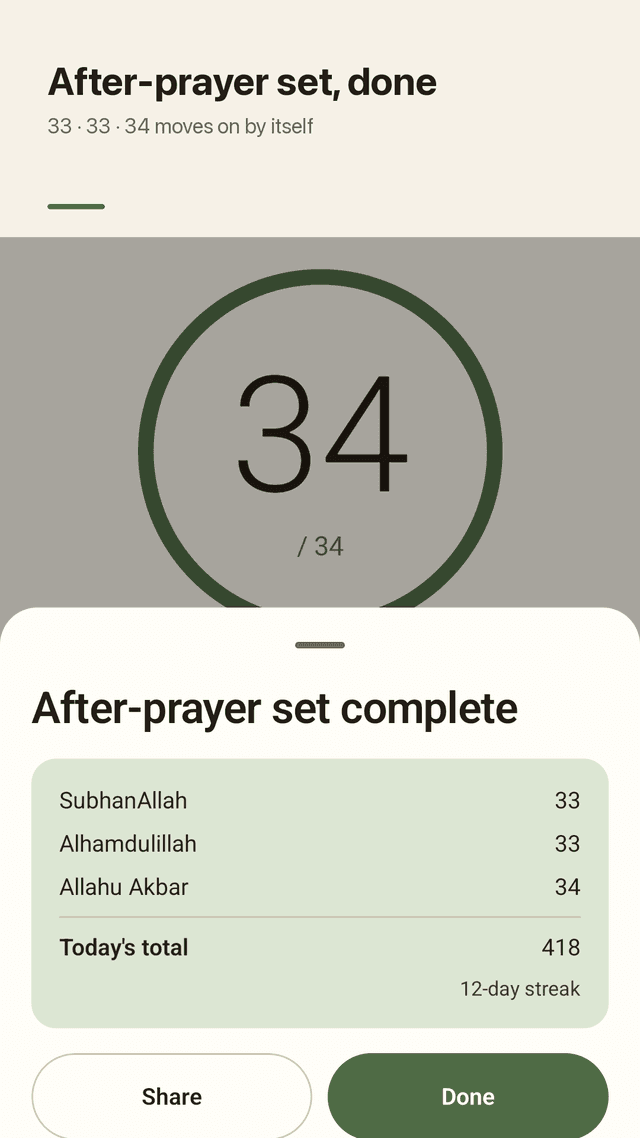
After-prayer set
SubhanAllah 33, Alhamdulillah 33, Allahu Akbar 34. When one is done, the next starts by itself.
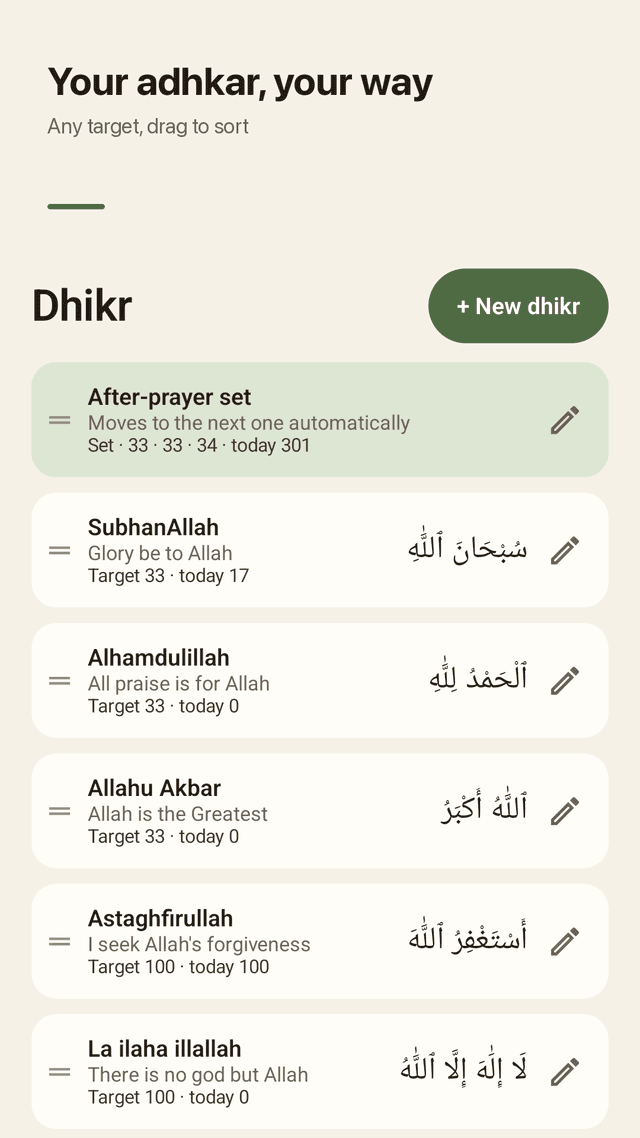
Your own adhkar
Add any dhikr with Arabic, transliteration and meaning. Set 33, 99, 100, a custom target or no limit, and start from any number.
Reset you can undo
Reset lives in the menu, away from your thumb, and you can undo it. Resetting never erases your history.
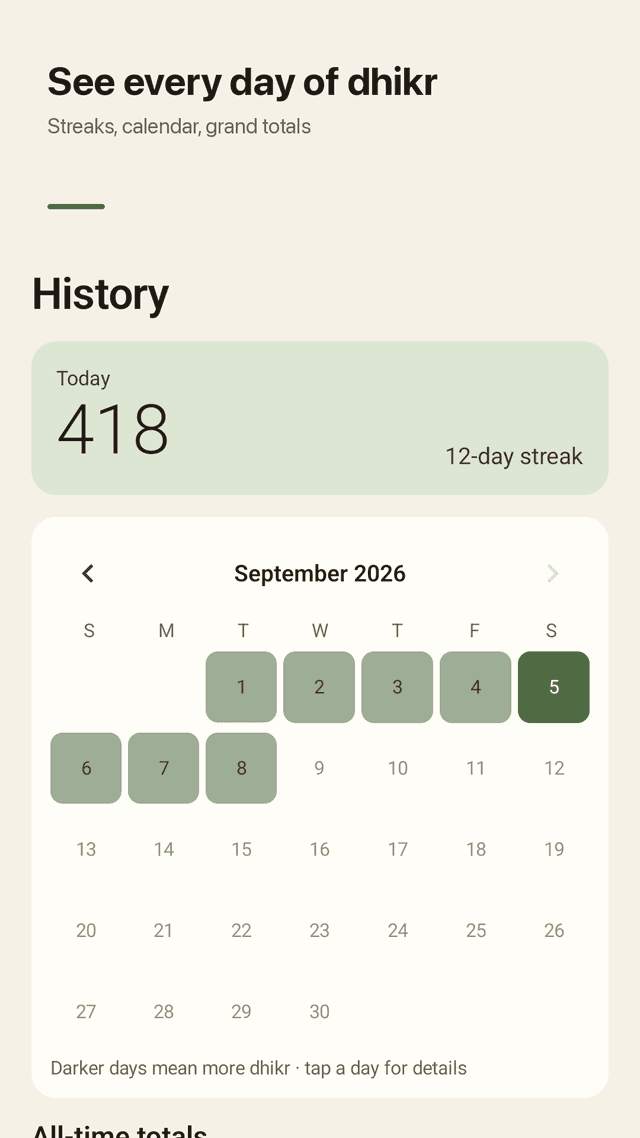
Daily history and grand totals
Today's total, your streak, a monthly calendar and an all-time total for each dhikr.
Home-screen widget
Count with +1 straight from your home screen without opening the app.
FAQ
- Will ads pop up while I am counting?
- No. Misbaly shows a small banner below the counter area, separated by empty space, and never shows a full-screen ad on the counter. A full-screen ad can appear only after you finish a set and close the summary, or when you open a day in your history.
- I keep pressing reset by mistake. Is my count gone?
- Reset is inside the menu, not next to the counter, and a snackbar lets you undo it right away. Your daily history is kept even after a reset.
- Can I count without looking at the screen?
- Yes. Tap anywhere, feel a short vibration on every count and two long pulses at your target. You can also count with the volume keys.
- Does it support tasbih after salah (33, 33, 34)?
- Yes. The after-prayer set counts SubhanAllah 33, Alhamdulillah 33 and Allahu Akbar 34 and moves to the next one by itself.
- Can I add my own dhikr and change the target?
- Yes. Add a name, Arabic text and meaning, choose 33, 99, 100, a custom number or no limit, and even start from a number you already counted.
- Does it save my count if I close the app?
- Every tap is saved immediately, so your count is still there when you come back.
- Can I see how much dhikr I did each day?
- The History tab shows today's total, your streak, a calendar of the month and a grand total for each dhikr.
- Do I need an account or a subscription?
- No account and no subscription. Every theme and feature is included, and your counts stay on your phone.