Clean your gallery, 50 at a time.
Thousands of photos and you never finish? Padsort serves your camera roll in batches of 50. One press per photo: left to trash, up to favorite, down for later, right to keep. Check the batch, then apply it to your gallery in one go.
Get it on Google Play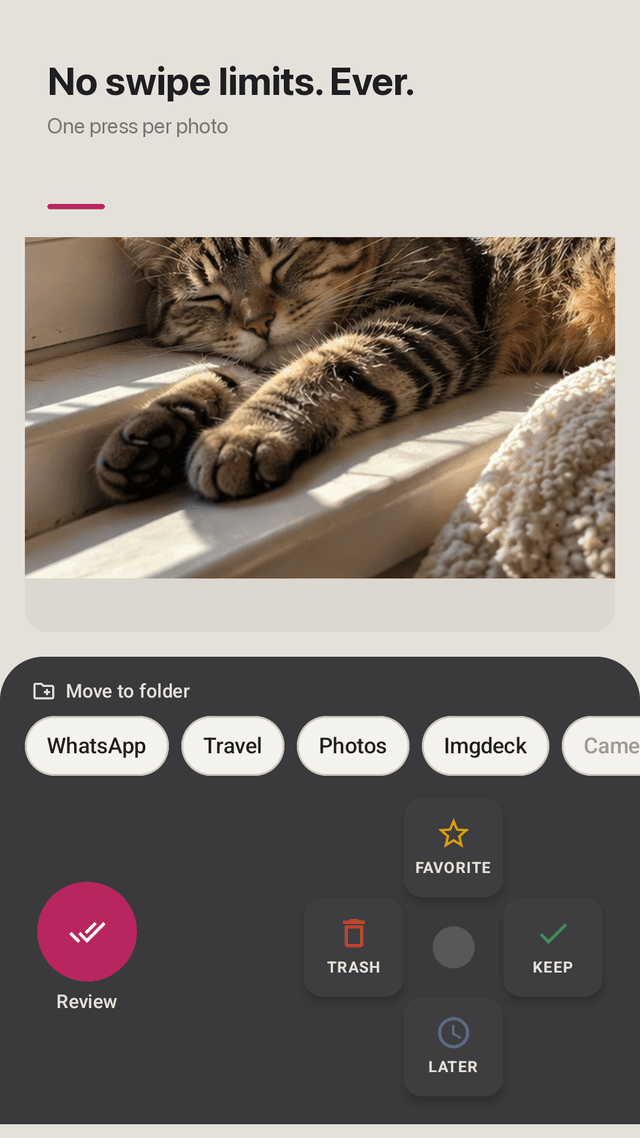
One press per photo
A remote-style D-pad: trash, favorite, later or keep. No swiping, no mis-swipes.
Move into folders
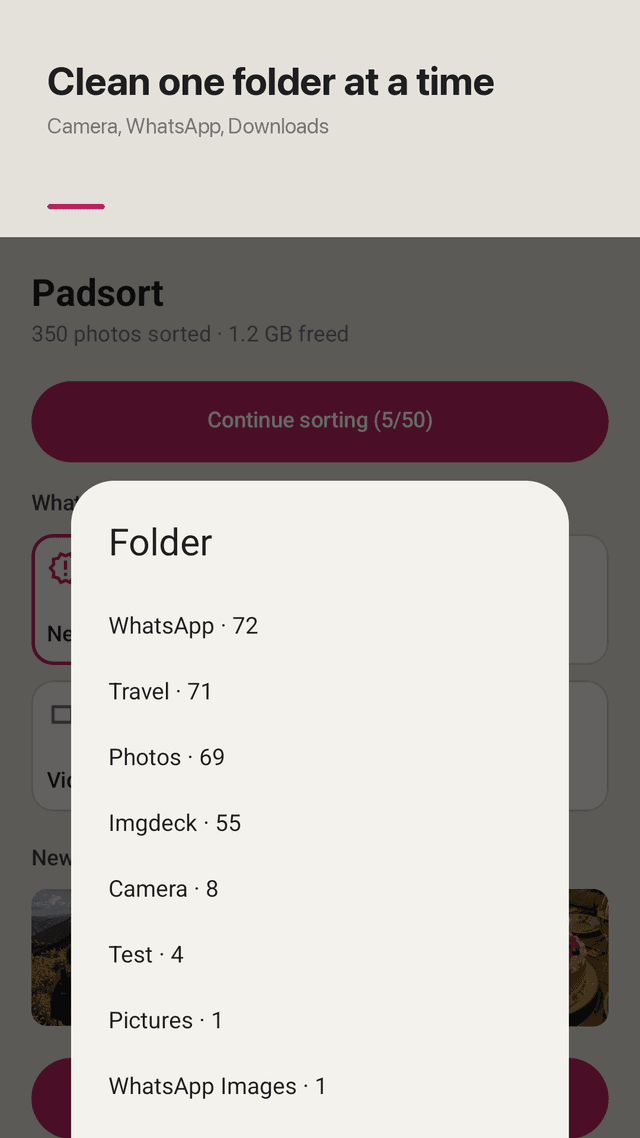
Tap a folder chip (Camera, WhatsApp, Travel…) to move the photo there while you sort.
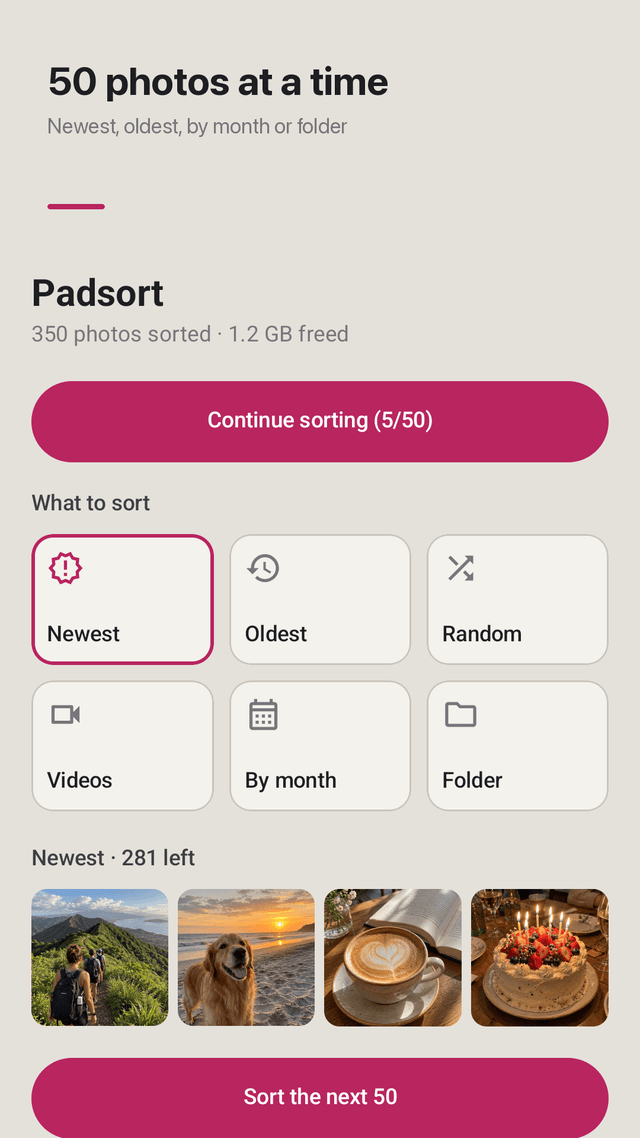
50 at a time
Small batches you can actually finish in a coffee break.
Pick where to start
Newest, oldest, random, videos only, one month or one folder. Screenshots are skipped by default.
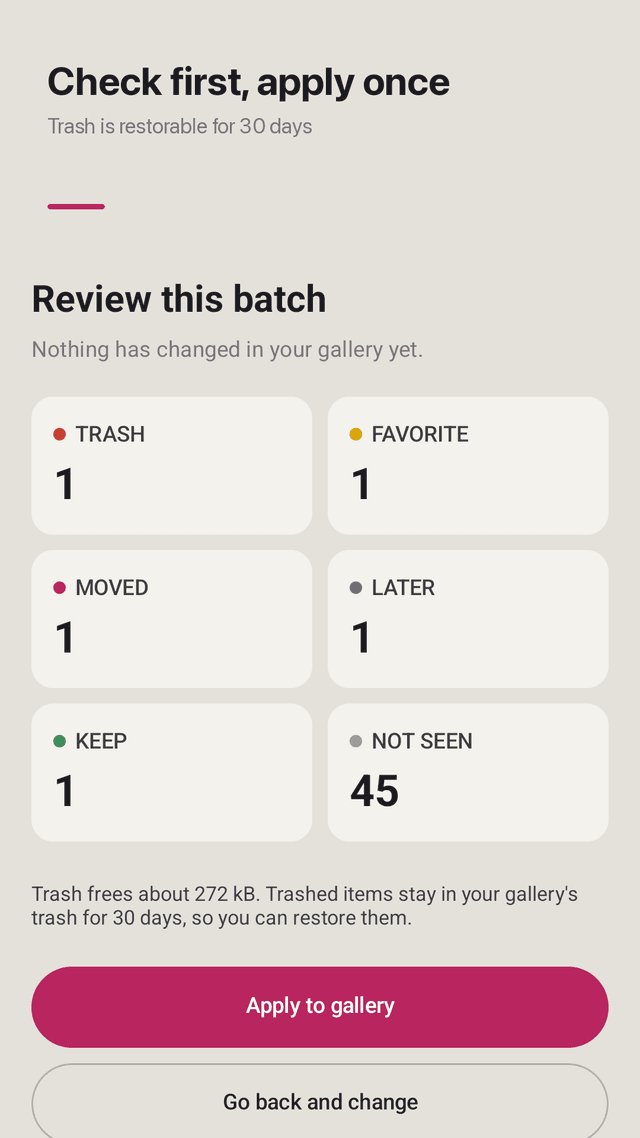
Review, then apply once
Nothing changes while you sort. See counts and the storage you will free, then apply.
Restorable trash
Trashed photos stay in your gallery's trash for 30 days on Android 11 and later.
No swipe limits
No daily cap, no wait timer, no paywall and no account. Supported by ads.
Left or right hand
Move the remote to the side that fits your thumb. Undo the last press anytime.
FAQ
- Why do other photo cleaner apps stop after 20 or 40 swipes?
- Many apps limit free swipes to sell a subscription. Padsort has no limit. Sort as many batches of 50 as you like.
- I deleted photos in a cleaner app but they are still in my gallery. Why?
- Some apps only hide photos inside the app. Padsort asks Android itself to move them to the system trash, so they disappear from your gallery after you tap Apply.
- Can I undo a mistake?
- Yes. Undo the last press while sorting, go back and change before applying, and restore trashed photos from your gallery's trash for 30 days.
- Can I sort photos into my existing folders?
- Yes. Your gallery folders appear as chips above the remote. Tap one to move the current photo there.
- Can I clean only new photos or one month?
- Yes. Start from newest, oldest, random, videos, a single month or a single folder.
- Does it need the internet or upload my photos?
- No. Photos are read on your phone and never uploaded. It works offline.
- Does it include screenshots?
- Screenshots are skipped by default so you focus on real photos. You can include them in Settings.
- Is it free?
- Yes. All features are free with no swipe limit. The app is supported by ads.
Guides
Padsort is free and supported by ads. Photos are read on your device and never uploaded. Trash recovery depends on your Android version and gallery app.