
Point at the Wi-Fi sign. Connected.
Stop typing long Wi-Fi passwords letter by letter. Signfi reads the network name and password from the printed sign or Wi-Fi QR in a café, restaurant, hotel or office, and hands it to Android to connect.
Get it on Google Play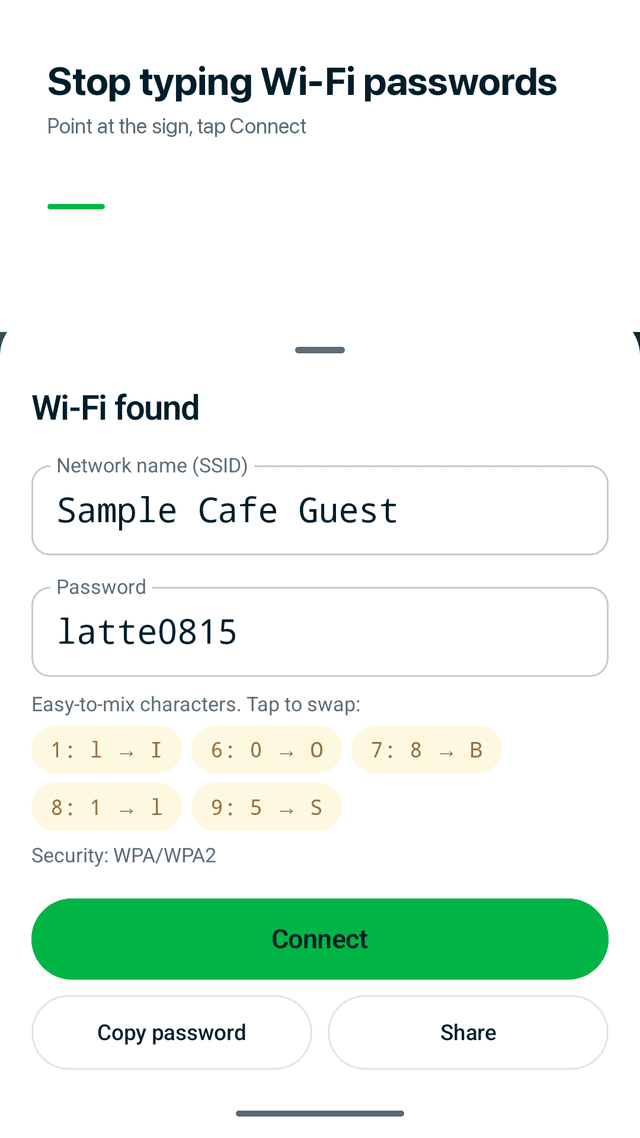
Point, read, connect
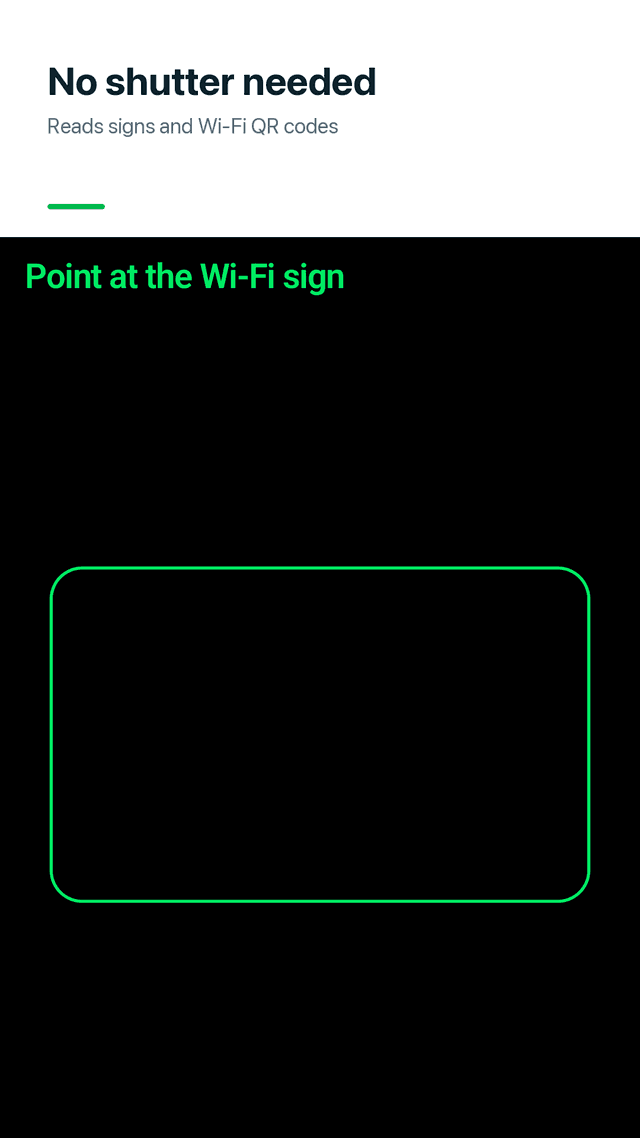
No shutter button. Signfi reads continuously and compares several frames to pick the most likely password, so a shaky hand is fine.
Reads real signs
"Wi-Fi: MoonCafe", "ID / PW", "SSID … Password …", a password on the next line, Korean or Japanese labels.
Wi-Fi QR codes too
Printed Wi-Fi QR codes are recognized in the same camera view.
Fix look-alike characters
0 or O? 1, l or I? 5 or S? Easy-to-mix characters show as chips you swap in one tap, no retyping.
Connect without settings
Tap Connect and Android asks you to confirm the network. On older phones the password is copied and Wi-Fi settings open.
From a photo
Took a picture of the Wi-Fi sign earlier? Pick it from your gallery.
Encrypted Wi-Fi history
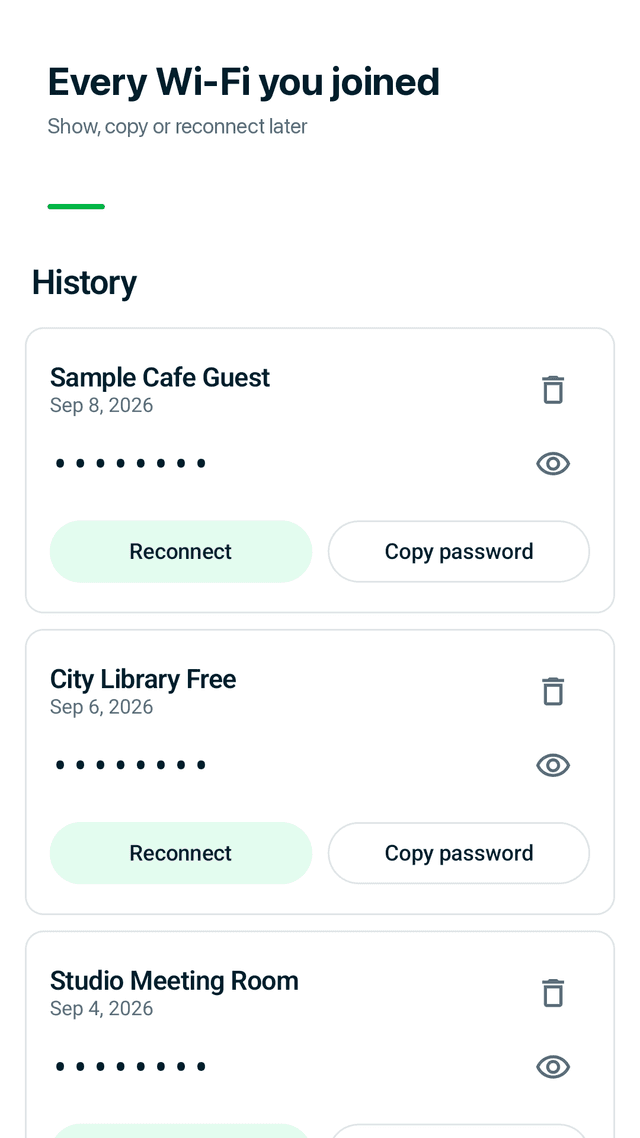
Saved networks stay in History with the date. Passwords are encrypted on your device with Android Keystore.
Home screen widget
Copy the last Wi-Fi password or open the scanner right from the home screen.
FAQ
- How do I connect to café Wi-Fi without typing the password?
- Open Signfi, point the camera at the Wi-Fi sign or QR, check the result and tap Connect. Android shows its own confirm dialog.
- Is the password 0 or O?
- Signfi marks look-alike characters (0/O, 1/l/I, 5/S) as chips. Tap a chip to swap that one character, then connect.
- Can it scan a Wi-Fi QR code?
- Yes. Printed Wi-Fi QR codes are read in the same camera screen as text signs.
- Can I use a photo of the Wi-Fi sign?
- Yes. Pick the photo from your gallery and Signfi reads it the same way.
- Can Signfi find or hack a Wi-Fi password?
- No. It only reads signs you are allowed to use. It does not find, crack or show passwords for other networks.
- Are my images or passwords uploaded?
- No. Text and QR recognition run on your device, camera frames are never saved, and history is encrypted on the phone.
- Does it need location permission or an account?
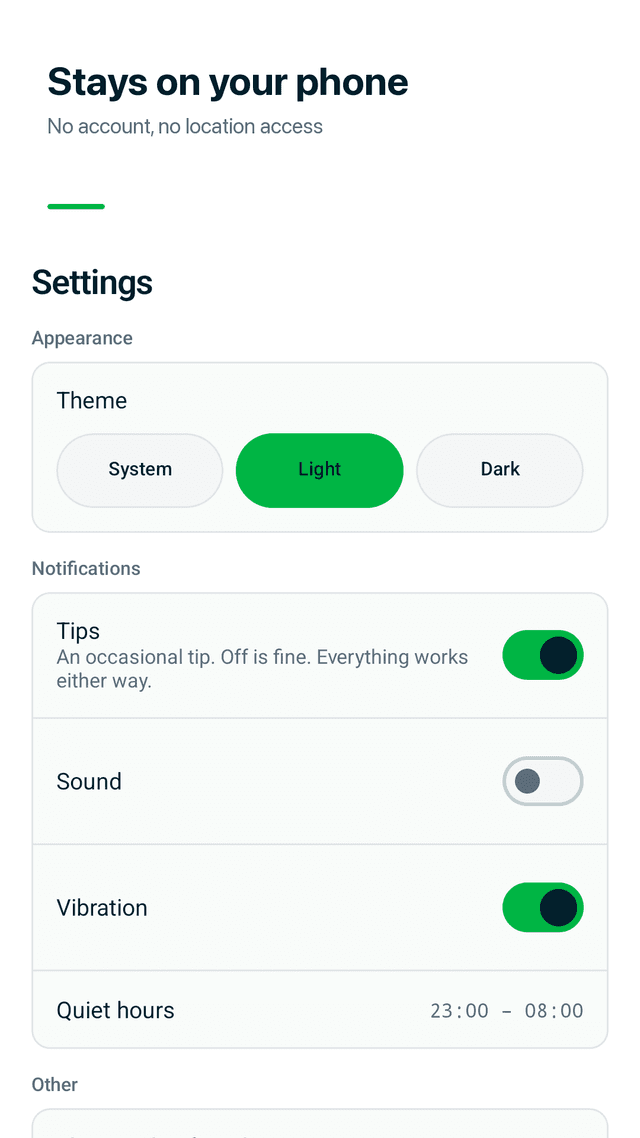
- No. There is no sign-up and no location permission.
- Is it free?
- Yes. Every feature is free and the app is supported by ads.
Guides
Signfi is free and supported by ads. It reads Wi-Fi signs you are allowed to use and never finds or cracks passwords for other networks. Recognition runs on your device and the camera image is not saved.