
A calculator that keeps every line.
Every number you type prints on a paper-style tape. Tag lines with a memo, fix a wrong figure without retyping the list, and share the tape as a receipt or CSV.
Get it on Google Play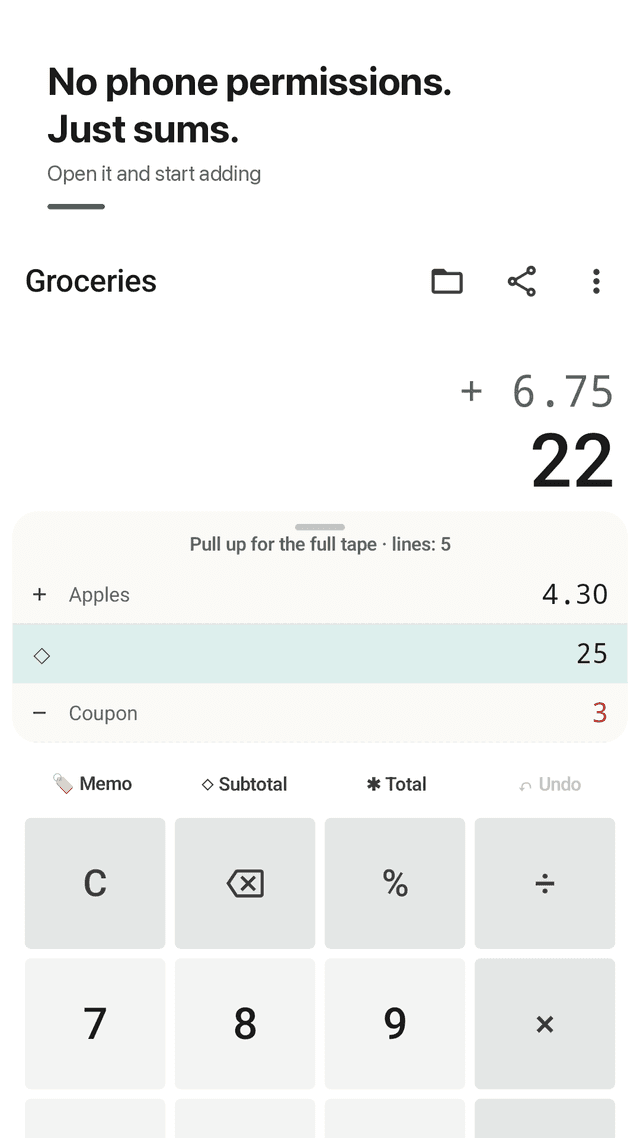
Adding-machine tape
Add, subtract, multiply, divide and % in the order you type. Each entry becomes a tape line, with the running total always in view.
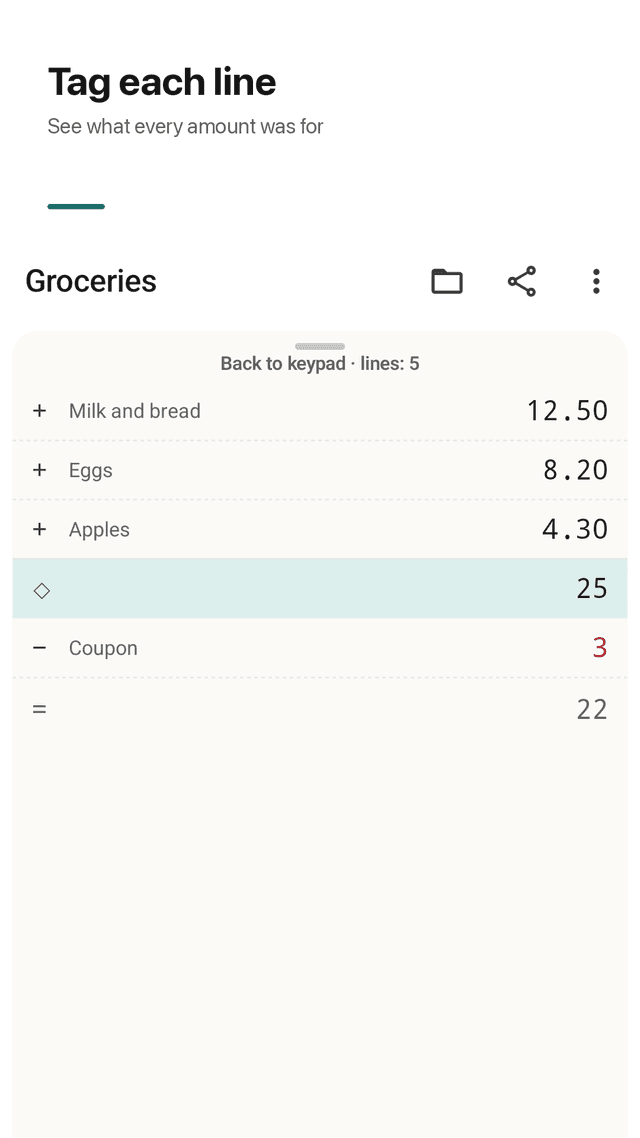
A memo on any line
Tag a line with "milk", "Sam", "taxi" or "rent". Memos stay on the tape and go into everything you share.
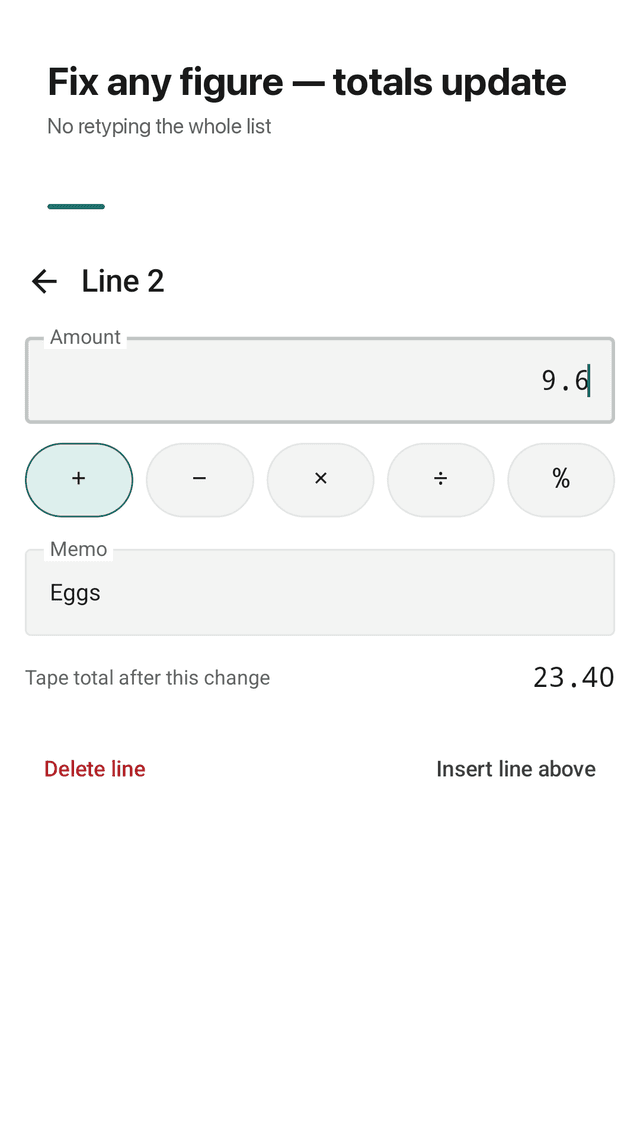
Fix a line, totals recalculate
Tap a line to change the amount or the sign. Every subtotal and total below it updates at once, and the changed line is highlighted.
Insert, delete, undo
Insert a missed line above, swipe a wrong one away, or undo the last step. No starting over.
Subtotal ◇ and total ✱
Print subtotal and total lines just like a paper tape. Negative amounts and refunds show in red.
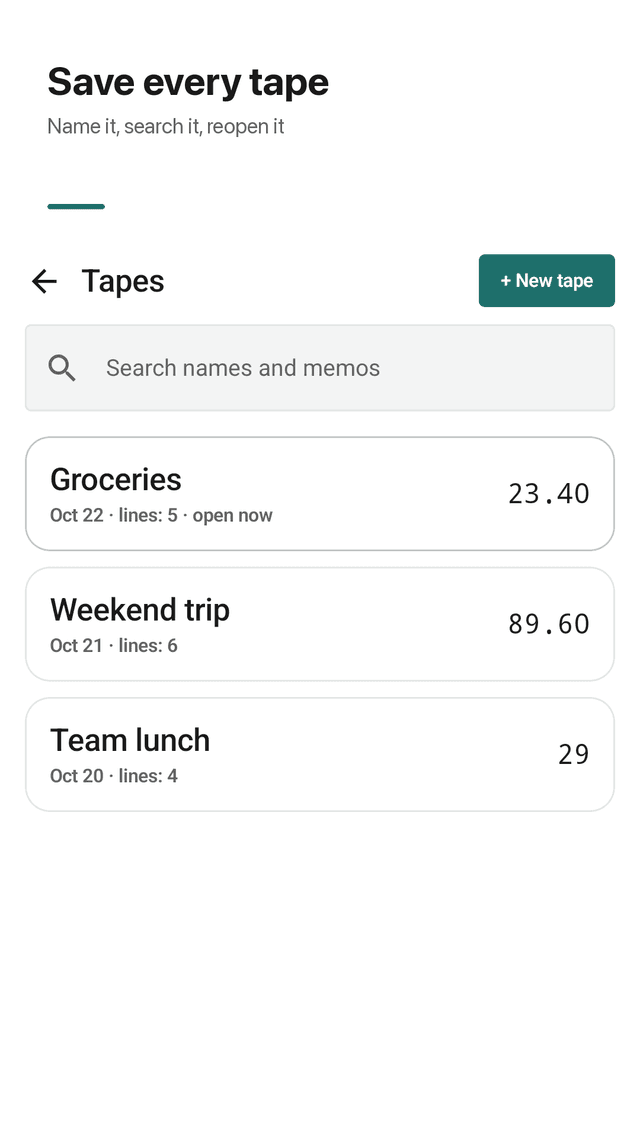
Saved tapes you can search
Every tape is saved with a name and date. Search tape names and memos, reopen old tapes, start a new one for each bill or trip.
Share as receipt text or CSV
Send a tape as clean receipt-style text, as a CSV file that opens in Excel or Google Sheets, or copy it to the clipboard.
No phone or contact permissions
Sumroll never asks for phone, contacts, camera or location. It works offline, with no account and no sign-in.
FAQ
- Why does a calculator need phone call permission?
- It shouldn't. Sumroll asks for no phone, contacts, camera or location permission, and you can start calculating right after install.
- Can I go back and edit a number without retyping the whole list?
- Yes. Tap the line, change the amount or the sign, and every subtotal and total below it recalculates immediately.
- Can I label each amount?
- Yes. Any line can carry a short memo, such as a name, a store or a category. Memos are searchable and appear in shared text and CSV.
- Is my calculation history saved?
- Yes. Every tape is saved on your phone with a name and date, and you can reopen, rename, duplicate or delete it from the tape list.
- Can I export to Excel?
- Yes. Share a tape as a CSV file and open it in Excel, Google Sheets or any spreadsheet app. You can also share receipt-style text.
- Does it have subtotal and grand total?
- Yes. The ◇ key prints a subtotal line and ✱ (or =) prints a total line, like an adding machine tape.
- Does it work offline?
- Yes. Sumroll is fully local. Tapes stay on this device and nothing is synced.
- Are there ads after every calculation?
- No. Sumroll is free and ad-supported, but ads never appear while you type or right after you hit total.
Guides
Sumroll is free and supported by ads. Your tapes stay on your phone and there is no account.