Color notes and checklists. Your home screen stays yours.
Tickcard is a notes app that stays a notes app. Write on color cards, tick items off, get a reminder when you need it. No launcher, no sign-in, no clutter.
Get it on Google Play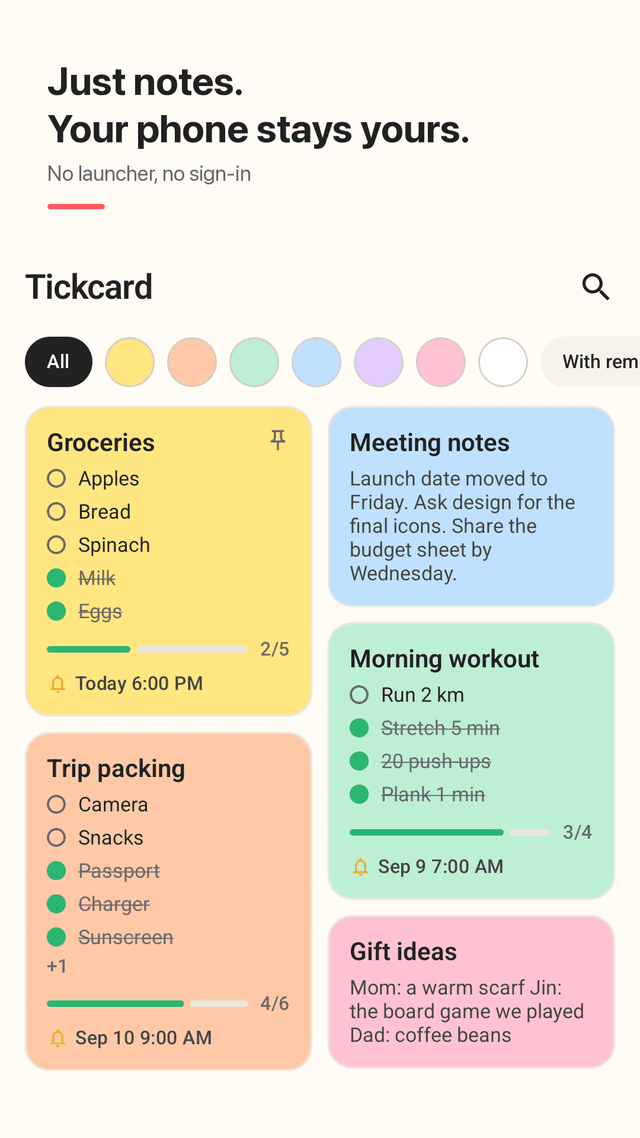
Doesn't change your home screen
Tickcard is not a launcher. It never asks to become your home app, adds no search bar and installs no extra apps. Uninstalling is a normal uninstall.
Notes on 7 color cards
Every note is a color card: yellow for groceries, blue for work, green for workouts. Tap a color to show only those cards.
Checklists you tick off
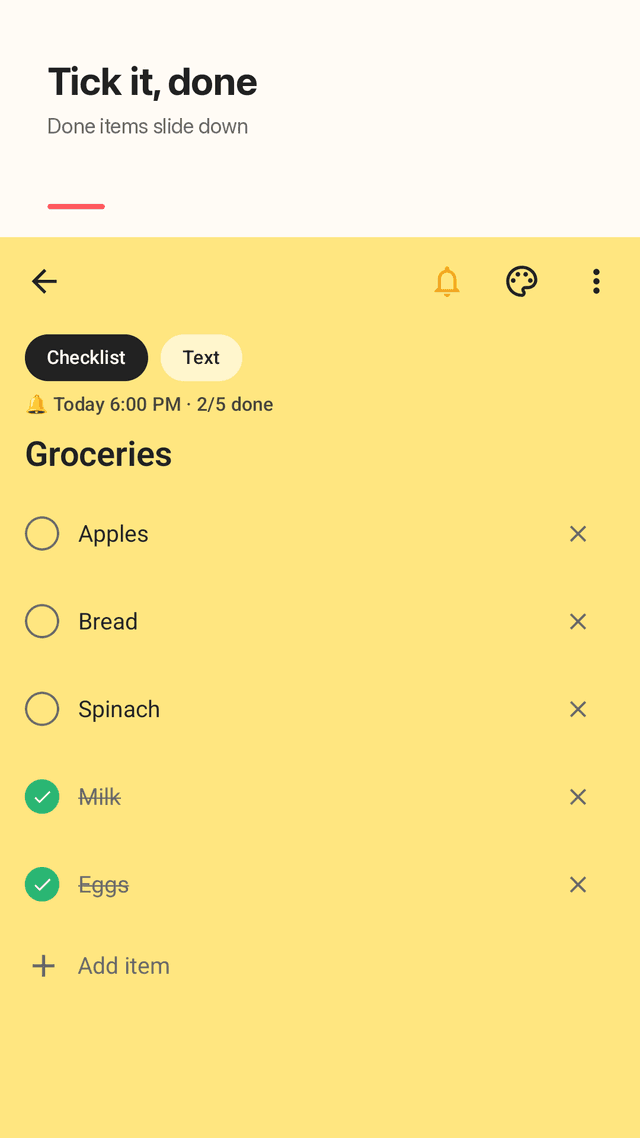
Turn any note into a checklist or to do list. Tap a circle to tick an item, done items slide to the bottom, and each card shows progress like 2/5.
A reminder on any note
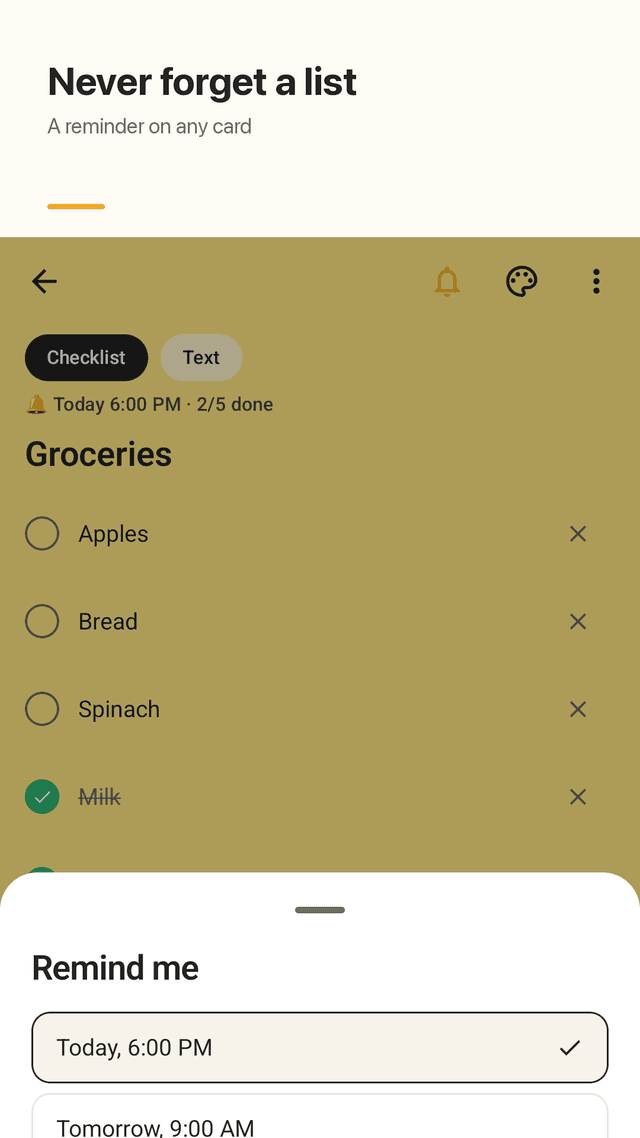
Set today 6 PM, tomorrow 9 AM or any date, once, daily or weekly. The notification shows the card title so you know what it's for.
Pin and search
Pin important notes to the top and search every note in one tap.
Checklist widget
Optional: pin a grocery list to your home screen and tick items right from the widget. A second widget shows your next reminder.
Backup to a file
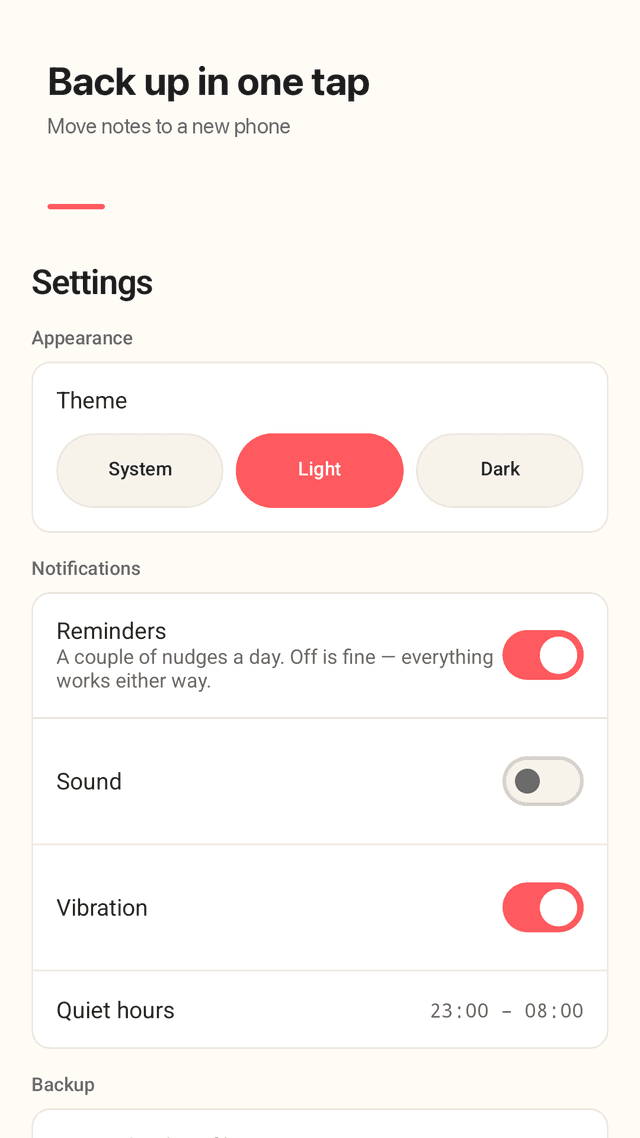
Export a backup file and import it on a new phone, so changing phones doesn't wipe your notes.
No account, works offline
No sign-up and no cloud. Your notes stay on your phone. Light and dark theme.
FAQ
- Will Tickcard change my home screen like some notes apps?
- No. Tickcard is only a notes app. It never asks to be your default home app, and the widgets are optional.
- Can I use it for a grocery list?
- Yes. Make a checklist card, tick items as you shop, and done items move to the bottom. You can pin the list to your home screen as a widget.
- Can I get a reminder for a note?
- Yes. Any card can have a reminder at a time you pick, once, daily or weekly. The notification shows the note's title.
- Will I lose my notes when I change phones?
- Not if you export a backup. Settings has export and import of a backup file; move the file to the new phone and import it.
- Can I sort notes by color?
- Yes. Tap a color chip to see only that color's cards, and pin the ones you need at the top.
- Are there ads while I write?
- No. Ads never appear while you are writing a note. Tickcard is free and supported by ads elsewhere in the app.
- Do I need an account or internet?
- No. There is no sign-in and Tickcard works offline. Notes are stored on your phone.